


Apple announced new Mac mini and Mac Studio models last month, with both available to pre-order now. It is the first time in years that Apple has revised its two desktop Macs simultaneously, so which should you choose?
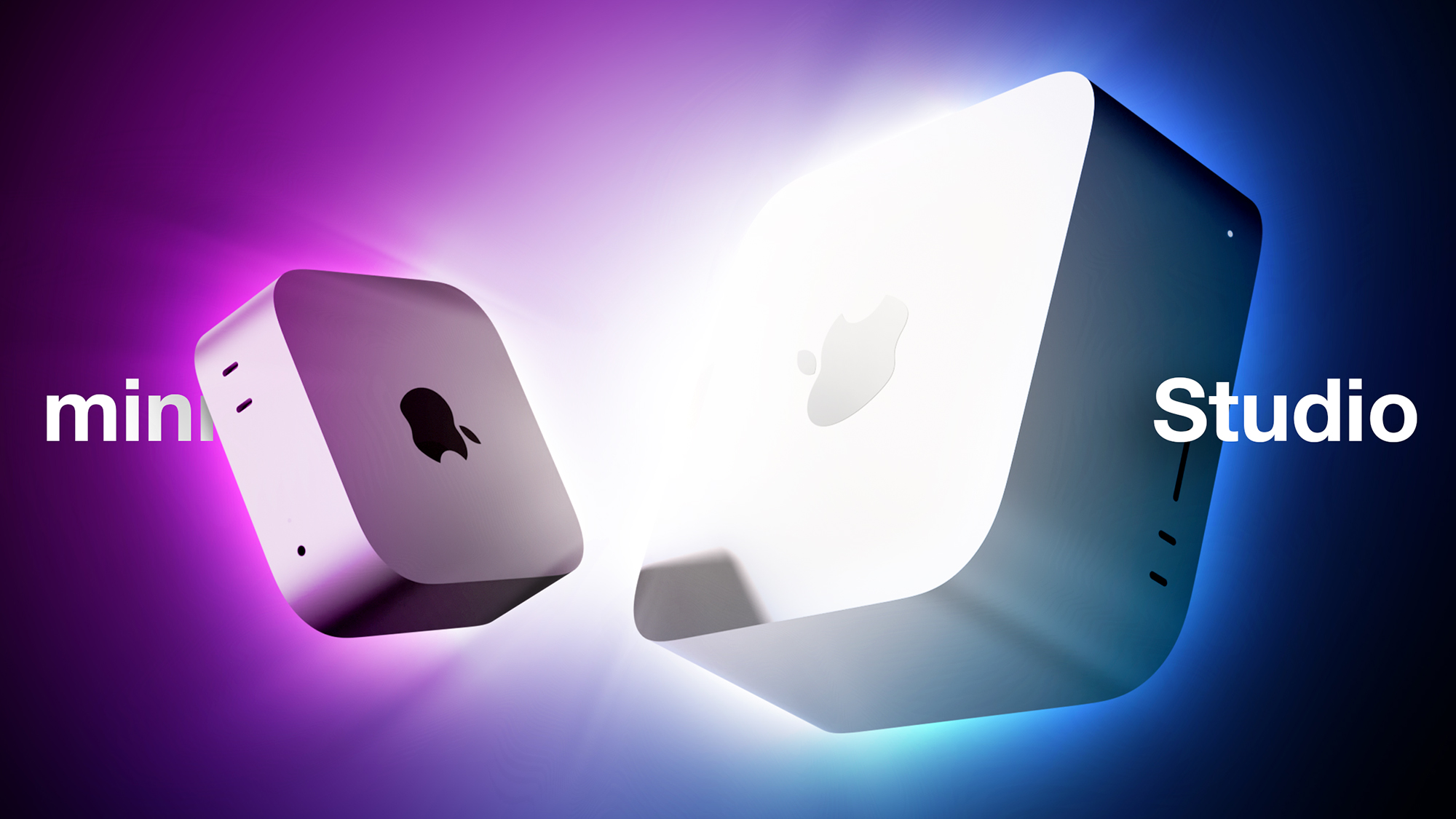
There are now two desktop Macs to choose from following the discontinuation of the Mac Pro, but the prices have moved sharply. The Mac Studio starts at $2,499 and rises to $5,499 for the M5 Ultra model, while the Mac mini starts at $899 with the M6 chip and $1,699 with the M5 Pro.
Those prices come on top of the across-the-board Mac and iPad increases Apple made in June, which took the Mac mini from $599 to $799, the M4 Pro configuration from $1,399 to $1,599, and the Mac Studio from $1,999 to $2,499. The M5 Ultra adds a further $200 to the post-June M3 Ultra price, putting it $1,500 above what the M3 Ultra cost at launch.
Our guide helps to answer the question of how to decide which of these two desktop Macs is best for you. The two machines now share a large number of key features, including:
- A boxy silver aluminum enclosure with no color options
- Apple's N1 chip, bringing Wi-Fi 7 and Bluetooth 6 to both machines for the first time
- Neural Accelerators built into every GPU core
- Hardware-accelerated ray tracing
- A Media Engine with hardware-accelerated H.264, HEVC, ProRes, and ProRes RAW, plus AV1 decode
- A next-generation SSD architecture that Apple says is up to twice as fast as before
- Genlock support over USB-C for synchronizing a display with a camera, including the iPhone 17 Pro
- An HDMI port with multichannel audio output
- A 3.5mm headphone jack with support for high-impedance headphones
Beyond that, the two lines diverge on chip generation, memory capacity, ports, and external display support.
| Mac mini (M6) | Mac mini (M5 Pro) | Mac Studio (M5 Max) | Mac Studio (M5 Ultra) |
|---|---|---|---|
| M6 chip | M5 Pro chip | M5 Max chip | M5 Ultra chip (two dual-die M5 Max chips joined by UltraFusion) |
| Made with TSMC's 2nm process | Made with TSMC's 3nm process | Made with TSMC's 3nm process | Made with TSMC's 3nm process |
| 12-core CPU (2 super cores + 4 performance cores + 6 efficiency cores) | 15- or 18-core CPU (up to 6 super cores + 12 performance cores) | 18-core CPU (6 super cores + 12 performance cores) | 30- or 36-core CPU (up to 12 super cores + 24 performance cores) |
| 12-core GPU | 16- or 20-core GPU | 32- or 40-core GPU | 64- or 80-core GPU |
| Dual 16-core Neural Engine | 16-core Neural Engine | 16-core Neural Engine | 32-core Neural Engine |
| Up to 170GB/s memory bandwidth | 307GB/s memory bandwidth | Up to 614GB/s memory bandwidth | 1.2TB/s memory bandwidth |
| 16GB, 24GB, or 32GB unified memory | 24GB, 48GB, or 64GB unified memory | 32-core GPU: 36GB unified memory 40-core GPU: 48GB, 64GB, or 128GB unified memory | 64-core GPU: 96GB or 256GB unified memory 80-core GPU: 96GB, 256GB, or 512GB unified memory |
| 256GB, 512GB, 1TB, or 2TB storage | 512GB, 1TB, 2TB, 4TB, or 8TB storage | 512GB, 1TB, 2TB, 4TB, or 8TB storage | 1TB, 2TB, 4TB, 8TB, or 16TB storage |
| Video decode engine | Video decode engine | Video decode engine | Two video decode engines |
| Video encode engine | Video encode engine | Two video encode engines | Four video encode engines |
| ProRes encode and decode engine | ProRes encode and decode engine | Two ProRes encode and decode engines | Four ProRes encode and decode engines |
| Support for up to three displays: two at 6K 60Hz or 4K 165Hz, plus a third at 5K 60Hz over Thunderbolt or 4K 60Hz over HDMI | Support for up to three displays, all at 6K 60Hz or 4K 165Hz | Support for up to five 4K displays, four 6K displays, or two 8K displays | Support for up to eight 4K displays, eight 6K displays, or four 8K displays |
| Two displays per Thunderbolt port | All three displays through a single Thunderbolt port | ||
| Three rear Thunderbolt 4 ports | Three rear Thunderbolt 5 ports | Four rear Thunderbolt 5 ports | Four rear Thunderbolt 5 ports |
| Two front USB-C ports | Two front USB-C ports | Two front USB-C ports | Two front Thunderbolt 5 ports |
| Two rear USB-A ports | Two rear USB-A ports | ||
| 2.5Gb Ethernet or 10Gb Ethernet port | 2.5Gb Ethernet or 10Gb Ethernet port | 10Gb Ethernet port | 10Gb Ethernet port |
| SDXC card slot (UHS-II) | SDXC card slot (UHS-II) | ||
| Bottom power button | Bottom power button | Rear power button | Rear power button |
| Starts at $899 | Starts at $1,699 | Starts at $2,499 | Starts at $5,499 |
Both enclosures carry over unchanged, so the dimensions of the two devices remain radically different, with the Mac Studio dwarfing the Mac mini in every way.
| Mac mini | Mac Studio | |
|---|---|---|
| Height | 2.0 inches (5.0 cm) | 3.7 inches (9.5 cm) |
| Width | 5.0 inches (12.7 cm) | 7.7 inches (19.7 cm) |
| Depth | 5.0 inches (12.7 cm) | 7.7 inches (19.7 cm) |
| Weight | M6: 1.5 pounds (0.67 kg) M5 Pro: 1.6 pounds (0.73 kg) | M5 Max: 6.0 pounds (2.7 kg) M5 Ultra: 8.0 pounds (3.6 kg) |
Most customers should choose the M5 Pro Mac mini over the M5 Max Mac Studio, saving $800 on the base models. The gap widens across custom configurations, since the Mac Studio's memory and storage tiers start higher and climb further.
There is an unusual situation at the bottom of the lineup this year. The $899 Mac mini is the on... Click here to read rest of article
Article Link: Mac Mini vs. Mac Studio Buyer's Guide: 20 Differences Compared


