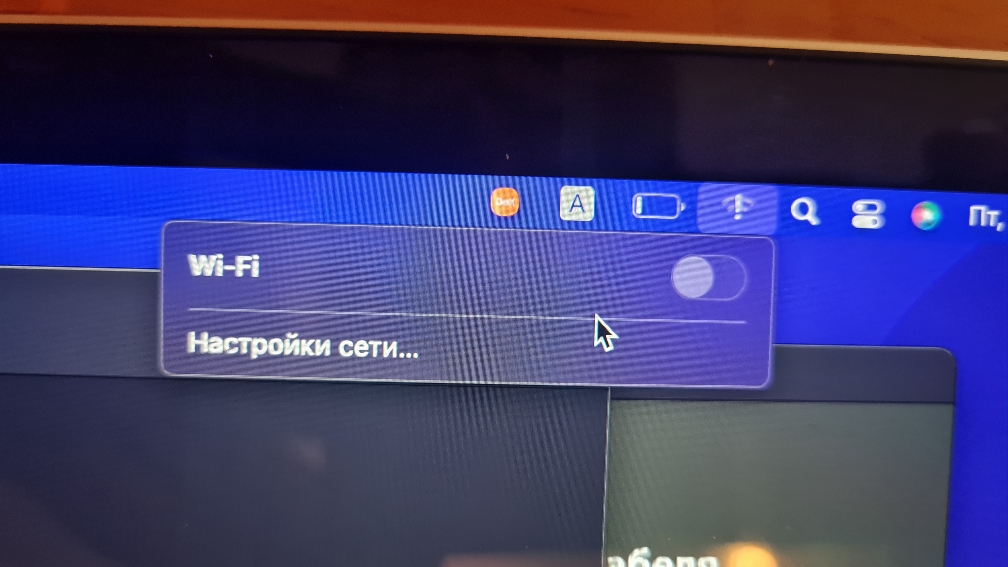
F Fixerr macrumors newbie Original poster Oct 15, 2023 #1 Hello I have WiFi issue there is no WiFi and error I will put photo, I replaced the logic board because on my old one the GPU has been boiled, I tried to change antena,update Mac os,using usb nothing happened same issue Can u help pls🙂
Hello I have WiFi issue there is no WiFi and error I will put photo, I replaced the logic board because on my old one the GPU has been boiled, I tried to change antena,update Mac os,using usb nothing happened same issue Can u help pls🙂
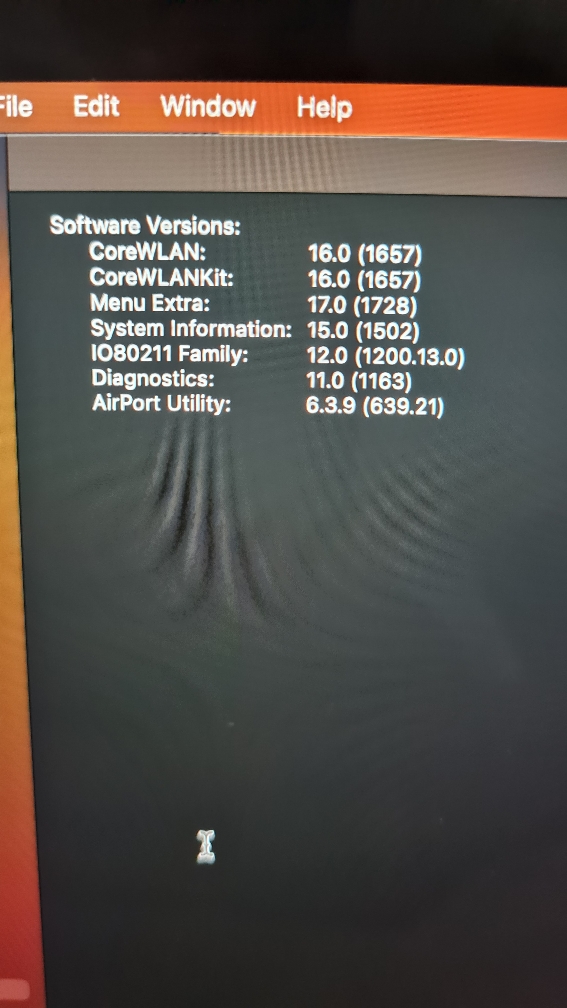
F Fixerr macrumors newbie Original poster Oct 16, 2023 #3 BrianBaughn said: Does the wifi hardware show up in System Information? Click to expand... This is WiFi hardware?
BrianBaughn said: Does the wifi hardware show up in System Information? Click to expand... This is WiFi hardware?
BrianBaughn macrumors G4 Oct 16, 2023 #4 Looks like you're in the right spot…and there's no WiFi device detected. I don't know what to advise from here. This is what I see:
Looks like you're in the right spot…and there's no WiFi device detected. I don't know what to advise from here. This is what I see:
F Fixerr macrumors newbie Original poster Oct 18, 2023 #5 BrianBaughn said: Looks like you're in the right spot…and there's no WiFi device detected. I don't know what to advise from here. This is what I see: View attachment 2296576 Click to expand... Anyway thanks for feedback
BrianBaughn said: Looks like you're in the right spot…and there's no WiFi device detected. I don't know what to advise from here. This is what I see: View attachment 2296576 Click to expand... Anyway thanks for feedback
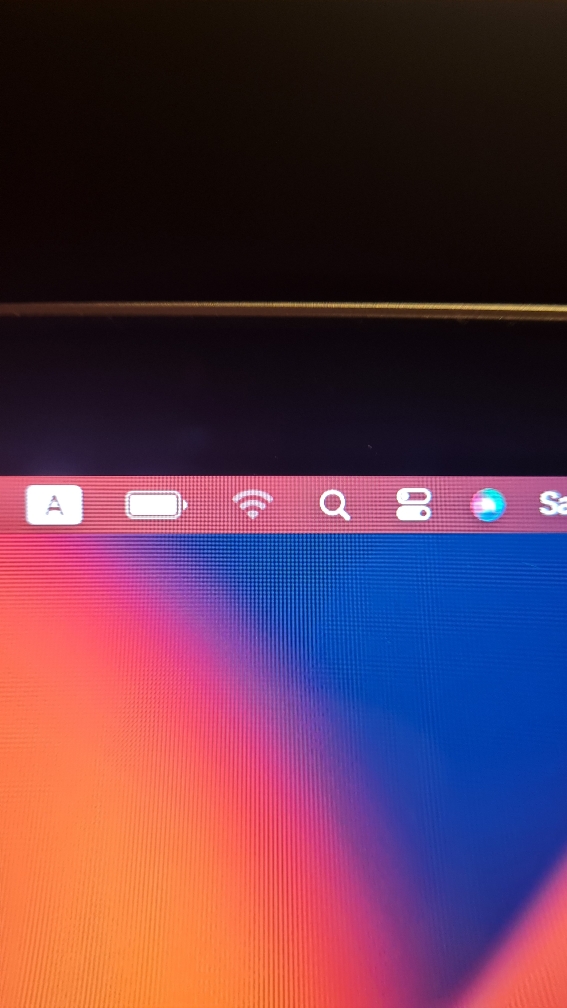
F Fixerr macrumors newbie Original poster Oct 21, 2023 #6 Hello again after target disc mode I got change in WiFi icon
F Fixerr macrumors newbie Original poster Oct 21, 2023 #7 And I can't open wireless WiFi diagnostic, or open"other" in WiFi menu
BrianBaughn macrumors G4 Oct 21, 2023 #8 Fixerr said: And I can't open wireless WiFi diagnostic, or open"other" in WiFi menu Click to expand... That is expected behavior when a Mac doesn't detect a WiFi device.
Fixerr said: And I can't open wireless WiFi diagnostic, or open"other" in WiFi menu Click to expand... That is expected behavior when a Mac doesn't detect a WiFi device.
F Fixerr macrumors newbie Original poster Dec 14, 2023 #9 Sorry I can’t do it right now my Mac book already in service