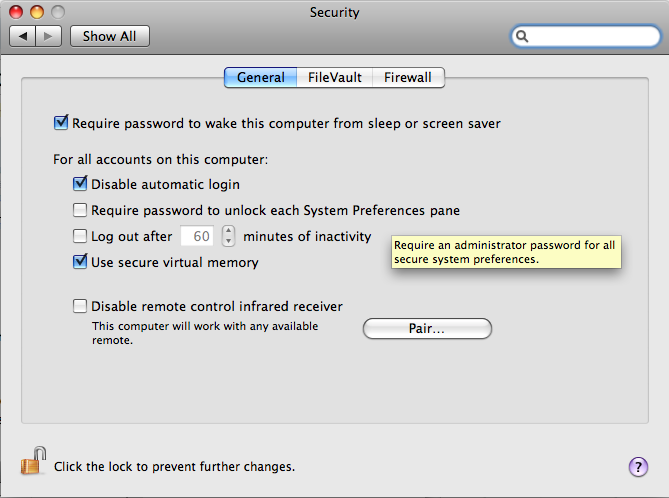
So I have been over so many settings in system preferences its making my head spin. Every time I boot my macbook that is running snow leopard it makes me log in. This is a very recent thing and I honestly didn't do anything to make it happen. When the problem first started happening it would also have the spinning thing on the bottom of the screen for about 5 seconds at the blue screen when shutting down.
It doesn't do that as of lately though. If anyone knows how to stop it from making me log in every time I boot let me know. I will be checking back so if anyone wants to use ichat to log onto my computer to check settings let me know.
It doesn't do that as of lately though. If anyone knows how to stop it from making me log in every time I boot let me know. I will be checking back so if anyone wants to use ichat to log onto my computer to check settings let me know.