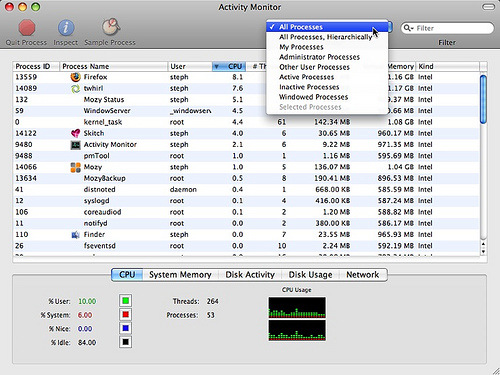
Applications* / Utilities** / Activity Monitor***
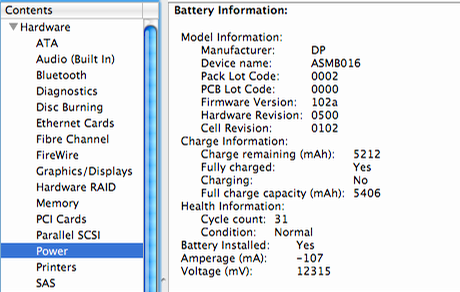
Applications / Utilities / System Profiler*** or > About This Mac > More info...
Also have a look at the following links, as the information presented there might be helpful in your future endeavours into Mac OS X and could clear up initial confusion and may even prevent harm to your system or your files.
Mac OS X Basics
Switch 101 - guide with articles made by Apple on how to accustom yourself, after you switched to Mac OS X from Windows
MRoogle - a very effective tool to search these fora using Google and made available by edesignuk, introductory threads: 1, 2 and 3
* in Finder press CMD+SHIFT+A
** in Finder press CMD+SHIFT+U
*** press CMD+SPACEBAR to open Spotlight and enter Activity Monitor or System Profiler and press ENTER