Hello,
today my Macbook Air Early 2014 - MacOS 10.14.6 - froze during use.
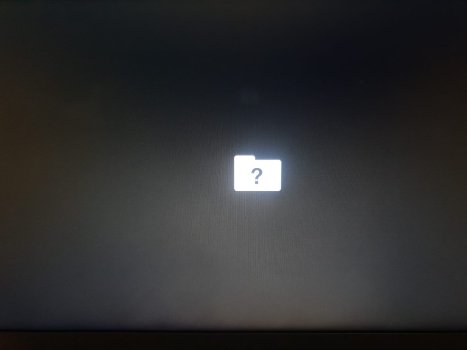
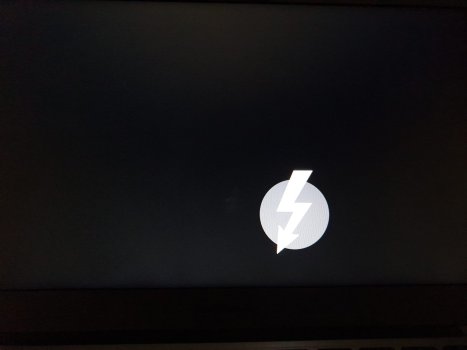
After power off with power button, the apple logo showed up, progress bar went to the end and then nothing happened.
I tried:
1. Boot into Recovery - PWR+CMD+R -> Sound - Screen stays blank (black)
2. Boot of USB Stick 10.14.6 - PWR+Alt -> Sound - Apple Boot Logo and Progress Bar to the end... and then nothing
3. Reset MAC SMC - PWR+Shift+CTRL+Alt ->
4. Reset NVRam/PRam - PWR+CMD+Alt+P+R ->
5. Boot into Single user mode -> tried every one of the 3 options (not knowing what they mean) - some kind of tests, I think.
5.1 /sbin/fsck -fy
5.2 /fsck/mount -uw /
5.3 exit
6. Booting into Safe-Mode does not work either -> Shift+PWR
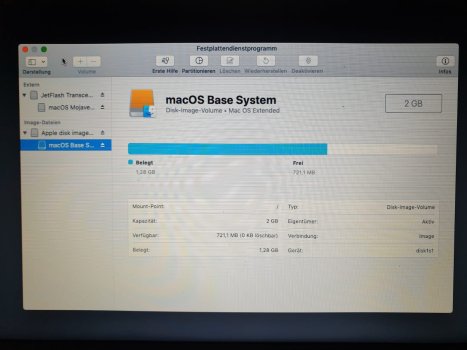
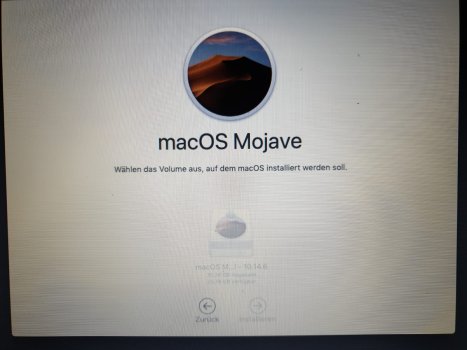
7. Booting from USB stick - PWR+Alt - with MacOS 10.14.6 on it, which I usually use for installation. -> Stuck with apple logo and full progress bar
But I actually do not know, what I was doing, except for "Recovery" and "Boot from USB Stick"
I never had the problem, that I could not boot into recovery...
Any ideas are highly appreciated.
What could be the problem?
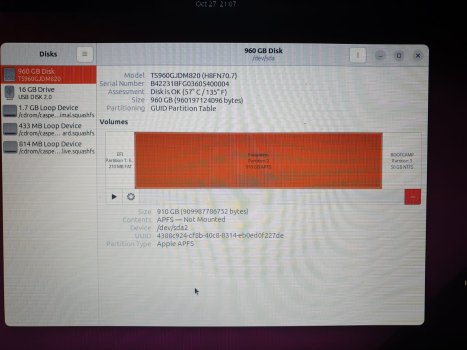
I do not have any other USB stick to flash Linux on right now, to maybe try booting into linux for checks and backups.
I dont have any External Disk with TimeMachine Backup.
At least I would like to save my private files, if the disk can not be saved. 🙁
Or best would be install over existing without harming file structure and keeping private stuff...
Thank you for your time and help,
Jos
today my Macbook Air Early 2014 - MacOS 10.14.6 - froze during use.
After power off with power button, the apple logo showed up, progress bar went to the end and then nothing happened.
I tried:
1. Boot into Recovery - PWR+CMD+R -> Sound - Screen stays blank (black)
2. Boot of USB Stick 10.14.6 - PWR+Alt -> Sound - Apple Boot Logo and Progress Bar to the end... and then nothing
3. Reset MAC SMC - PWR+Shift+CTRL+Alt ->
4. Reset NVRam/PRam - PWR+CMD+Alt+P+R ->
5. Boot into Single user mode -> tried every one of the 3 options (not knowing what they mean) - some kind of tests, I think.
5.1 /sbin/fsck -fy
5.2 /fsck/mount -uw /
5.3 exit
6. Booting into Safe-Mode does not work either -> Shift+PWR
7. Booting from USB stick - PWR+Alt - with MacOS 10.14.6 on it, which I usually use for installation. -> Stuck with apple logo and full progress bar
But I actually do not know, what I was doing, except for "Recovery" and "Boot from USB Stick"
I never had the problem, that I could not boot into recovery...
Any ideas are highly appreciated.
What could be the problem?
I do not have any other USB stick to flash Linux on right now, to maybe try booting into linux for checks and backups.
I dont have any External Disk with TimeMachine Backup.
At least I would like to save my private files, if the disk can not be saved. 🙁
Or best would be install over existing without harming file structure and keeping private stuff...
Thank you for your time and help,
Jos
Last edited: