

A hidden feature flag in macOS 27 Golden Gate enables a new way to search for Emoji while typing. Similar to Emoji search on Slack, a new interface with Emoji suggestions appears when typing colon (
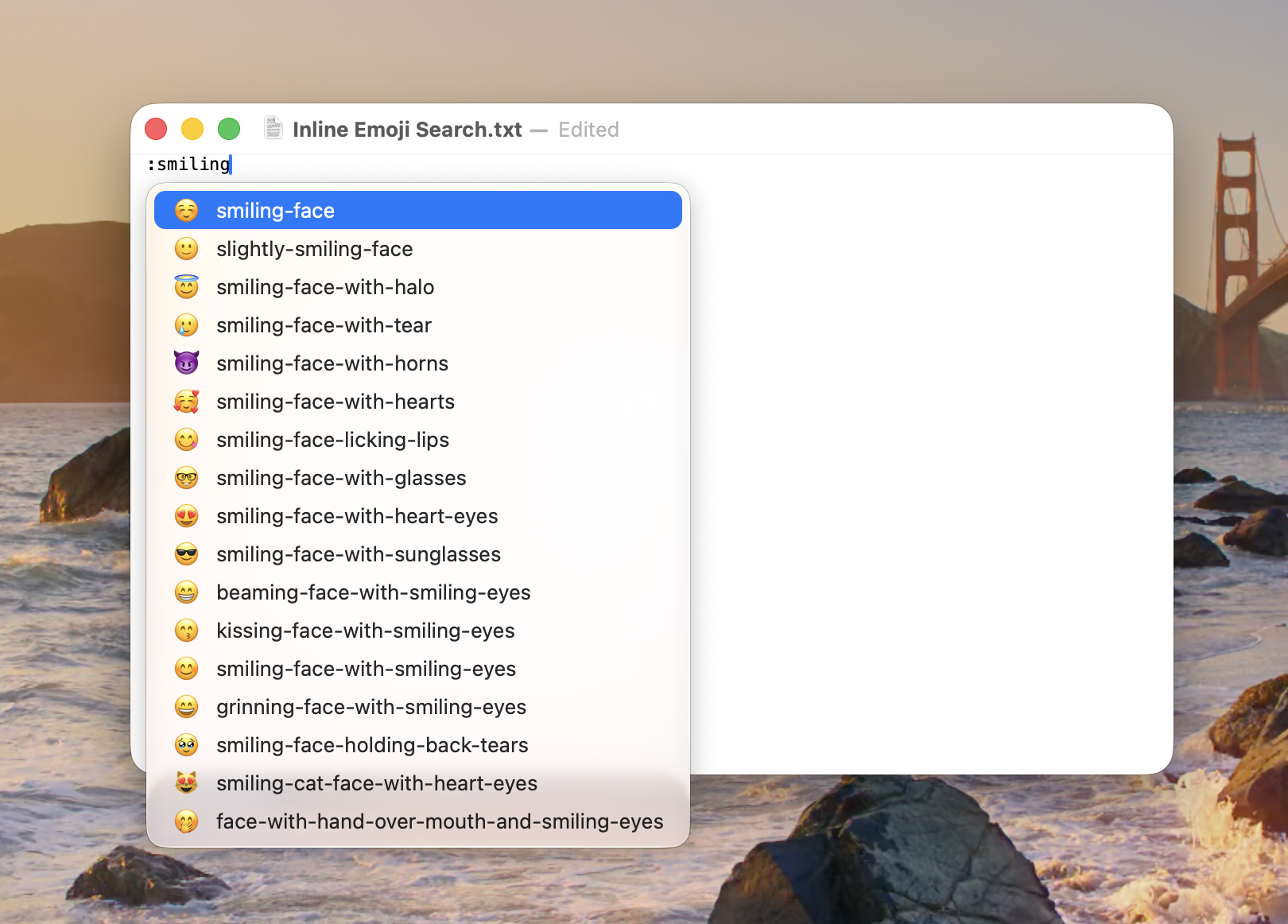
The new feature works in AppKit-backed apps such as TextEdit, Notes, Siri, Shortcuts, Contacts, and Calendar. In Mail and Reminders, the main views are backed by WebKit, so this new command will not work when drafting messages or new reminders, but Emoji suggestions will appear in search fields or the email subject field.
To enable, add a FeatureFlags override:
and restart your Mac. This is a private feature flag, and the UI may be unstable.
Remove the override and restore to defaults with:
and restart your Mac.
:) and continuing to type out the search keyword.The new feature works in AppKit-backed apps such as TextEdit, Notes, Siri, Shortcuts, Contacts, and Calendar. In Mail and Reminders, the main views are backed by WebKit, so this new command will not work when drafting messages or new reminders, but Emoji suggestions will appear in search fields or the email subject field.
To enable, add a FeatureFlags override:
Code:
sudo mkdir -p /Library/Preferences/FeatureFlags/Domain && \
sudo defaults write /Library/Preferences/FeatureFlags/Domain/Stickers InlineEmojiSearch -dict Enabled -bool true
and restart your Mac. This is a private feature flag, and the UI may be unstable.
Remove the override and restore to defaults with:
Code:
sudo defaults delete /Library/Preferences/FeatureFlags/Domain/Stickers InlineEmojiSearchand restart your Mac.
