


For this week's giveaway, we've teamed up with Digiarty VideoProc to offer MacRumors readers a chance to win an iPhone 17 and a copy of the VideoProc Converter AI software to use with it.
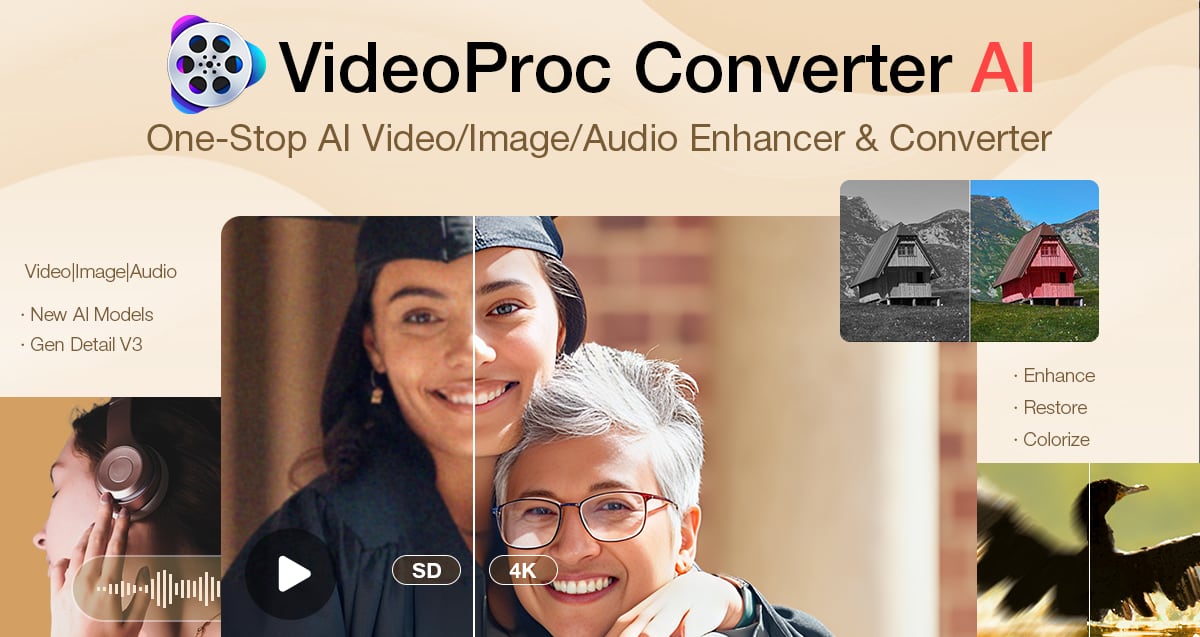
VideoProc Converter AI is software for editing and managing videos, images, audio, DVDs, and more. It includes a suite of AI features for easy photo and video editing, along with tools for converting, downloading, upscaling, colorizing, enhancing, compressing, editing, recording, and repairing all kinds of media files.
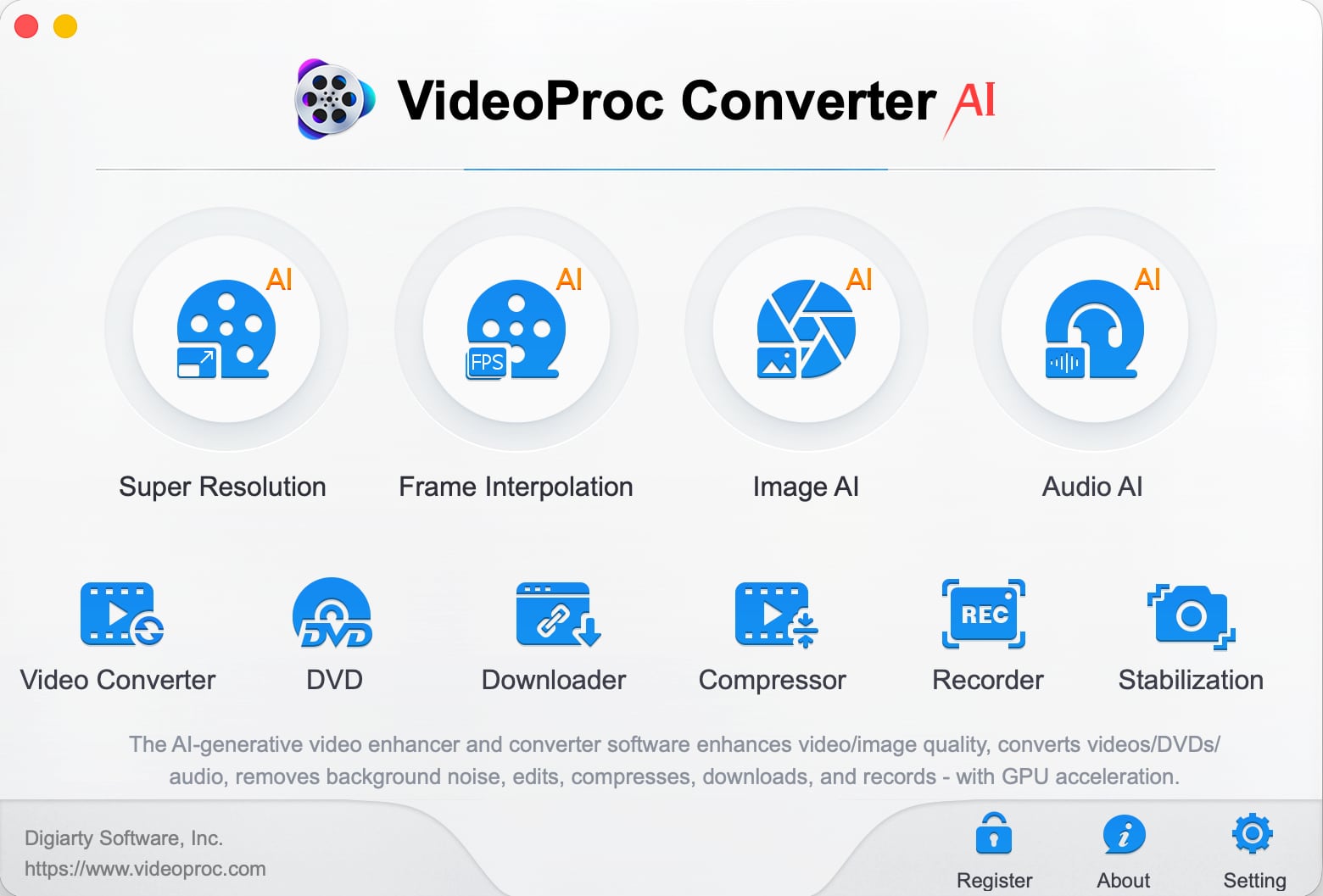
Videos that are blurry, noisy, shaky, or overly compressed can be improved with VideoProc Converter AI's tools for cutting down on noise, improving sharpness, and boosting image quality.
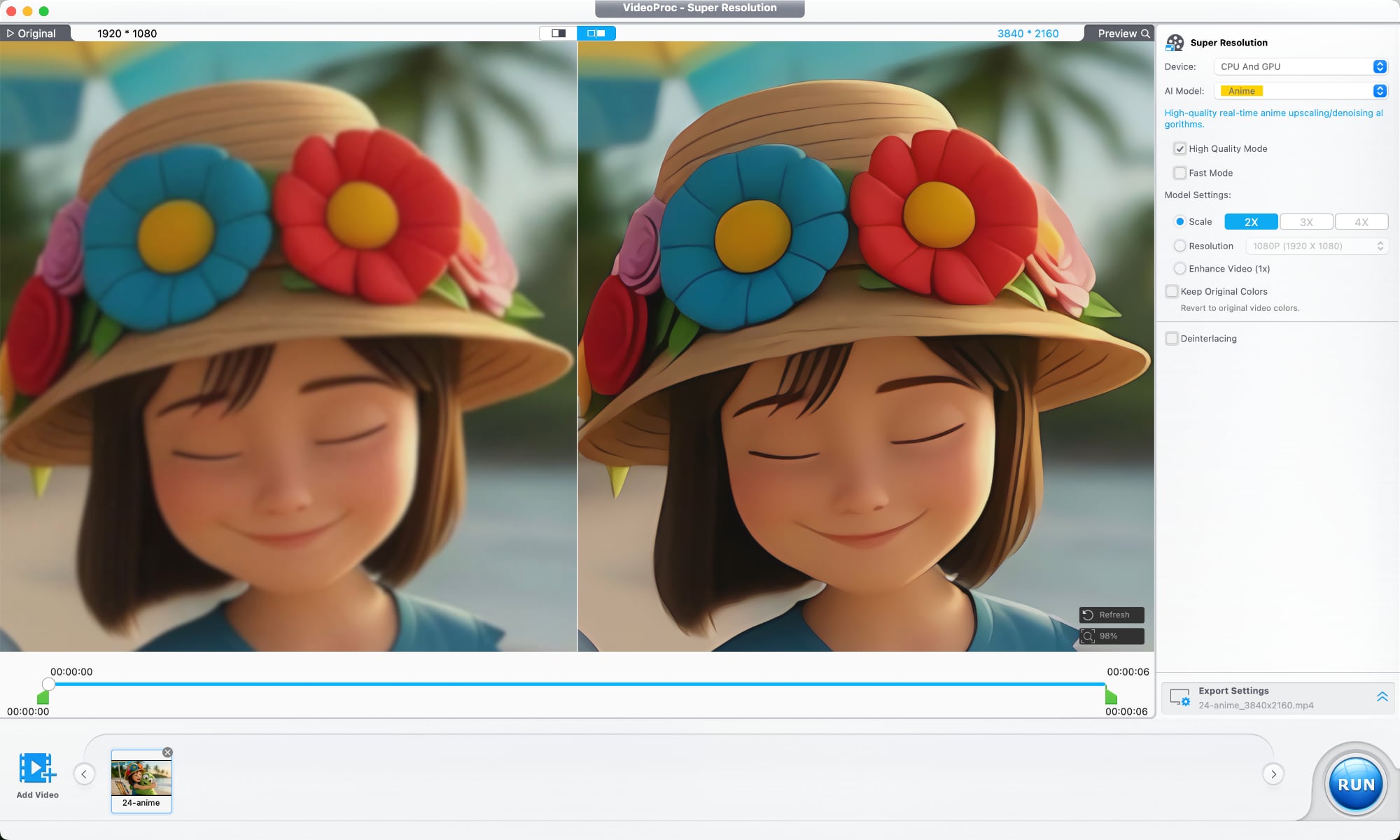
An AI Super Resolution feature uses multiple AI models designed for different kinds of footage. The tool reduces noise and blur, restores detail, sharpens soft footage, and is able to upscale lower-resolution videos up to 4x. 480p or 720p video can be upscaled to 1080p or 4K. A deinterlacing tool improves older interlaced recordings, which is useful for restoring archived footage, improving low-light video, and cleaning up scenes with a lot of motion.
There's also an AI frame interpolation option that adds additional frames to make videos smoother, and it can improve videos up to 480fps for slow motion. It works on older home videos, mixed frame-rate footage, sports clips, gameplay recordings, and action scenes.
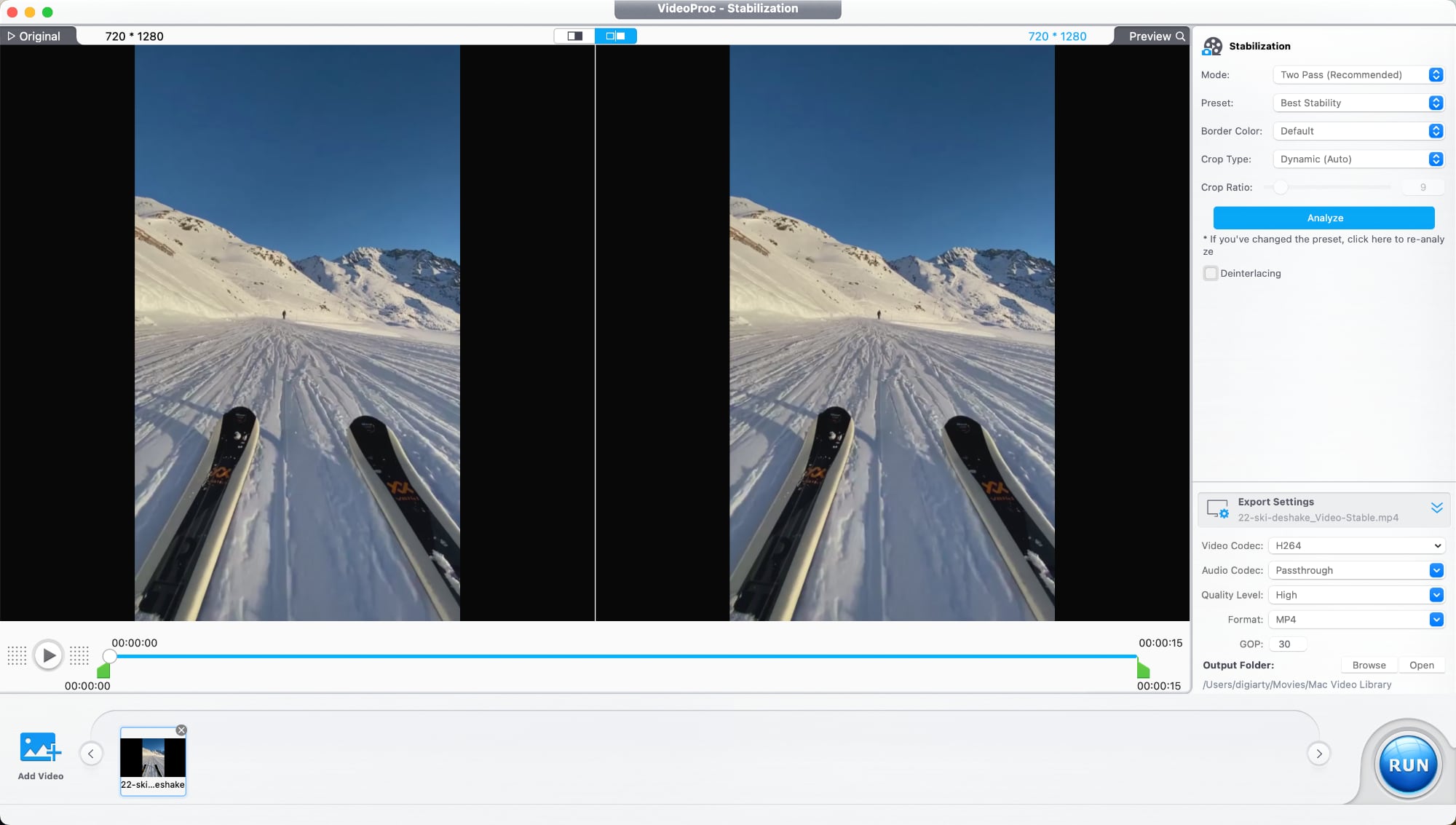
A stabilization tool is able to reduce camera shake, plus there are tools for reducing audio noise, correcting color, removing fisheye distortion from videos shot on action cameras, and compressing file size while preserving quality. There are also the standard tools you would expect from video editing software for trimming, cropping, adjusting playback speed, watermarking, fixing audio syncing, and adding filters.
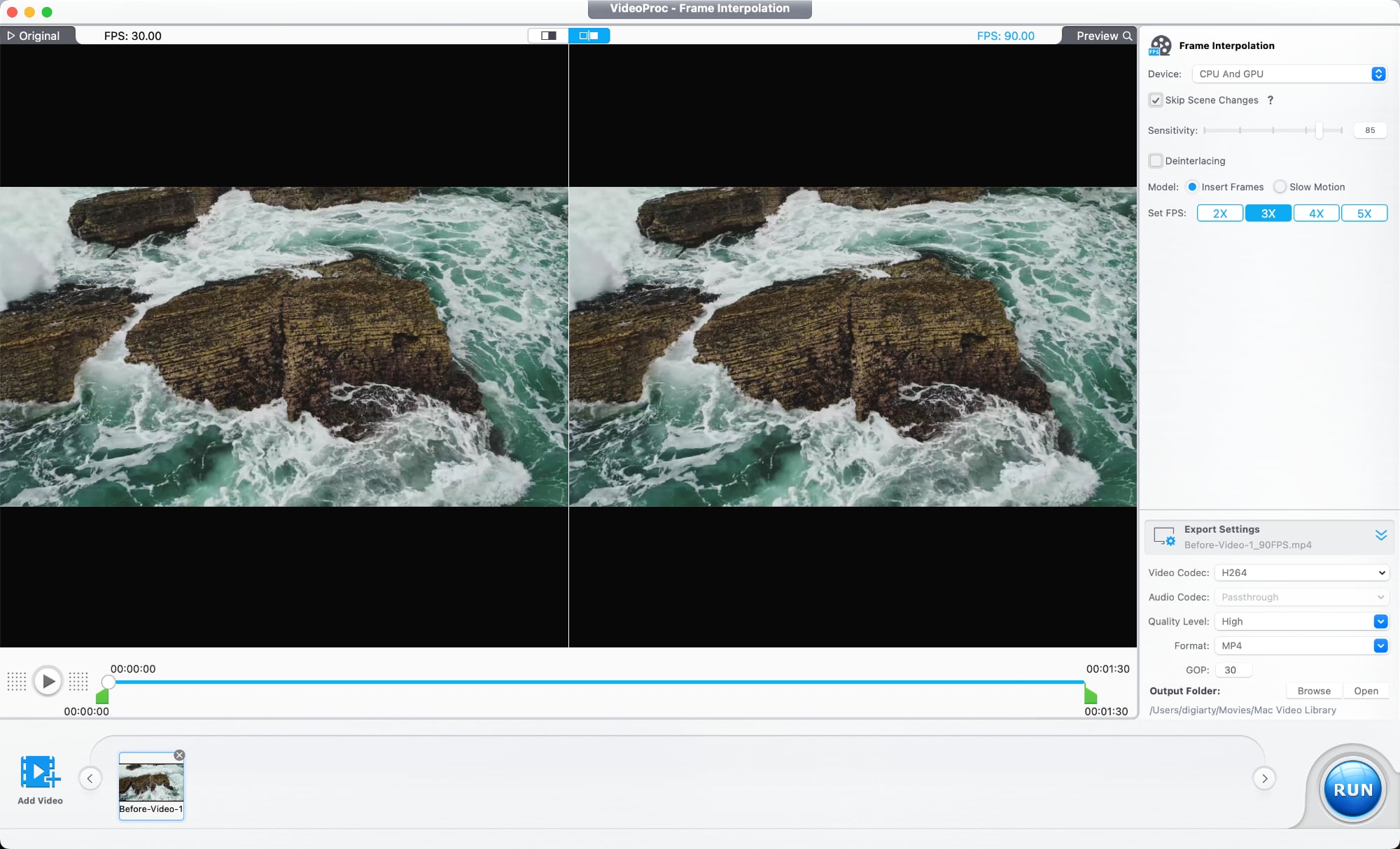
VideoProc Converter AI has tools for photo editing as well. Image AI Super Resolution improves blurry or pixelated images and increases resolution, with multiple AI models available for different image types. With batch processing, it supports editing over 3,000 photos at once.
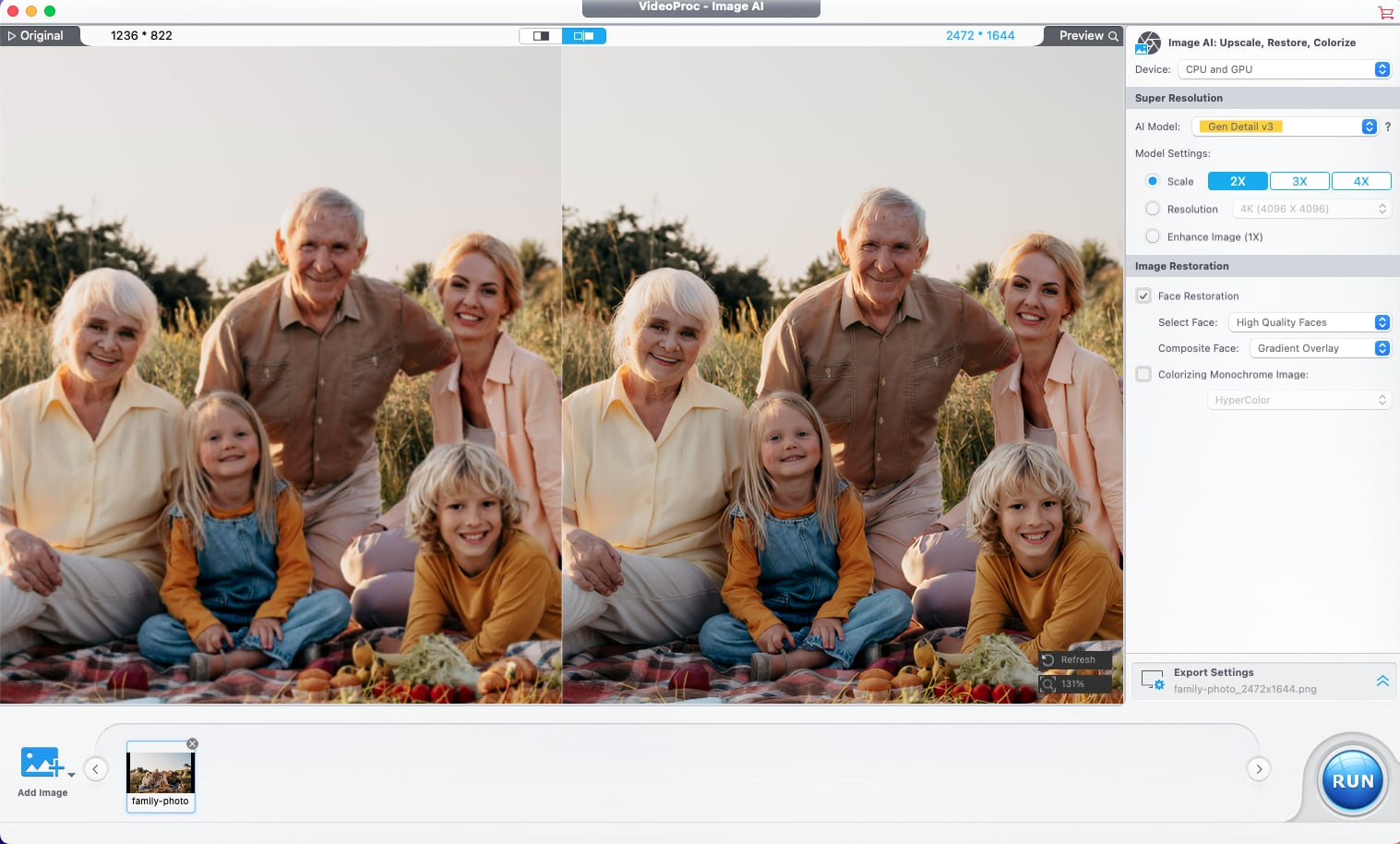
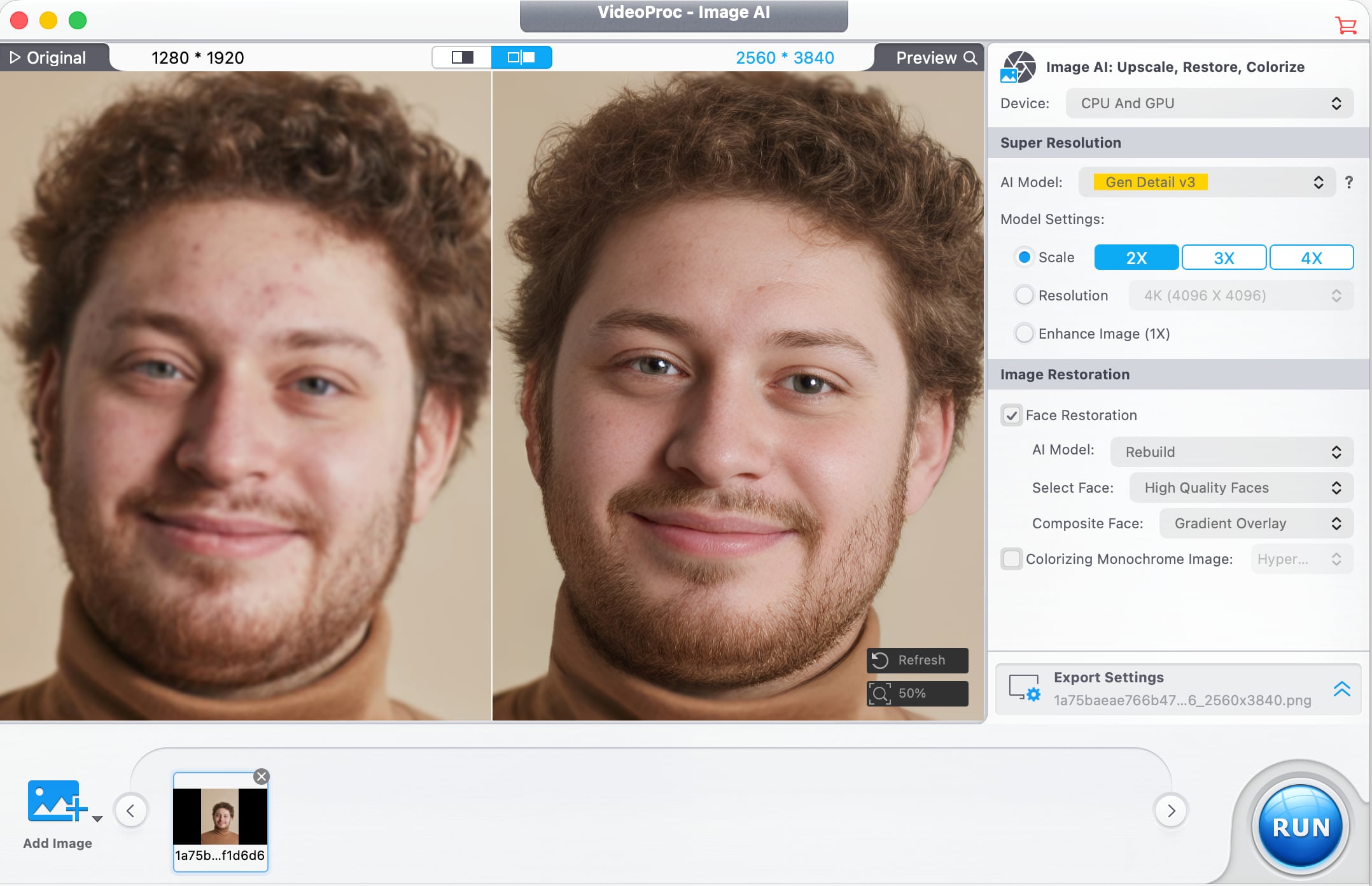
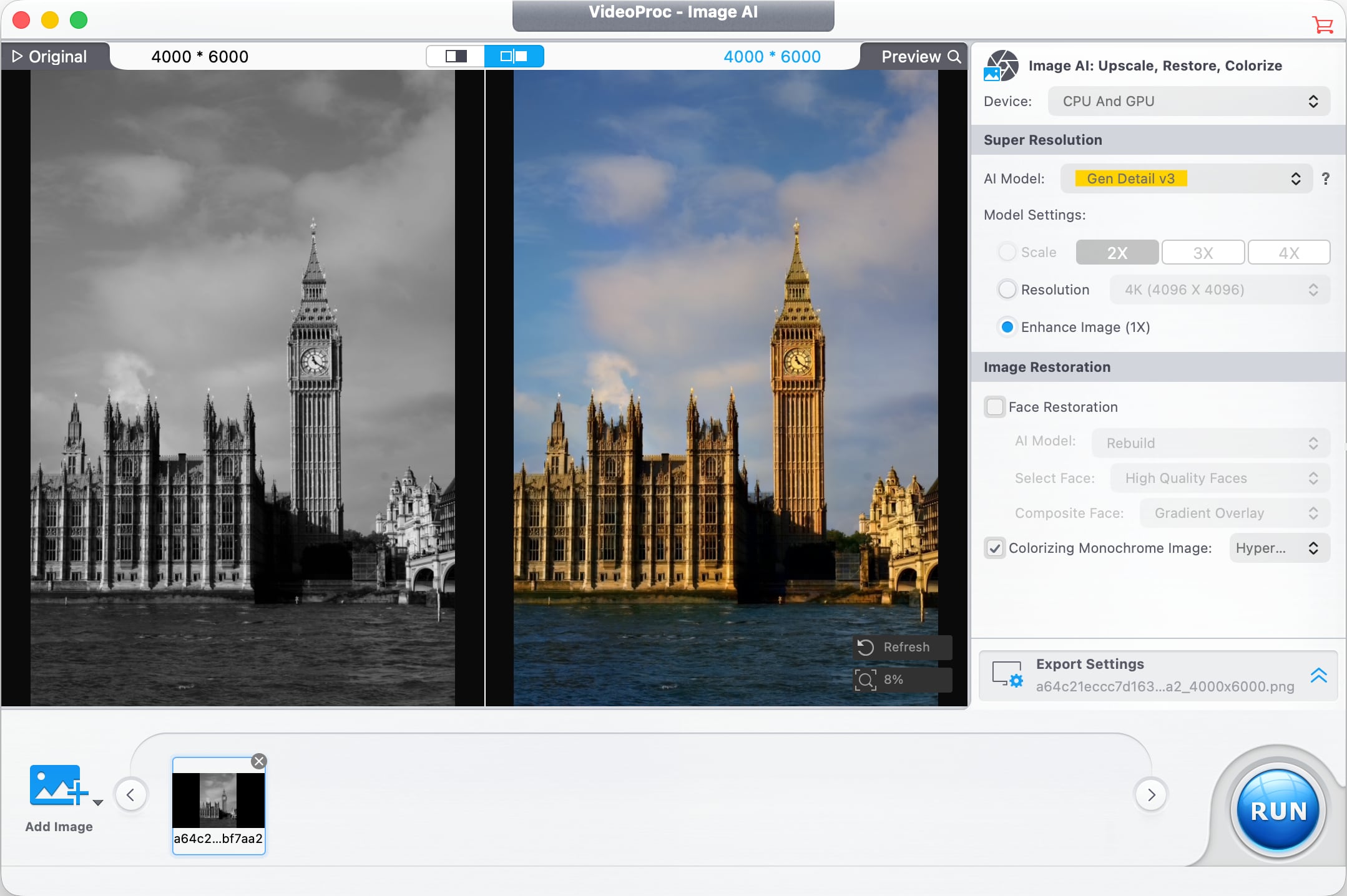
In older images where faces are blurry, pixelated, faded, or lacking detail, a Face Restoration feature improves facial detail. It can recover clarity in eyes, skin, hair, and facial textures with natural-looking results. AI Colorization is also available for adding color to black and white images, and it adds realistic colors and tones to grayscale photos with a click.
Digiarty optimized VideoProc Converter AI for the Mac, and the software supports hardware acceleration for Apple silicon chips, Intel chips, and NVIDIA and AMD GPUs. Video converting tools use GPU acceleration to speed up encoding and decoding without affecting output quality. The software supports over 320 codecs and formats, and it works with footage from drones, GoPro cameras, professional log formats, 3D videos, and VR videos. It also includes tools for downloading video from social media platforms, DVD backup, iPhone screen capture, recording from a webcam, and green screen recording.
VideoProc gets new features regularly, and recent new additions include improved Video Super Resolution that keeps original colors for natural-looking restoration of low-quality video, new AI models, three AI face restoration models for touching up people in videos without impacting original detail, and audio AI improvements like Noise Suppression for cutting down on background noise in audio and video files.
There is a VideoProc free trial for those who want to try it out. A lifetime license is normally priced at $54.95, but Digiarty is offering MacRumors readers a discount on a lifetime license, dropping the price to $39.95. The lifetime license includes the full range of VideoProc tools, along with software for transferring media between Macs and iPhones and vlog software for editing video for social media. It also includes access to future updates.
Digiarty is offering one lucky MacRumors reader the chance to win an iPhone 17 and a lifetime VideoProc license. To enter to win, use the widget below and enter an email address. Email addresses will be used solely for contact purposes to reach the winner and send the prize. You can earn additional entries by subscribing to our weekly newsletter, subscribing to our YouTube channel, following us on Twitter, following us on Instagram, following us on Threads, or visiting the MacRumors Facebook page.
Due to the complexities of international laws regarding giveaways, only U.S. residents who are 18 years or older, UK residents who are 18 years or older, and Canadian residents who have reached the age of majority in their province or territory are eligible to enter. All federal, state, provincial, and/or local taxes, fees, and surcharges are the sole responsibility of the prize winner. To offer feedback or get more information on the giveaway restrictions, please refer to our Site Feedback section, as that is where discussion of the rules will be redirected... Click here to read rest of article
Article Link: MacRumors Giveaway: Win an iPhone 17 and a Lifetime Copy of VideoProc Converter AI


