

I started a new vibe-coding project: hacking Memtest86+ to work on PowerPC Macs: https://github.com/cellularmitosis/memtestppc
Because who doesn't love a little blasphemy! (PC BIOS 8x16 font on a Mac 😱)
It is far enough along that it actually runs!
QEMU screenshot:
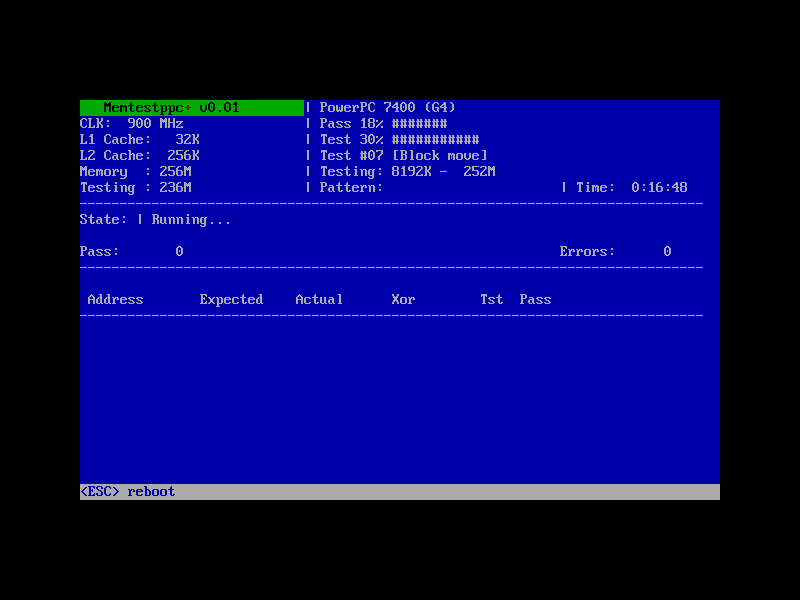
Photo of it running on actual hardware:
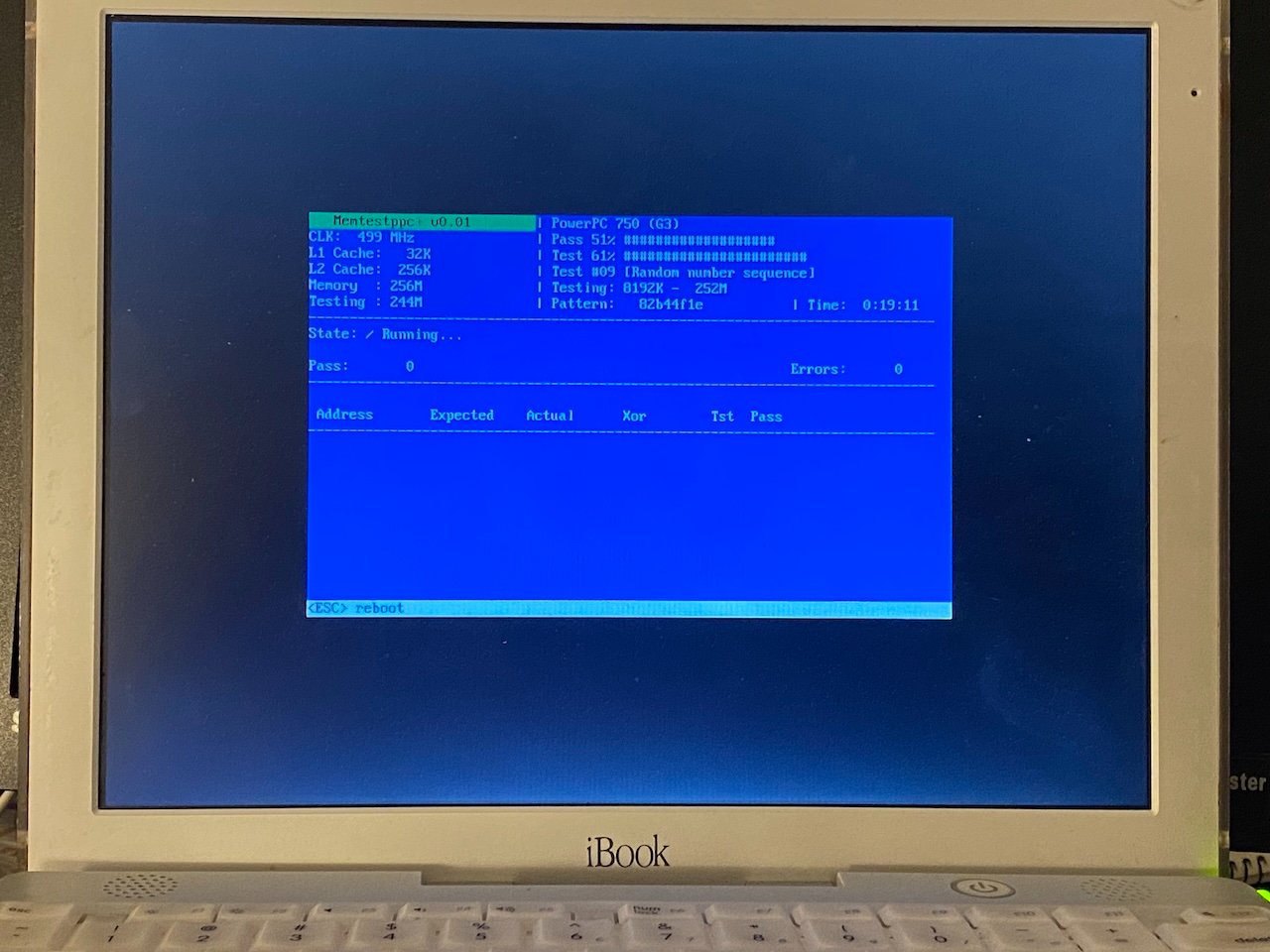
(my iPhone did weird things to the white balance: the text is white in real life)
Unfortunately I don't have a bad stick of RAM to give it a real test.
To use this:
Download and burn the .iso (attached as memtestppc.iso.zip) (a whopping 21KB when compressed as a .zip!)
or:
Unzip the attached memtest.zip and copy the bootable ELF file (memtest) to the root level of your Tiger/Leopard partition (as /memtest, right next to /mach_kernel), then boot into OpenFirmware (command + option + o + f) and type in 'boot hd:3,memtest' if booting from the first partition. (That's just a single-shot -- your computer will resume booting Tiger/Leopard after you reboot)
If anyone has any bad RAM I'd love to get a real test case!
Because who doesn't love a little blasphemy! (PC BIOS 8x16 font on a Mac 😱)
It is far enough along that it actually runs!
QEMU screenshot:
Photo of it running on actual hardware:
(my iPhone did weird things to the white balance: the text is white in real life)
Unfortunately I don't have a bad stick of RAM to give it a real test.
To use this:
Download and burn the .iso (attached as memtestppc.iso.zip) (a whopping 21KB when compressed as a .zip!)
or:
Unzip the attached memtest.zip and copy the bootable ELF file (memtest) to the root level of your Tiger/Leopard partition (as /memtest, right next to /mach_kernel), then boot into OpenFirmware (command + option + o + f) and type in 'boot hd:3,memtest' if booting from the first partition. (That's just a single-shot -- your computer will resume booting Tiger/Leopard after you reboot)
If anyone has any bad RAM I'd love to get a real test case!
