

Hi everyone,
I’d like to introduce MiMiNavigator, a free dual-panel file manager for macOS, inspired by Total Commander and Norton Commander. 🎃
- It offers tabbed panels, file search, archive browsing, FTP/SFTP, network shares, cloud-drive integration, media tools, and familiar keyboard-driven file operations.
- The project is actively developed, and honest criticism is very welcome. Please try it and send feedback directly through the Feedback button in the app’s toolbar—bug reports, usability issues, and feature suggestions all help.
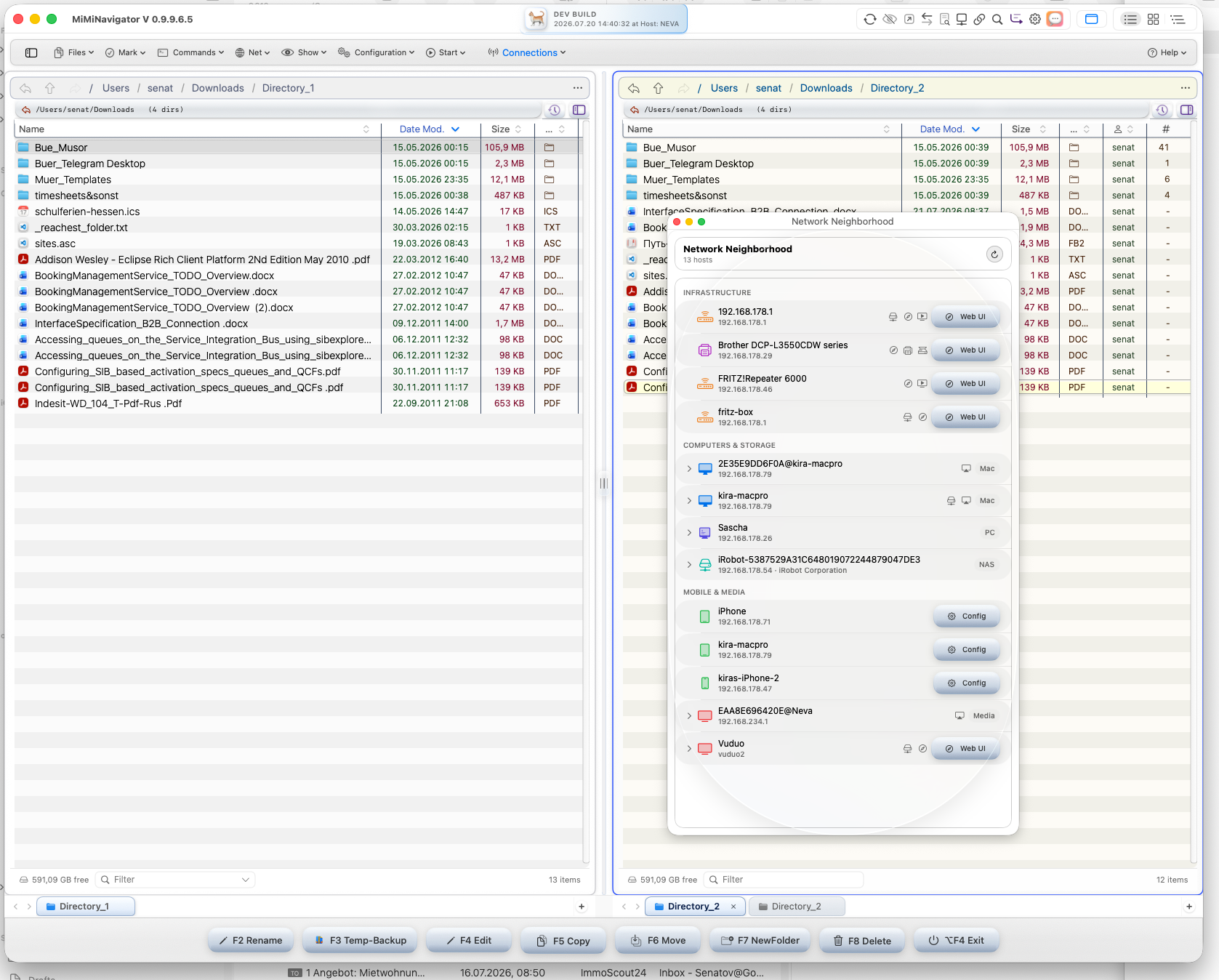
I’d like to introduce MiMiNavigator, a free dual-panel file manager for macOS, inspired by Total Commander and Norton Commander. 🎃
- It offers tabbed panels, file search, archive browsing, FTP/SFTP, network shares, cloud-drive integration, media tools, and familiar keyboard-driven file operations.
- The project is actively developed, and honest criticism is very welcome. Please try it and send feedback directly through the Feedback button in the app’s toolbar—bug reports, usability issues, and feature suggestions all help.
Last edited:


