I backed it up using time machine before upgrading, but it is totally unresponsive (no screen, power button does nothing). I have a 2020 Macbook Pro if that is helpful. Does anyone have any suggestions on what to do?

Thanks for your reply. Nothings happens when holding the power button down irrespective of whether you have the Macbook connected to the charger. We don't have Apple stores in my country unfortunately.
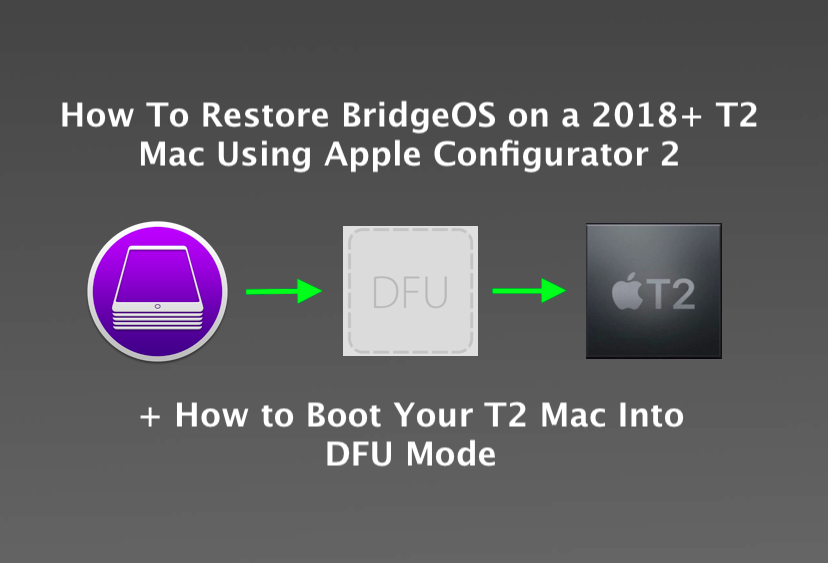
macOS Update brick your Mac? This article will show you how boot to DFU Mode and restore BridgeOS on a T2 MacBook Pro, Air, iMac Pro, Mac Mini & Mac Pro!
Learn how to use macOS Recovery on an Intel-based Mac.
support.apple.com
Start up your Intel-based Mac in macOS Recovery
Restart your Mac.
Immediately press and hold one of the following key combinations until you see the startup screen:
Command-R: Start up from the built-in macOS Recovery System. Use this key combination to reinstall the latest macOS that was installed on your system, or to use the other apps in macOS Recovery.
Option-Command-R: Start up from macOS Recovery over the internet. Use this key combination to reinstall macOS and upgrade to the latest version of macOS that’s compatible with your Mac.
Option-Shift-Command-R: Start up from macOS Recovery over the internet. Use this key combination to reinstall the version of macOS that came with your Mac or the closest version that’s still available.
If you see a lock, enter the password for your Mac.
If you have multiple volumes on your disk, select the volume you want to recover, then click Next.
If requested, choose an administrator account, click Next, enter the password for the account, then click Continue.
When the Recovery app appears in the menu bar, you can choose any of the available options in the window or the menu bar.
Learn how to use macOS Recovery on an Intel-based Mac.
support.apple.com
Start up your Intel-based Mac in macOS Recovery
Restart your Mac.
Immediately press and hold one of the following key combinations until you see the startup screen:
Command-R: Start up from the built-in macOS Recovery System. Use this key combination to reinstall the latest macOS that was installed on your system, or to use the other apps in macOS Recovery.
Option-Command-R: Start up from macOS Recovery over the internet. Use this key combination to reinstall macOS and upgrade to the latest version of macOS that’s compatible with your Mac.
Option-Shift-Command-R: Start up from macOS Recovery over the internet. Use this key combination to reinstall the version of macOS that came with your Mac or the closest version that’s still available.
If you see a lock, enter the password for your Mac.
If you have multiple volumes on your disk, select the volume you want to recover, then click Next.
If requested, choose an administrator account, click Next, enter the password for the account, then click Continue.
When the Recovery app appears in the menu bar, you can choose any of the available options in the window or the menu bar.
I wonder if taking the back off, and then disconnecting the battery, and just leaving it that way for a few hours might "jog it back to life" (after re-connecting the battery)?
If you try this DO NOT use any metal tools to lift off the battery connection plug.
Plastic ONLY!