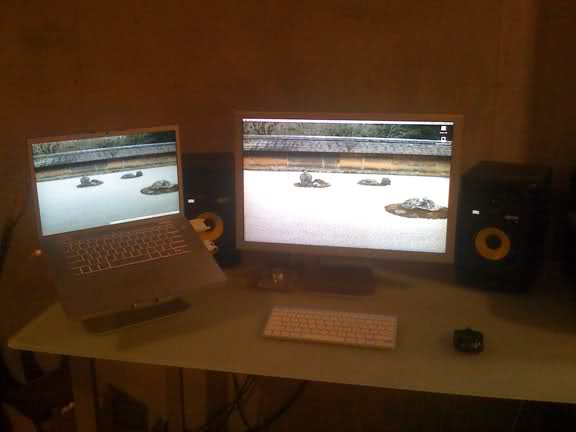
I looked at this some more. When I said above it's close, I meant it.
Took me about 15 minutes to achieve this
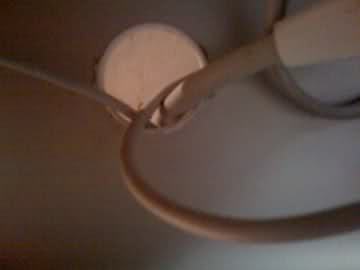
1) Pop out plastic ring with some pliers
2) Use a dremel to round out inner lip on the left and right sides (I used a drill w/ 1/8" bit since a dremel I do not have, lol, kinda sloppy)
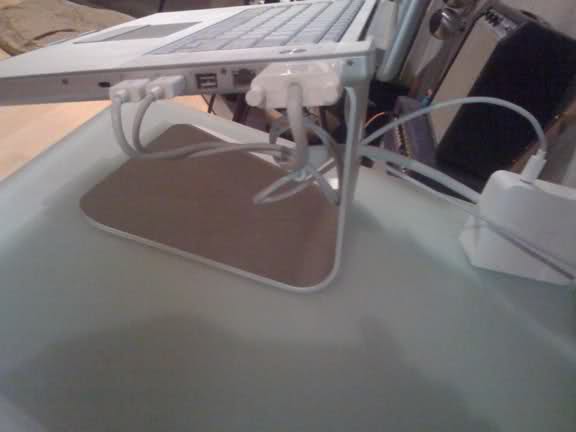
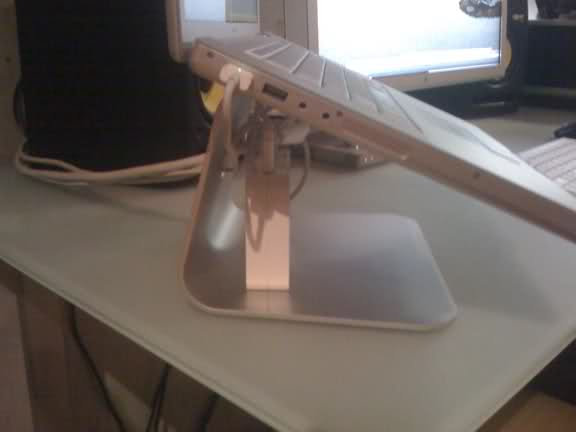
3) Snap the ring on one side, fit cables through it, including the join (otherwise the DVI won't reach the MBP)
4) Pop ring back in
5) Route power cable for the ACD out the back.
Minimal visual impact. You can see the drilled part looking at the inside, but on the outside the ring covers it up, because its designed to slip over the lip. And the break in the ring is hard to detect as it compression fits back in. In a nutshell you'd have to point it out for someone to notice.
Back:
Inside:
Apologies for the crappy photography. Yes, iPhone
🙂
Glad this thread came up. I like it much better this way.
EDIT: Moved ACD power brick to inside mStand, a bit cleaner like this