Hi all. Long term mac user but was recently gifted a new machine which I've had nothing but problems with since day one if anyone can help. Specs are as follows:
13" Macbook Air M4 / 256gb SSD / 16gb RAM / Sequoia 15.7.7
The laptop is not not entirely my main use computer so I only really use it for a few movies/games and apps that wont run on my older day-to-day mac; and because not much ever changes on it, I know every time I switch it on I should always have ~60GB free SSD.
However, all of a sudden, at some random point, even if the laptop is totally idle, my SSD will instantly go from ~60GB free to ~45GB free. It does this every day at least once. No idea why, and I'm certain it never used to do it as I would have noticed.
Don't know if it's relevant but a short while back I upgraded to Tahoe, didn't like it, so did a full erase and Sequoia reinstall. Since then I've done several clean installs trying/failing to get fix the issue. Can't say for sure if its connected to downgrading as I don't recall it happening right away.
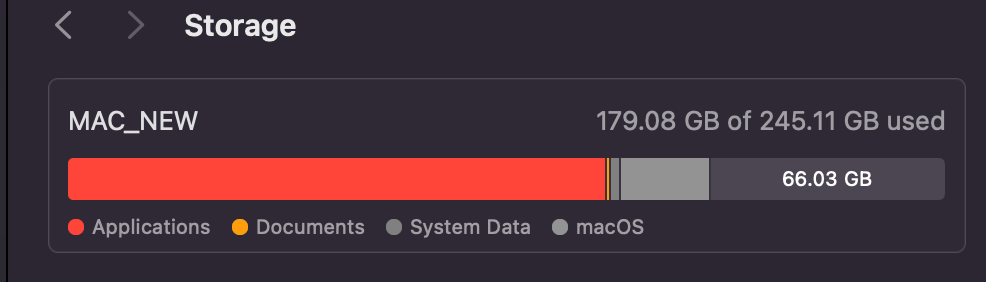
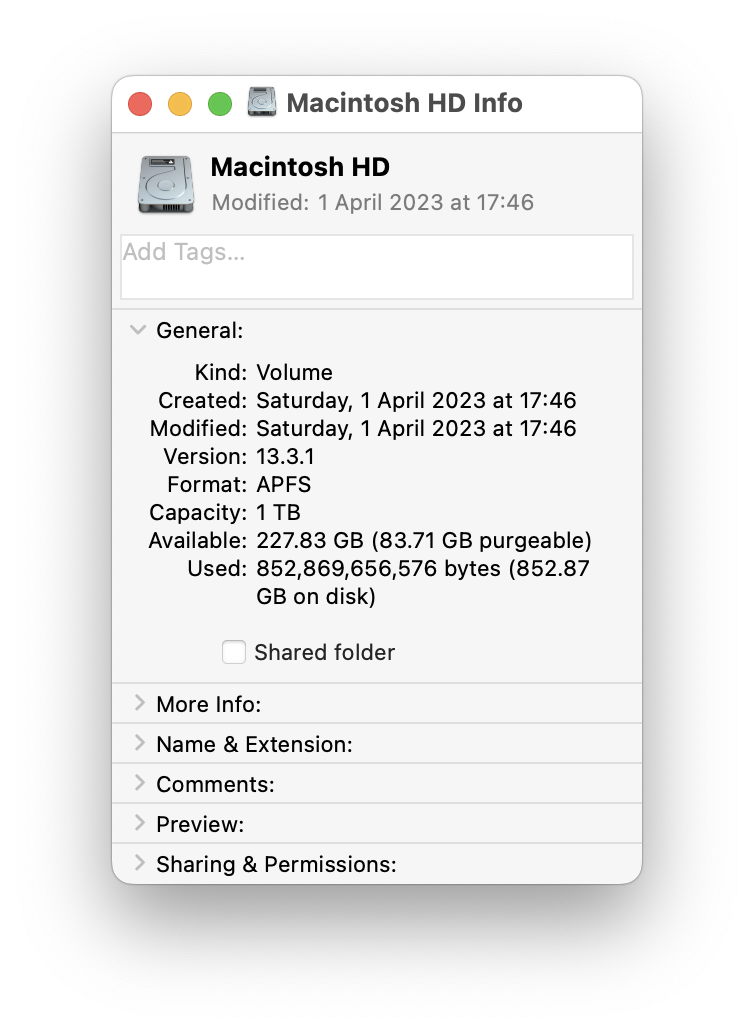
As you can see from the screenshots, from the General > Storage tab in Settings, my MacOS balloons from the normal ~25GB to ~40GB with System Data rocketing from ~2GB to ~7GB.
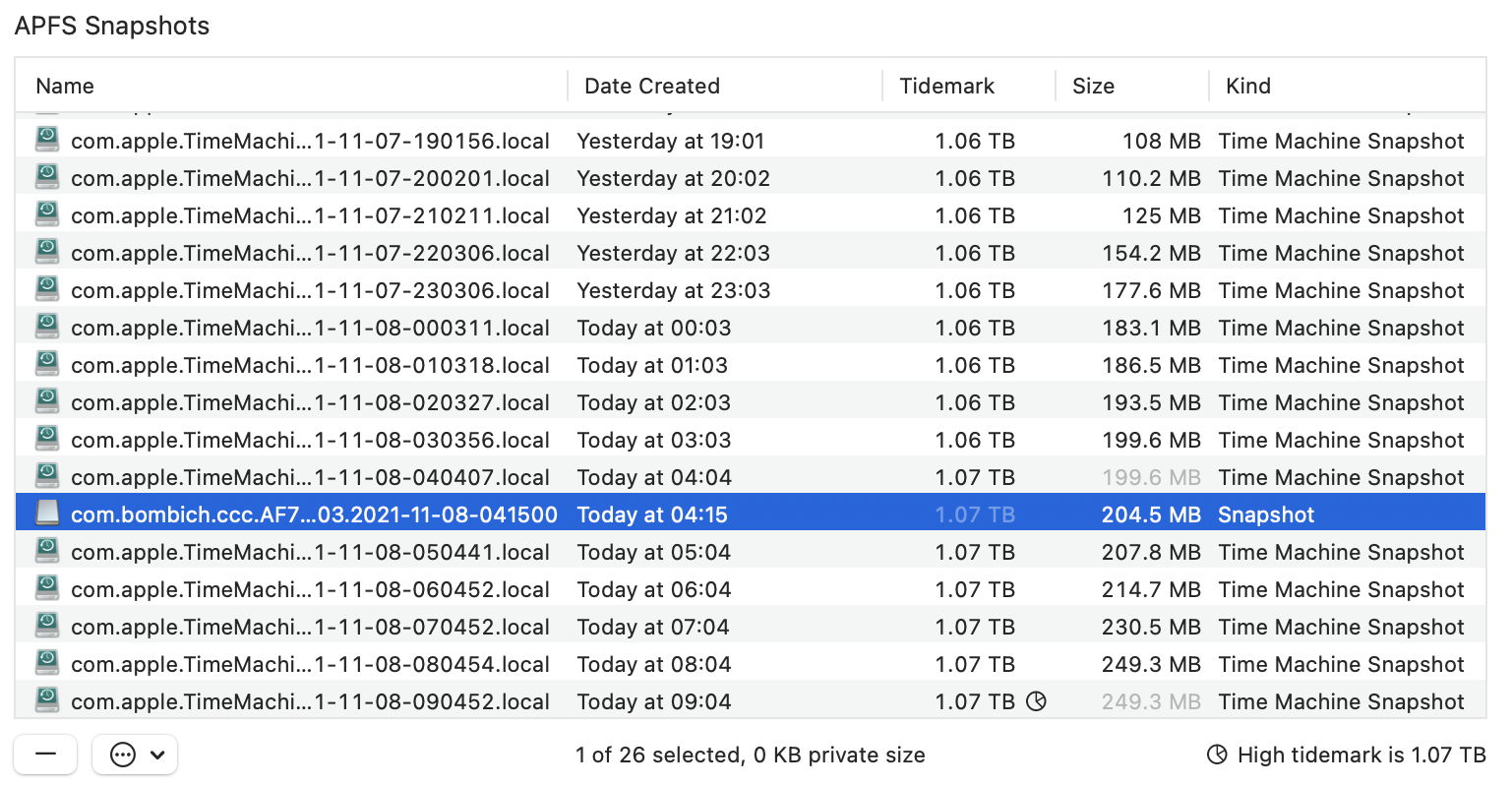
I do not use any Time Machine backups yet from Disk Utility something is making multiple 5.66GB snapshots on one of the segmented drive sections.
Restarting the computer does nothing to delete these snapshots or give me back my missing 15-20GB. The only solution I've found it booting in Safe Mode, which does fix the issue, however within a day my ~60GB drops back to ~45GB again.
I should not have to keep booting into safe mode every few hours to fix an issue that never used to exist, so any help or advice to fix this would be much appreciated.
Sorry for long post. Many thanks in advance.
13" Macbook Air M4 / 256gb SSD / 16gb RAM / Sequoia 15.7.7
The laptop is not not entirely my main use computer so I only really use it for a few movies/games and apps that wont run on my older day-to-day mac; and because not much ever changes on it, I know every time I switch it on I should always have ~60GB free SSD.
However, all of a sudden, at some random point, even if the laptop is totally idle, my SSD will instantly go from ~60GB free to ~45GB free. It does this every day at least once. No idea why, and I'm certain it never used to do it as I would have noticed.
Don't know if it's relevant but a short while back I upgraded to Tahoe, didn't like it, so did a full erase and Sequoia reinstall. Since then I've done several clean installs trying/failing to get fix the issue. Can't say for sure if its connected to downgrading as I don't recall it happening right away.
As you can see from the screenshots, from the General > Storage tab in Settings, my MacOS balloons from the normal ~25GB to ~40GB with System Data rocketing from ~2GB to ~7GB.
I do not use any Time Machine backups yet from Disk Utility something is making multiple 5.66GB snapshots on one of the segmented drive sections.
Restarting the computer does nothing to delete these snapshots or give me back my missing 15-20GB. The only solution I've found it booting in Safe Mode, which does fix the issue, however within a day my ~60GB drops back to ~45GB again.
I should not have to keep booting into safe mode every few hours to fix an issue that never used to exist, so any help or advice to fix this would be much appreciated.
Sorry for long post. Many thanks in advance.