
Okay so something really peculiar has happened to my laptop...

At first this looks normal but look a bit closer next to the apple there are the "Safari, File, Edit, View..." tabs but they are almost completely invisible. They are indeed there and if I change my colours to a more blue colour all seems well...

But the blue of that screen hurts my eyes... I guess I've grown too used to the current colours...
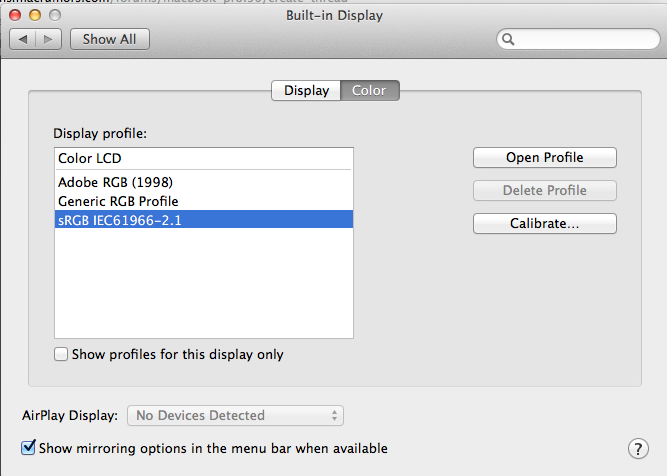
I personally have no idea what happened... That's how it looks with the sRGB setting. Normally I use Color LCD. I even tried Calibrating the ColorLCD and making a new profile but it didn't appear to help... Any suggestions would be very helpful! 🙂
~Sancarn
At first this looks normal but look a bit closer next to the apple there are the "Safari, File, Edit, View..." tabs but they are almost completely invisible. They are indeed there and if I change my colours to a more blue colour all seems well...
But the blue of that screen hurts my eyes... I guess I've grown too used to the current colours...
I personally have no idea what happened... That's how it looks with the sRGB setting. Normally I use Color LCD. I even tried Calibrating the ColorLCD and making a new profile but it didn't appear to help... Any suggestions would be very helpful! 🙂
~Sancarn
