

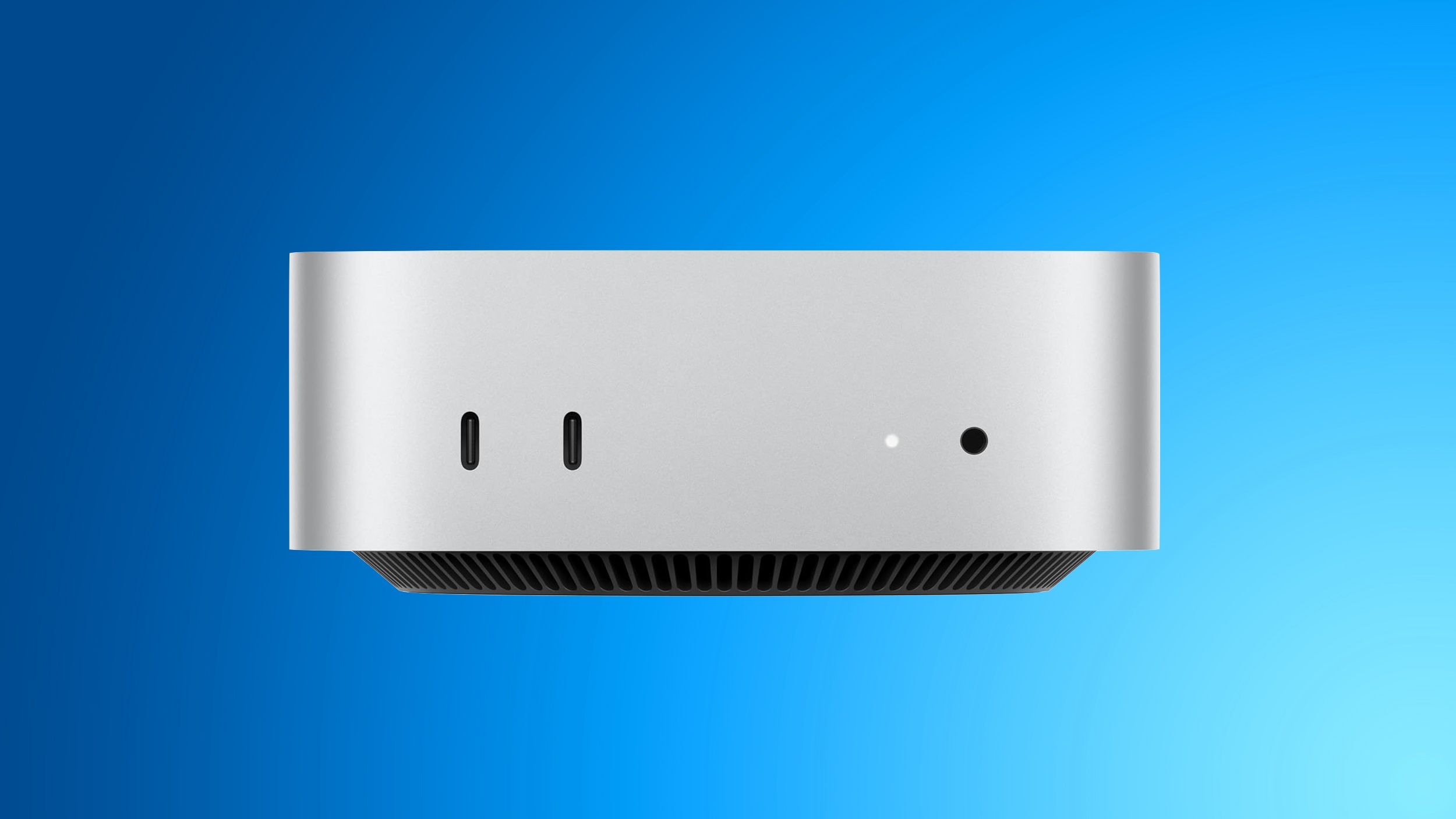
It keeps multiple cameras and displays locked to the same timing signal, stopping footage from drifting out of sync during a multi-camera shoot.
Article Link: New Mac Mini and Mac Studio Add Genlock Support for Camera Syncing



Can someone elaborate what this means? I’m not exactly following.


Can someone elaborate what this means? I’m not exactly following.
Same here, and I work in video. I think it has to do with live video streaming and seamlessly switching in between multiple cameras.
Let’s say you have two cameras both recording at 30 frames per second. Without genlock synchronizing the timing of those 30 frames per second, each camera’s 30 frames would be recording at different intervals of time as measured in milliseconds.
So if you’re trying to switch camera angles in a live feed, there could be a 1-frame hiccup caused by the difference in the two cameras’ clocks that might be perceptible as a slight visual glitch.
Genlock is meant to synchronize the 2 cameras’ clocks so each of their 30 frames per second are both being captured at the same millisecond.
I think that’s how it works, it’s a pretty niche thing, but maybe if you’re a high end live streamer or TV studio this matters you?
Jam sync term is usually used regarding (SMPTE) timecode. Higher refresh rate of monitors helps with scanning anomalies in picture capture. Genlock is helpful when switching between input signals in a live situation so that vertical sync lines up.Used to be a much larger issue in the days of CRT only displays, especially when productions were shooting 24p film around them. There were some ways to mitigate it with camera settings if the scene allowed, but even for things like local newscasts you'd have to have any monitors visible on set all synced with the 'house' sync generator to keep them from having tears in the image or other issues. Nowadays with many displays having higher refresh rates (not to mention displaying the full image at once vs scanning the way CRTs had to) you can get away with a lot more without needing any adjustments or accommodations... but I guess there's still some who need it.
If anything, this sounds more like 'jam sync' than a true genlock setup, but that's an explanation for another day and one that nobody who didn't work in the analog TV production days will care about. ha ha
Yeah me too. The name is extremely confusing and just makes me thing generational lock - nothing video related.Can someone elaborate what this means? I’m not exactly following.
yeah it is pretty niche, I think if it had been just another bullet point in a long list it probably wouldn't have started a comment thread. IMHOYeah me too. The name is extremely confusing and just makes me thing generational lock - nothing video related.
Can someone elaborate what this means? I’m not exactly following.
