
Hello. Yesterday, I decided to upgrade lion to Mavericks on my 2009 MacBook Pro. I downloaded it fine from the AppStore. After I clicked install, I received this.
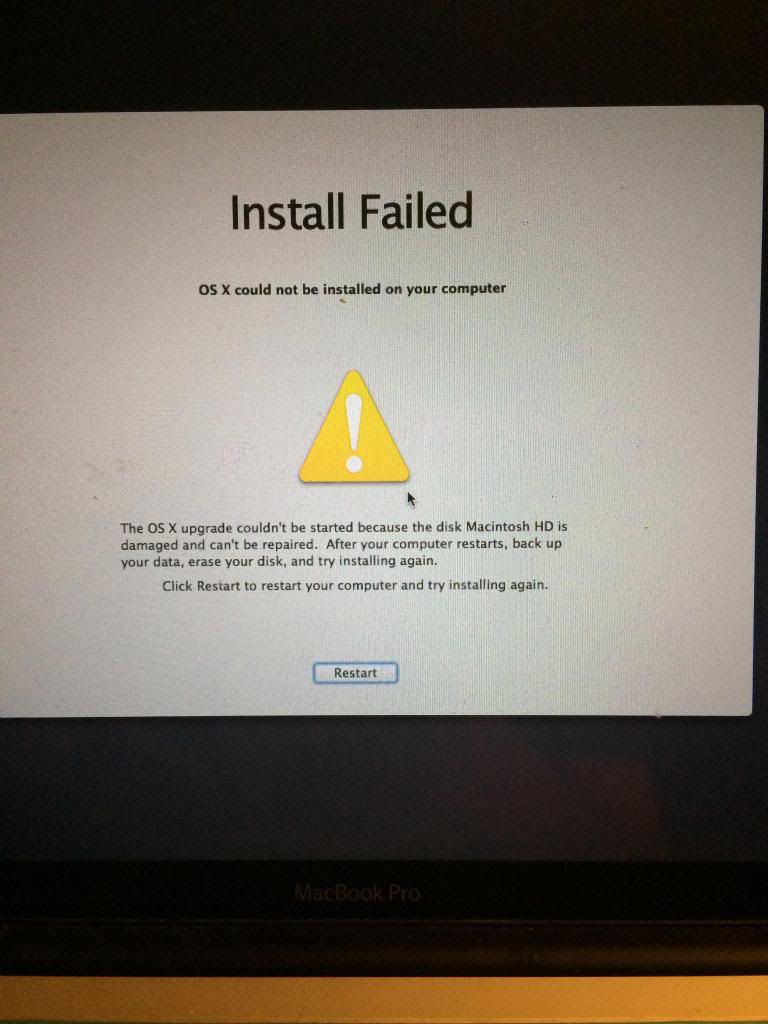
I tried restarting the install and the same message appeared. I Tried repairing "Mackintosh HD" in Disk Utility but it's not repairable without me wiping my HD. I didn't think of backing up my hard drive prior to downloading Mavericks. I rebooted my Mac while holding CMD R. I'm given these options.
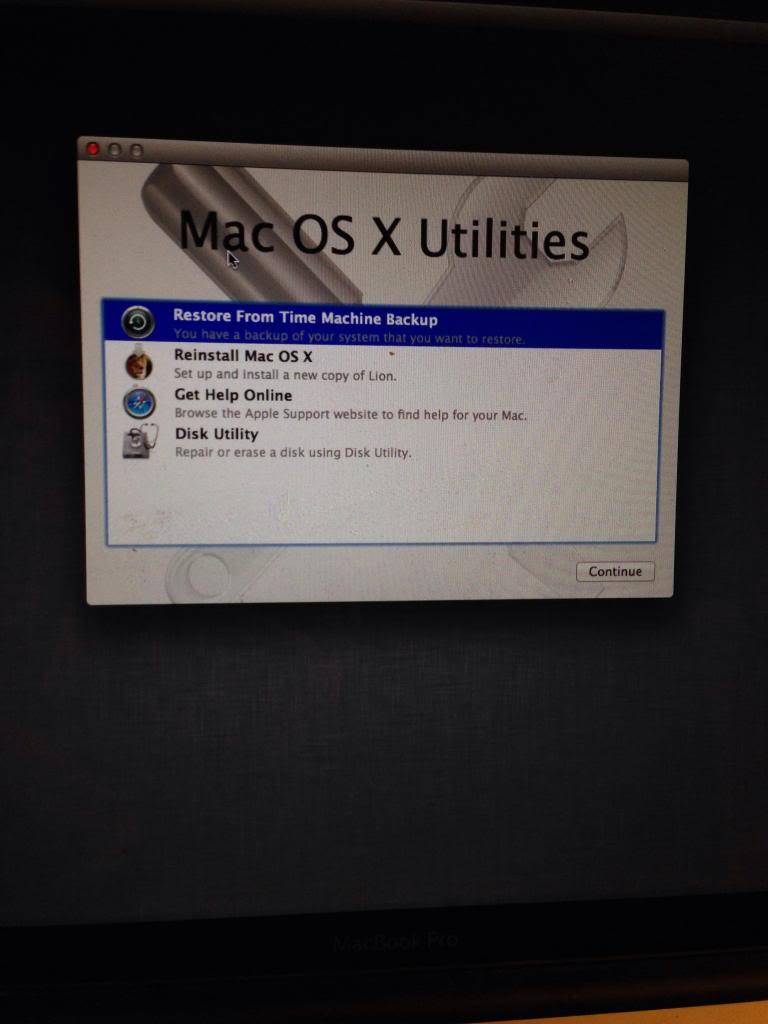
I attempted to reinstall OS X Lion but my recovery HD and Mackintosh HD are "locked."
How can I successfully install mavericks or lion and preserve my data ?

I tried restarting the install and the same message appeared. I Tried repairing "Mackintosh HD" in Disk Utility but it's not repairable without me wiping my HD. I didn't think of backing up my hard drive prior to downloading Mavericks. I rebooted my Mac while holding CMD R. I'm given these options.

I attempted to reinstall OS X Lion but my recovery HD and Mackintosh HD are "locked."
How can I successfully install mavericks or lion and preserve my data ?

