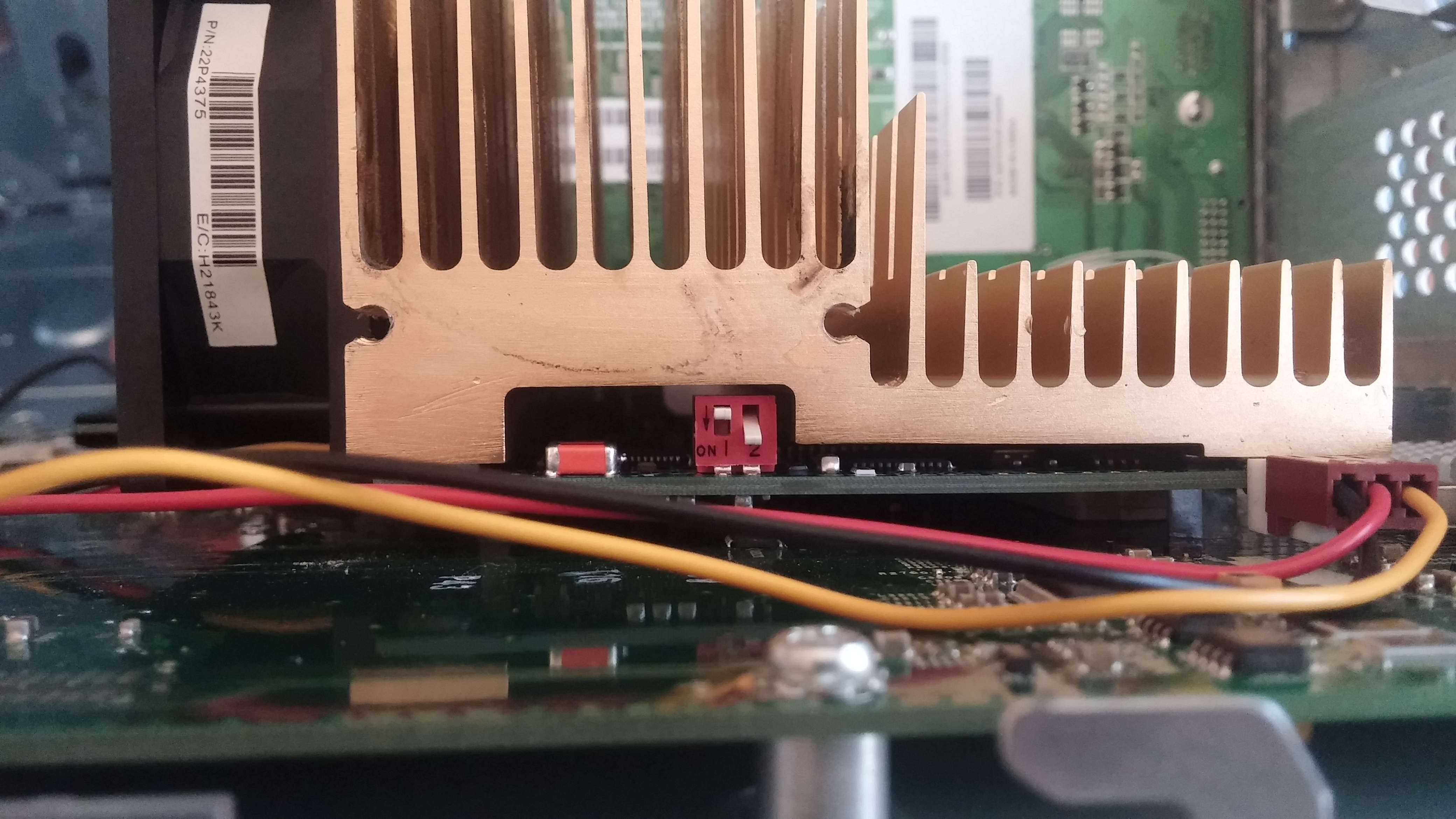
Nice macrumors regular Original poster Jun 8, 2014 #1 Hi guys, I recently bought a G4 Digital Audio with a custom OWC 1GHz processor. I noticed a little red switch on it. Does anyone know what does it do? Thanks. 🙂
Hi guys, I recently bought a G4 Digital Audio with a custom OWC 1GHz processor. I noticed a little red switch on it. Does anyone know what does it do? Thanks. 🙂
Intell macrumors P6 Jun 8, 2014 #2 I think that particular switch is for changing the fbus speed multiplier settings on the CPU. Don't flip it unless you know exactly what it does.
I think that particular switch is for changing the fbus speed multiplier settings on the CPU. Don't flip it unless you know exactly what it does.
Nice macrumors regular Original poster Jun 8, 2014 #3 I left it as it came. Does it over-clock the CPU or something like that?
Bug-Creator macrumors 68000 Jun 9, 2014 #4 Since your PMac allready has 133MHz FSB and the only other option would be 100, you could probraly get it to 1.33GHz. Doubtfull it'll work at that speed.
Since your PMac allready has 133MHz FSB and the only other option would be 100, you could probraly get it to 1.33GHz. Doubtfull it'll work at that speed.
catzilla macrumors 6502 Jun 9, 2014 #5 Team OWC are regulars at: http://forums.macresource.com/list.php?1