Become a MacRumors Supporter for $50/year with no ads, ability to filter front page stories, and private forums.

omeletpants

macrumors 6502
Original poster
All of the sudden Preview is not working. It opens but does not show the pdf. Running SL on an Intel Mac.

 
Repaired permissions via Disk Utility yet?

Do you by any chance use Spaces? Could it be in another Space?

Also does it only happen with .pdfs?

Btw, what Intel Mac and what SL version do you use?
 
In other words, more information
Anything you can tell us that may or may not seem relevant 🙂
 
Ok, now I must have screwed something up and can't get Preview to open.

I can open .pfds, but not JPEG

Repaired permissions---did nothing to help

10.6.2 on an Intel Duo 2

Should I re-instll the app? How would I do that?
 
Try copying the ~/Library/Preferences/com.apple.Preview.plist to the desktop and deleting the .plist from the Preferences directory. Then run Preview.
 
Ok, where do I find that?
Macintosh HD / Users / YOU / Library / Preferences / com.apple.Preview.plist

The ~ is a stand in for your home folder/directory (Macintosh HD / Users / YOU).

Also Macintosh HD is the name of the HDD when you buy your Mac, but you may have changed that name already.
 
What exactly happens?

First you said you couldn't open PDFs, then it was that you could open PDFs but not JPEGs, now it is just "Cannot open Preview."

Have you tried checking the logs with Console?
 
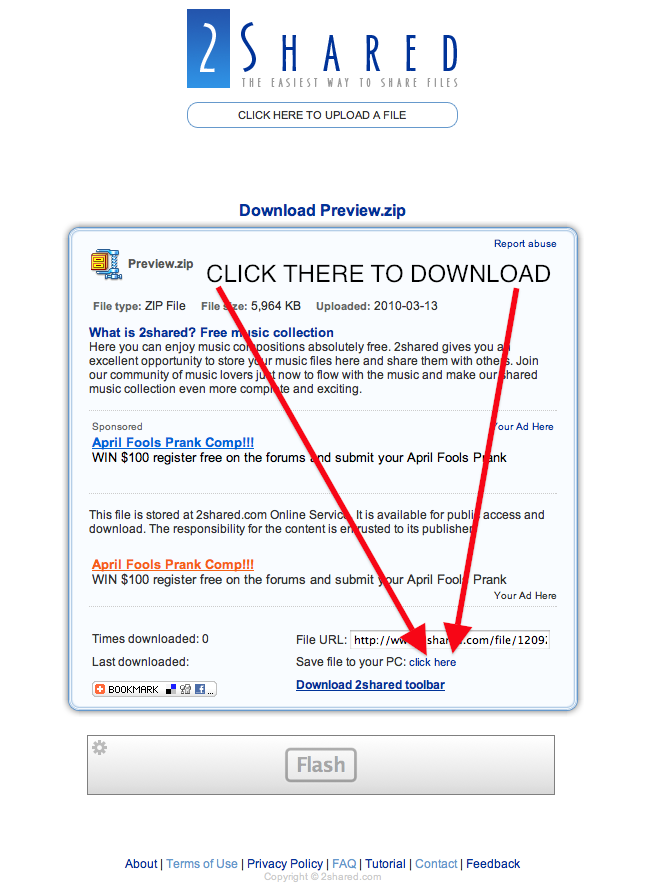
I uploaded my version here, it's from Mac OS X 10.6.2. Does that work?
I deleted the upload, so if anyone wants it again, just ask or use Pacifist as -aggie- suggested.

4431149946_7029877d81_o.png
 
Thanks, but is it legal?

That's the only, albeit small, concern I have right now.

We'll see. I can delete it if necessary (or the mod if s/he dares to). 😉

I've seen it done on here before and they didn't delete it. It's not like you're giving them OSX.

Hopefully the OP gets it fast and you can delete it.
 
Spinnerlys, when I click on your link all I get is advertisement. I have also been trying to change the default from Preview to Safari and open documents there. But it won't let me make it the default, it forces me to select "open with" each time
 
Spinnerlys, when I click on your link all I get is advertisement. I have also been trying to change the default from Preview to Safari and open documents there. But it won't let me make it the default, it forces me to select "open with" each time

He showed you what to do. Click on "click here." It still works, I just tried it.
 
Register on MacRumors! This sidebar will go away, and you'll see fewer ads.