Become a MacRumors Supporter for $50/year with no ads, ability to filter front page stories, and private forums.

Ed4132

macrumors regular
Original poster
Hi

I want to install Snow Leopard on my Note Book after inserting the DVD for about 10 second it eject it back, I try with another Mac Book and its appear on my screen, so the DVD is not damaged please any idea how to resolve that.

Thanks
 
Get a slightly damp microfibre cloth and clean the disk, then polish with a dry microfibre cloth.
Although my SL disk looked very clean my MBP wouldn't accept it until it was polished.. fussy? Yep🙂
S.
 
Hi

I want to install Snow Leopard on my Note Book after inserting the DVD for about 10 second it eject it back, I try with another Mac Book and its appear on my screen, so the DVD is not damaged please any idea how to resolve that.

Thanks

What kind of notebook rejects the Snow Leopard DVD, and what kind of Snow Leopard DVD do you have?

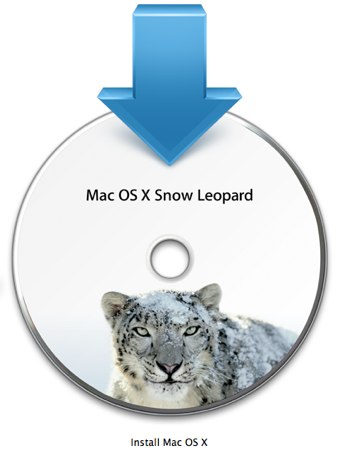
1. The SL Upgrade DVD, usable for any Intel Mac.
mac-os-x-snow-leopard-icon1.jpg


2. The gray restore DVDs that are machine specific.
Macbook-Restore-Disk.jpg
 
I have two Mac one MacBook and I upgrade to Snow Leopard without any problem, but I can't with the Intel MacBook Pro it eject the DVD after few seconds.

I try the DVD in another Mac and works fine, I thought that maybe the DVD drive is damaged I insert another DVD and it play it without any problem

I appreciate any help on this matter

Thanks again
 
Register on MacRumors! This sidebar will go away, and you'll see fewer ads.