What is the quickest way to decrease the size of a photo from say 2mb to less than 600 kb. I have been using graphic converter, but there has to be a better and faster way. Can it be done with preview or something?
Preview can do it by selecting Save As from the File menu. Some of the file formats that you can save it as, have sliders for the quality of the output and therefore the size of the image. Similarly, iPhoto can do this through the Export function. 🙂
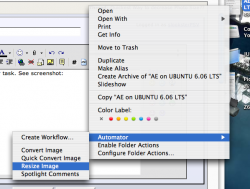
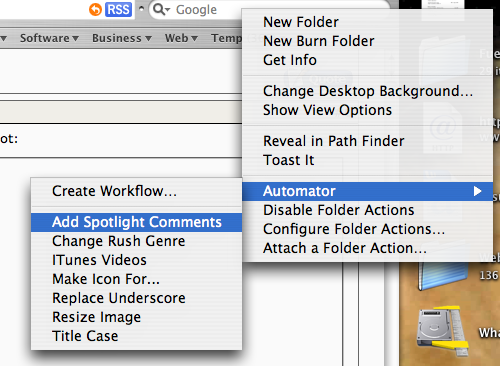
The power Automator is unlimited because you can link it up with AppleScripts I think, which AppleScripts you can link up with programs. I have 4 Finder Plug-ins (remember you can save them as Plug-ins). And I use them relatively a lot.
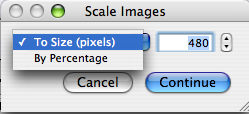
I've found Automator's image resizing ability to be rather poor. It produces files far larger than Photoshop Elements "save for web" function. I think Automator must default to maximum jpeg quality or something. I've been using an app called SmallImage and it does a pretty nice job.
I've found Automator's image resizing ability to be rather poor. It produces files far larger than Photoshop Elements "save for web" function. I think Automator must default to maximum jpeg quality or something.