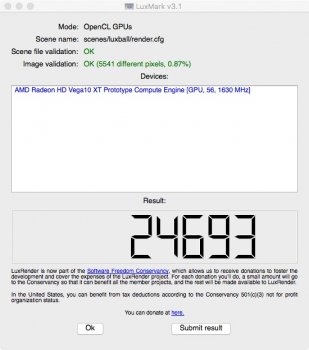
Oooooook. Just spent some time with Vega 56 on the internal connectors. Took some measurements. All measurements are from BIOS B, not A.
I ran Furmark for 10 mins. I know some people might want a longer test but I have to eat so I might run more later. Machine never shut down.
Max power draws according to iStat (approx):
PCI Booster A - 96w
PCI Booster B - 84w
PCI Slot - 25w
Never really moved.
I'm a Furmark newbie so I ran it at the default of 1280x720 because it's not frame capped. If there are better settings let me know.
Both those readings are higher than the 75w of a minimum spec 6 pin, but within known spec for Apple's cables/supply with the extra lead supplied.
So you mind provide more info about how you power the card?
My thought as follow
1) 96+84+25 = 205. A bit too low for Furmark
2) No need to worry about FPS, run it at full screen, native resolution, AA OFF is the best way to stress the GPU
3) 96 is the maximum display limit of iStat. Base on point 1, I suspect it draw at least another 20W from Booster A
4) Base on point 3, I suspect you didn't use anything to share the loading, but just use two independent mini 6pin -> 8 pin cable.
5) 10min is good enough, if shutdown occur, it usually happen in seconds. Of course, once the card warm up, it will draw a bit more, but 10min is good enough to let it stabilise. In the end, it's Furmark, not any normal daily loading.
My own suggestion
A)get a bridge between the mini 6pins and the 8pins. You can use something like the EVGA PowerLink. Or as simple as dual mini 6pin -> single 8pin -> dual 6+2. No need to worry about overload the single 8pin. There are 3x 12V wires inside, and each of them usually able to handle up to 10A. Which means up to 360W in total. You are far far away from that.
B) Run Furmark again at native resolution full screen. Try Benchmark first, then observe the reading in iStat (history) or Hardware monitor. If you are happy with the number, then further try stress mode (10-15 min is enough).
In any case, do NOT go BIOS A, stay at BIOS B.