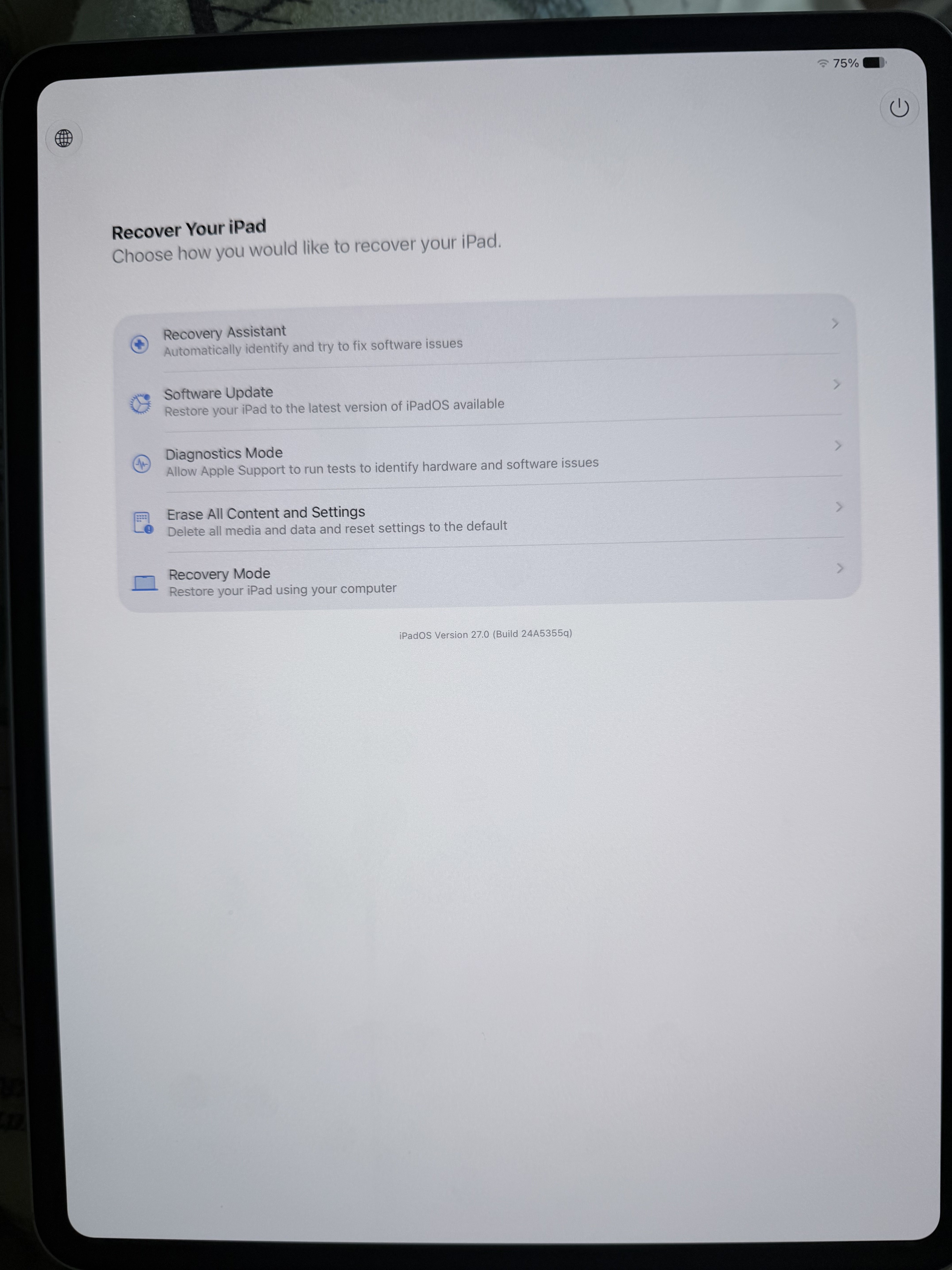
meDANOcine macrumors regular Original poster Jun 9, 2026 #1 Is this new? I don’t remember seeing this recovery screen before. I held the power button too long and saw this screen.
Is this new? I don’t remember seeing this recovery screen before. I held the power button too long and saw this screen.
M Mike Boreham macrumors 601 Jun 9, 2026 #2 Never seen (or heard about) that before, and I can’t reproduce it on my 12.9” M1 IPP on ipadOS27. I shut down the iPad, and then pressed and held the power button, and eventually it started up normally. Is that what you did?
Never seen (or heard about) that before, and I can’t reproduce it on my 12.9” M1 IPP on ipadOS27. I shut down the iPad, and then pressed and held the power button, and eventually it started up normally. Is that what you did?
M Mike Boreham macrumors 601 Jun 10, 2026 #3 Update, I just rebooted iPad for a different reason and saw the continue holding for Recovery options and sure enough it went to your screenshot. Dont know why it didnt happen this morning when I was trying! This is new and has received no publicity.
Update, I just rebooted iPad for a different reason and saw the continue holding for Recovery options and sure enough it went to your screenshot. Dont know why it didnt happen this morning when I was trying! This is new and has received no publicity.
M Mike Boreham macrumors 601 Friday at 10:58 PM #5 Works in iOS as well. https://9to5mac.com/2026/06/11/iphone-ipad-ios-27-recovery-boot-mode/