Become a MacRumors Supporter for $50/year with no ads, ability to filter front page stories, and private forums.

biga935

macrumors newbie
Original poster
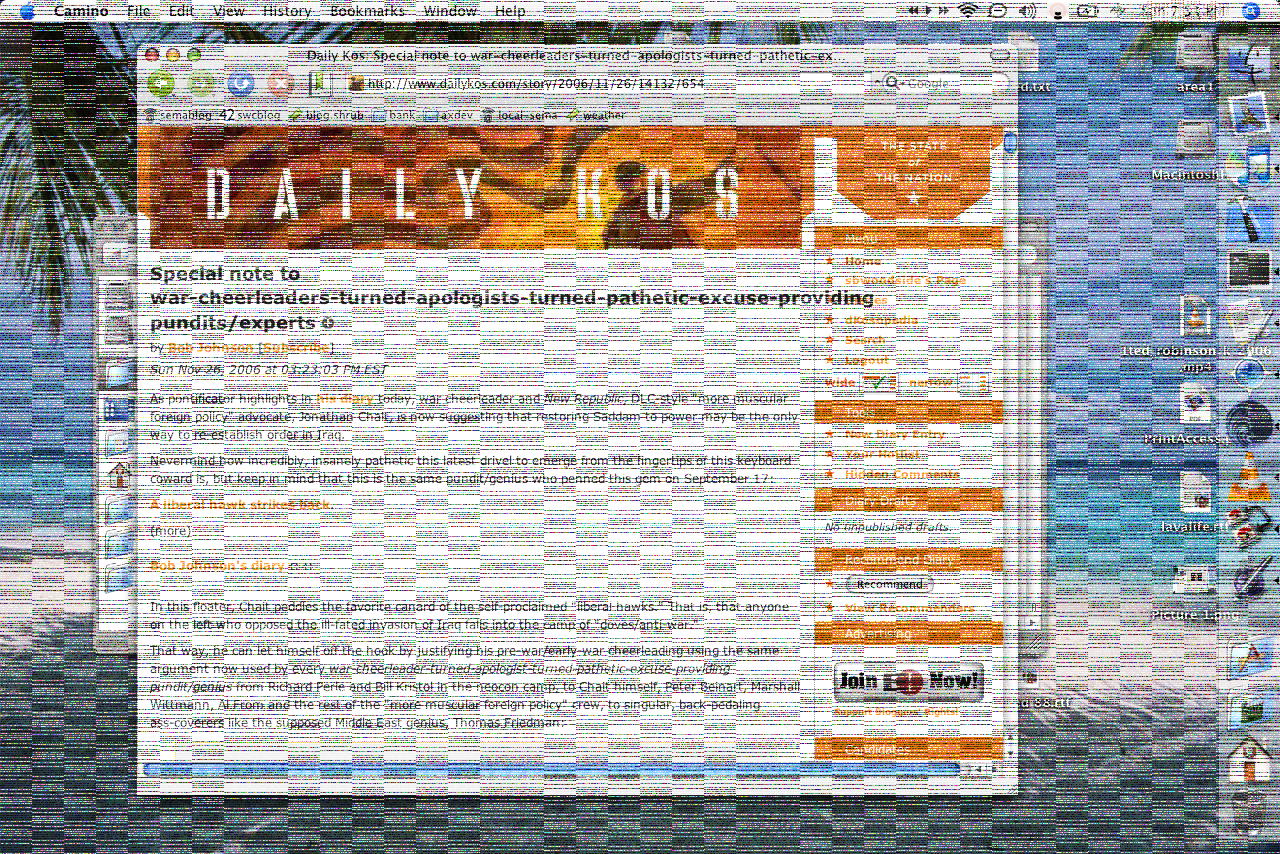
2 years ago I had bought this iMac 2GHz Intel Core 2 Duo and its on version 10.5.3. It came with tiger and when I installed leopard I started getting all these red pixels. I have no idea if its a software problem or hardware problem. Someone please help!!!!!!!!

:apple:
 
Not a command-shift-3 photo

get a camera and take as good of a shot that you can of your computer
 
Heres a couple of pictures

2 years ago I had bought this iMac 2GHz Intel Core 2 Duo and its on version 10.5.3. It came with tiger and when I installed leopard I started getting all these red pixels. I have no idea if its a software problem or hardware problem. Someone please help!!!!!!!!

:apple:
I hope their clear enough
 

Attachments

  • DSC00467.JPG
    DSC00467.JPG
    966.1 KB · Views: 366
  • DSC00466.JPG
    DSC00466.JPG
    903 KB · Views: 349
Gotta be a screen issue. If it were graphic-card based then it would look a LOT worse.

more like this:

graphics_bug.png


Very odd, though.

Either way, I would contact Apple and ask them if they could look over it (whether you ring AppleCare or take it to a store). Hopefully it won't be too expensive! What size screen is it?

Honestly, it looks like someone's taken something to it and pressed on it REALLY hard. (looks like a thumb mark in the midst of the bottom red bit, and the top bit looks like someone got a retractable-nib pen and scribbled on your screen)
 
Its Fixed!!!!!!!

Alright when I took it into the apple store the most bizarre thing happened. All the red pixels went away.😕I guess while I was driving there something moved in the computer which fixed it I guess. Thanks for all the help though.
 
Register on MacRumors! This sidebar will go away, and you'll see fewer ads.