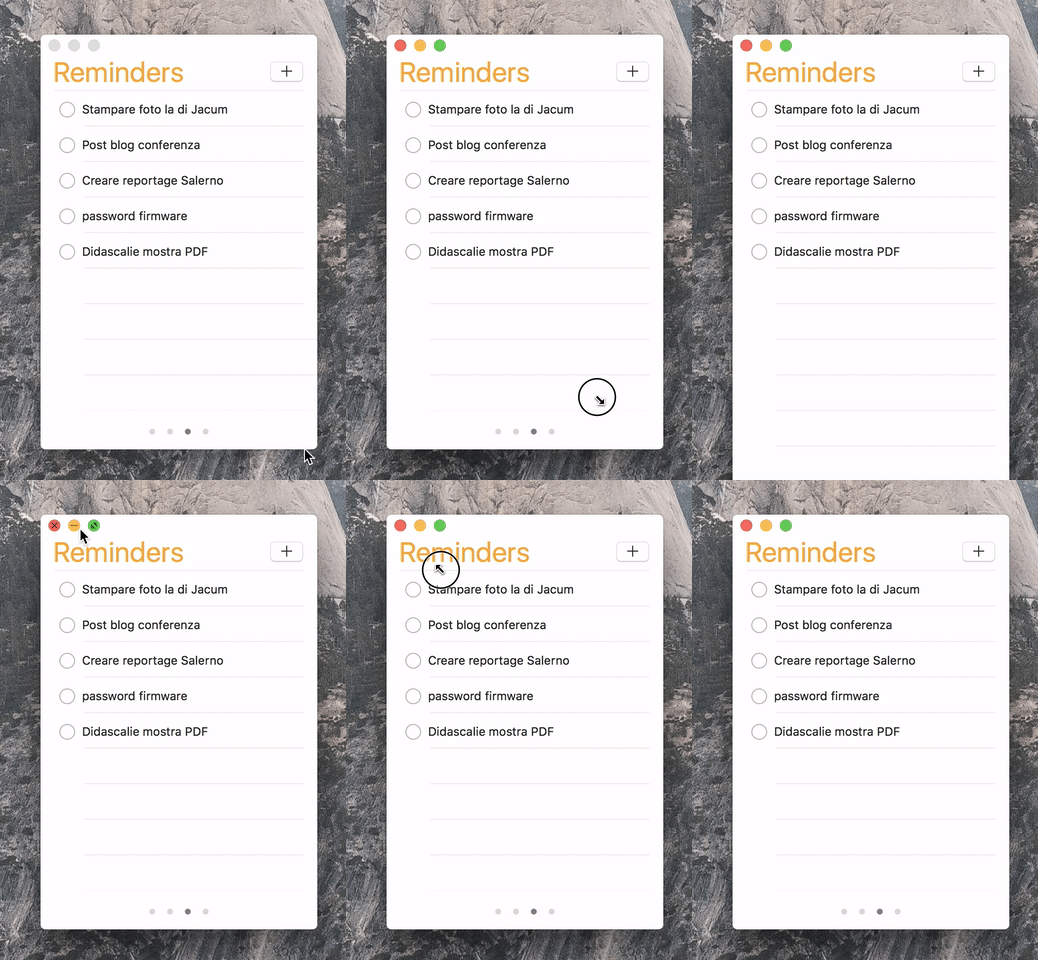
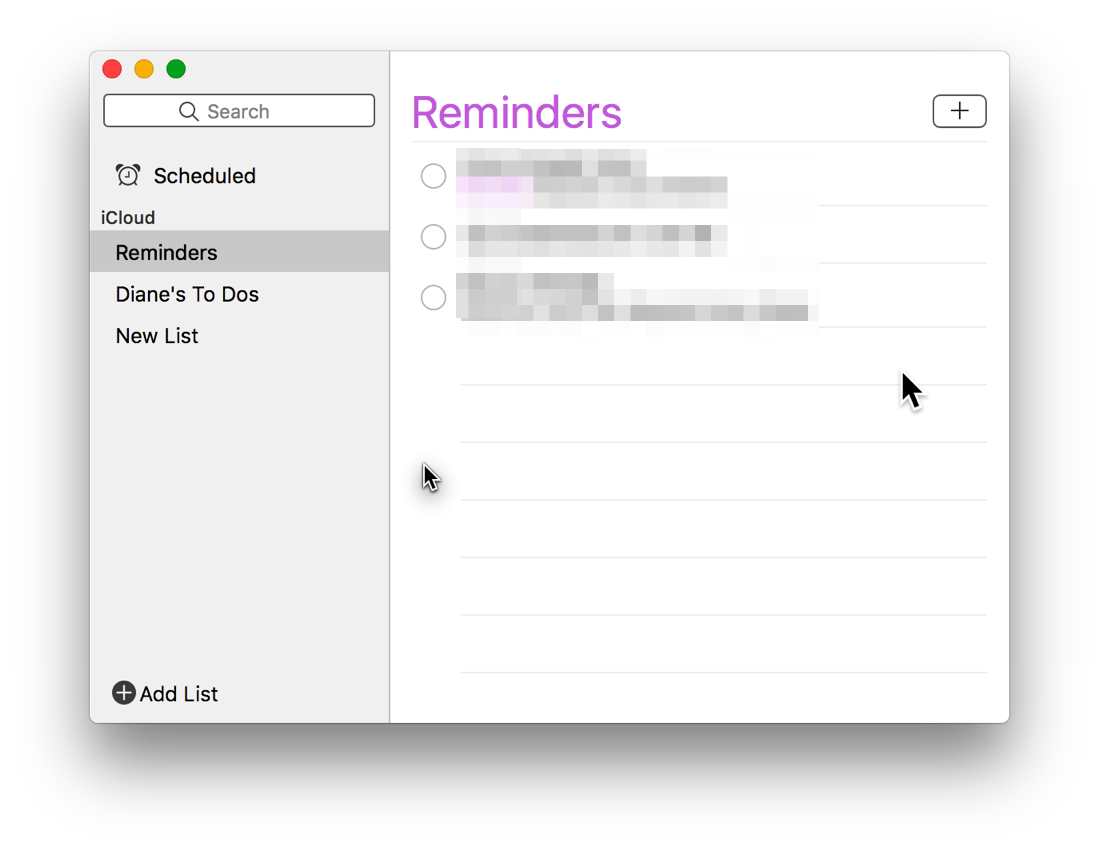
Hi, on Sierra the Reminders windows is bigger than El Capitan, I don't know why...I usually keep it always on the screen and I hate to see it in this size... maybe via Terminal there's a way to resize it? Thanks!
Ehm if was this easy I wouldn't asked 😀 The problem in Sierra is that I can't make smaller than this size...I really can't understand why! The resize cursor is blocked at this size, I can only make it bigger but not smaller. This seems to be the smallest size on Sierra... (and it's bigger than El Capitan).
What happens if you try clicking on green button with option key down to go full screen. Then option click on green button and try resizing window.
I believe the preference file that saves this info is the com.apple.finder.plist. If you delete this would require you to reset a lot of Finder preferences. I would test in Guest user to see if you can resize.
No way... doesn't change. I think this is the minium window size (for Reminders app) in Sierra, I think delete the finder.plist will not change it.... infact it was smaller in El Capitan. It's really hurting 😡 for that I asked, maybe via terminal? a "default write ......." ?