Become a MacRumors Supporter for $50/year with no ads, ability to filter front page stories, and private forums.

aleni

macrumors 68030
Original poster
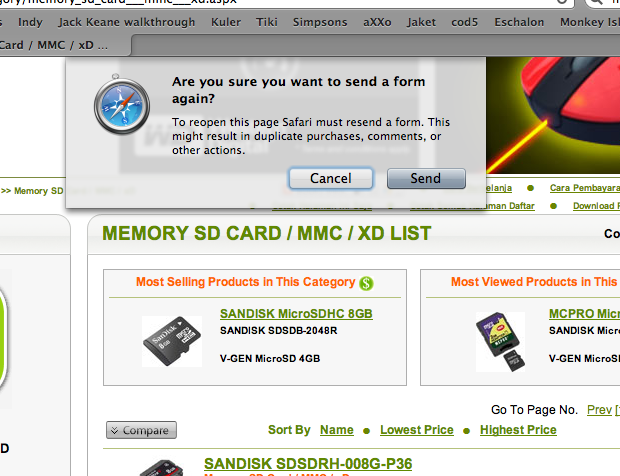
every time i searched in safari, and then i pressed the back button, safari always asking me about the form thing.

safari-form.png


how do i disable this? couldn't find it in the preferences..
 
In short, I don't think this can be disabled in Safari. It's a precautionary warning to those who forget that you shouldn't click "Back" after you submit some sort of data (i.e., a shopping order) as it could potentially send the data (or shopping order) again.

I remember a while back being able to disable this warning in Firefox using some config haxies or an extension, but it wasn't easy. Having this warning is standard practice in most, if not all, modern browsers.

In case you need some more info, check this Apple Discussions thread.

http://discussions.apple.com/thread.jspa?threadID=1934998&tstart=75


P.S.

What theme is that? I really like the rectangular buttons, instead of the pill-like buttons in OS X.
 
using magnifique theme called "mobile me" or "kissME" or something like that, i couldn't remember well. try checking on macthemes.net for more info about magnifique.

anyway thanks for replying...
 
Register on MacRumors! This sidebar will go away, and you'll see fewer ads.