
Become a MacRumors Supporter for $50/year with no ads, ability to filter front page stories, and private forums.

ProTruckDriver

Contributor
Original poster
I'm using the Safari Browser 26.6 on macOS Sequoia 15.7.9. On emails in my Google account and also on some websites, Safari fails to show the picture that is posted. This isn't the case with Firefox and Chrome where I can see the picture. Why is this happening on the Safari Browser and is there a fix for it?

This is what I see sometimes using Safari:
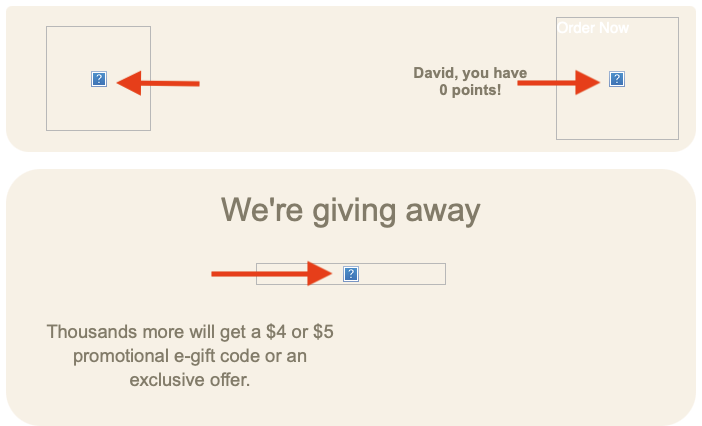
Safari Browser.png
 
VPN issue: remove any VPN
Browser cache issue: Safari menu > Clear History > All History
Network issue: Test on a different wifi not on the same campus (e.g. iPhone hotspot)

Right-click it, Open Image in New Window/Tab, and then see whether you get an actual error message.
This is weird. Just before I was to do the above instructions I took the email that failed to show the pics out of the Trash and put it in my in box. Clicked the email and now it shows the pics using Safari. I'm wondering if putting it in the trash and taking it out did something? I'll find out when the next email comes in from this company in a few days. If it fails to show the pic I'll do the right click for error message. I'm not using a VPN. Hopefully this is fixed.
 
Re reply 7 above.

I went to that post.
The "image" displayed for me, but
It's not a standard image, it's a "webp".

I opened it in Preview and used export to convert it to a jpg image.
Here it is:
steam.jpeg
 
Re reply 7 above.

I went to that post.
The "image" displayed for me, but
It's not a standard image, it's a "webp".

I opened it in Preview and used export to convert it to a jpg image.
Here it is:
View attachment 2651923
Yes the image displays for me on the forum but not in the Google Email notification. I mostly get this "?" in emails, very few on websites.
One email I always get the "?" is on Domino's Pizza emails I receive. I go to their website and I see all the pics.
 
Register on MacRumors! This sidebar will go away, and you'll see fewer ads.