

Hello,
I've been meaning to ask this for a number of years and just never did. Today is the day.
I would like to understand why MacOS Safari doesn't display the correct Favicon for Favorites? Some are more preferable in one view while others are preferable in the other view. There's no consistency. Also, some sites just show up with the first letter.
I've searched this issue before and tried to understand the complexities of the coding within MacOS and why all of this happens, but I'm hoping someone can maybe explain it to me like I'm a toddler.
Is there some easy Terminal Command to fix this?
Thanks.
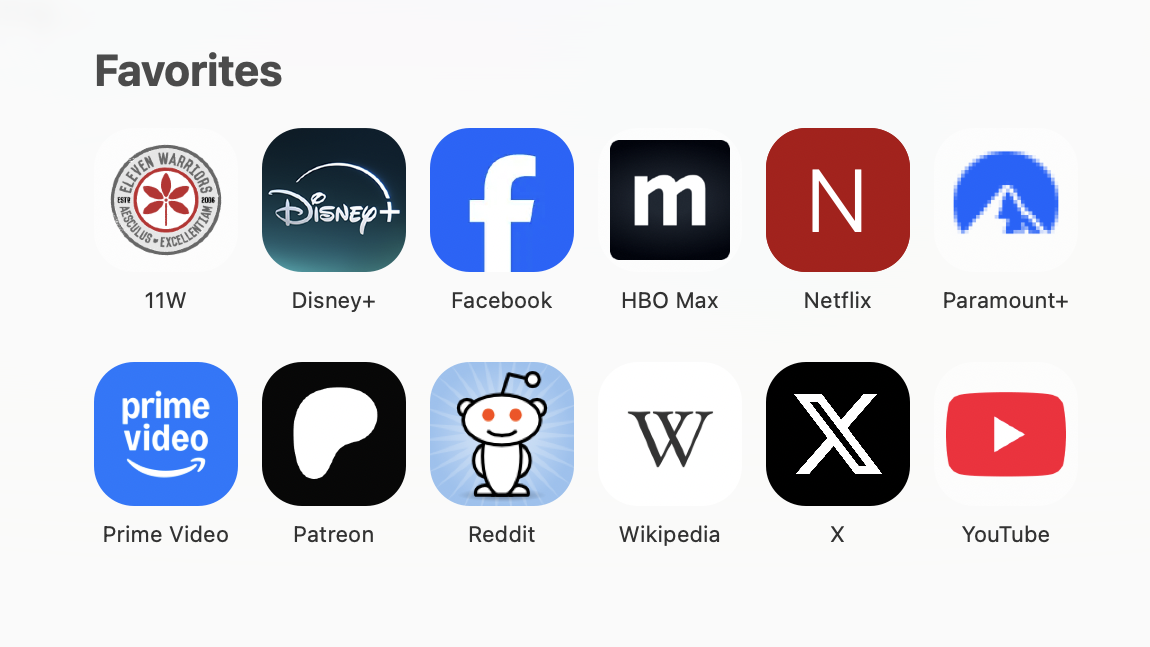
For example, here are my 'Search Bar Dropdown' Favorites:
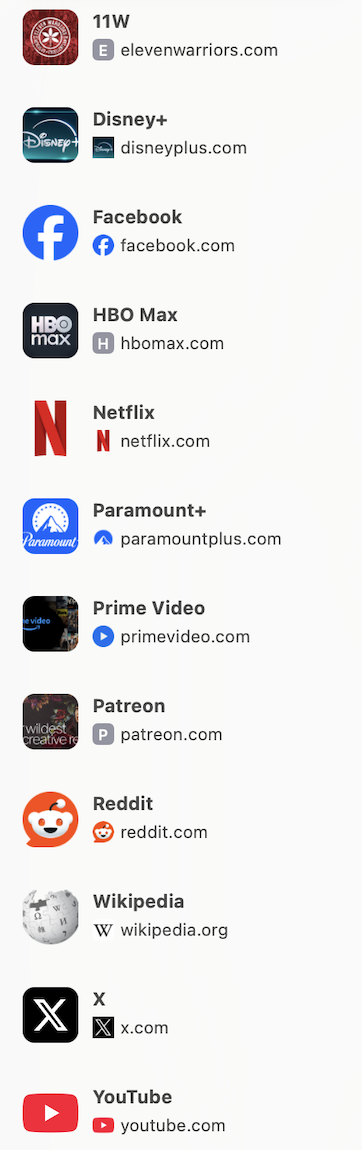
Here is are my 'Sidebar' Favorites:
I've been meaning to ask this for a number of years and just never did. Today is the day.
I would like to understand why MacOS Safari doesn't display the correct Favicon for Favorites? Some are more preferable in one view while others are preferable in the other view. There's no consistency. Also, some sites just show up with the first letter.
I've searched this issue before and tried to understand the complexities of the coding within MacOS and why all of this happens, but I'm hoping someone can maybe explain it to me like I'm a toddler.
Is there some easy Terminal Command to fix this?
Thanks.
For example, here are my 'Search Bar Dropdown' Favorites:
Here is are my 'Sidebar' Favorites:
