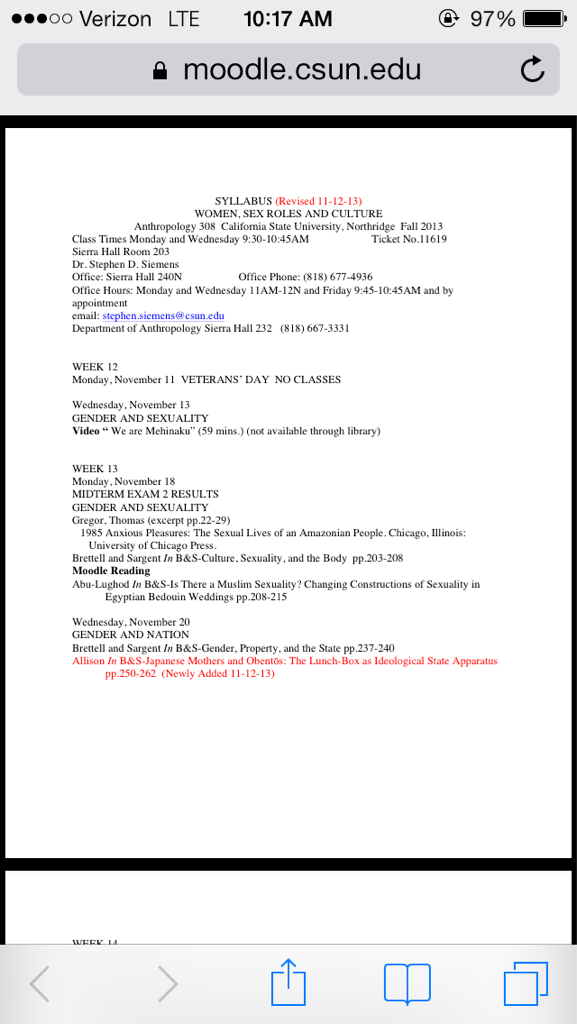
After updating to iOS7, Safari asks which app I want to use to read linked PDF's. I need to view PDF files and no longer being able to do so without using iBooks or another app is a major pain. Anybody have ideas?
While i don't know OP's original problem with it, but it can be cumbersome to have to download ANOTHER app to do something safari did in io6 .. ..
also at my work we have these mobile ios devices that we use throughout the store, and we use PDF's frequently on the devices through the safari browser, wonder what will happen when they switch // upgrade to ios7 lol
After updating to iOS7, Safari asks which app I want to use to read linked PDF's. I need to view PDF files and no longer being able to do so without using iBooks or another app is a major pain. Anybody have ideas?
Safari opens up PDF for me with option to save it in iBooks. I use that option to save bus schedules. But didn't need to open in iBooks to initially view a PDF.
I'm having the same problem but it only occurs when opening PDF's that are set by the host to "force download" rather than open in window or tab... any ideas around this?
So the issue of some PDF files no longer opening in Safari seems to be related the .htaccess settings of the Wordpress website. Requiring force download of PDF's seems to be a solution. It is a specific problem on specie sites.