

If you've been using Safari's new Notify Me website monitoring feature, you may have been underwhelmed by the range of polling options available. The shortest waiting period between checks is 1 hour. Luckily, you can enable a hidden debug option that allows you to enable 10-minute polling.
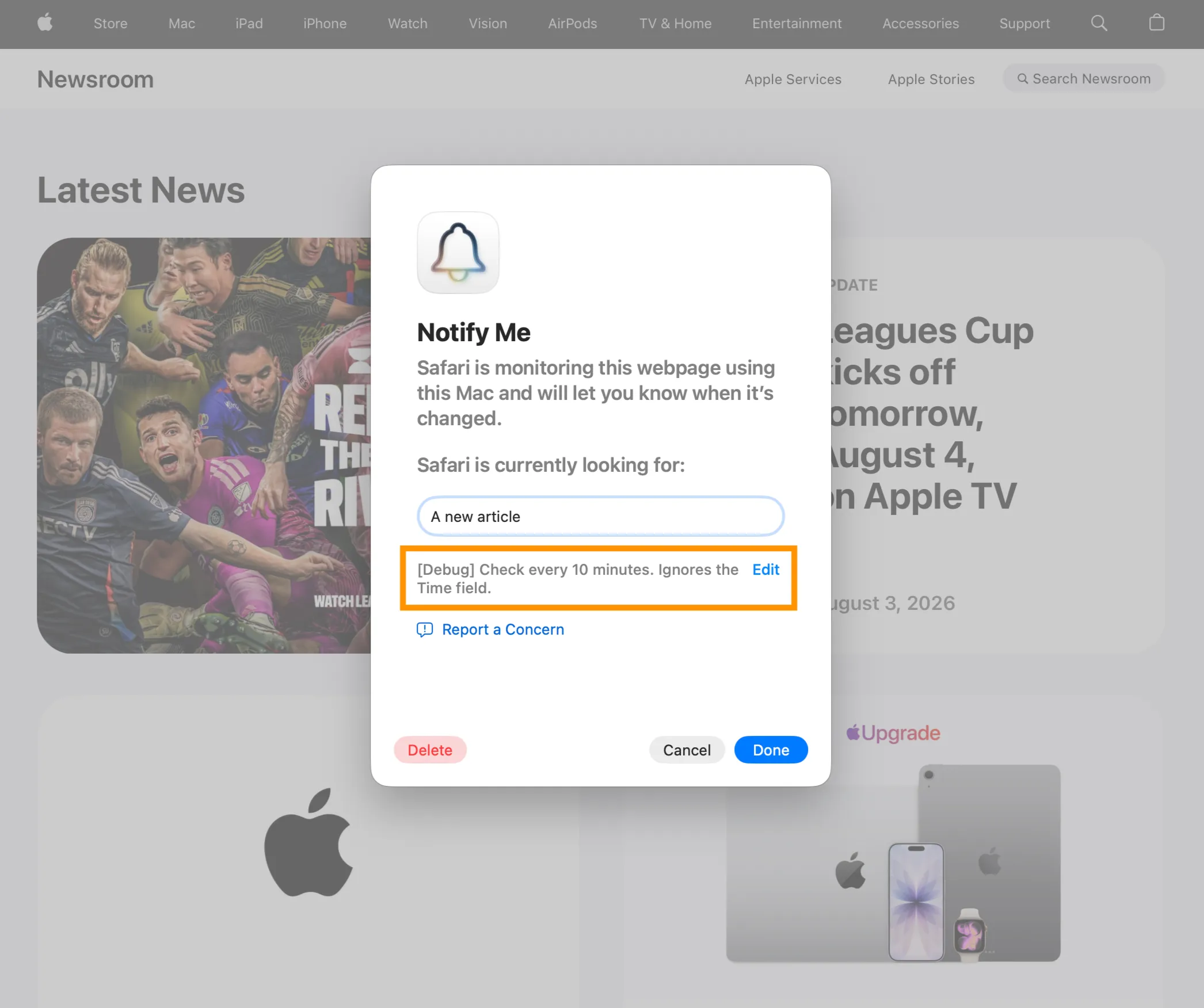
You can enable a debug flag and edit the Notify Me automation database to switch to 10-minute polling. Here's a detailed guide for the steps you need to follow.
Another related tidbit is that macOS 27 introduces a new
For example, when
This probably lets internal test webpages return different content for each version query and speed up development of Notify Me.
You can enable a debug flag and edit the Notify Me automation database to switch to 10-minute polling. Here's a detailed guide for the steps you need to follow.
Another related tidbit is that macOS 27 introduces a new
WBSDebugNotifyMeWhenUpdateVersion numeric variable. Safari uses it when putting together the website link it should check for changes. For example, when
WebPageVersion=3, Safari's background extractor will load:
Code:
https://www.apple.com/newsroom/?version=3This probably lets internal test webpages return different content for each version query and speed up development of Notify Me.
