When I (successfully) do a video screen record, with audio, There's NO onscreen indication that it's actually recording. No blinking red light, no numbers counting. Is it supposed to be that way? I'm using QuickTime - Cmd-Shift-5 (Catalina)
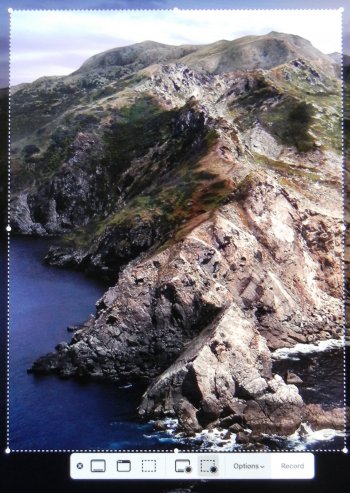
When I Cmd-Shft-5, this shows up, but as soon as I hit the record button, that lower bar disappears. I know how to start and stop, I just wish there were some 'verification' WHILE it is recording.
Is your menu bar not visible? There is a recording indicator that shows up there. In fact I’m not sure how you’re stopping the recording without it… what am I missing?
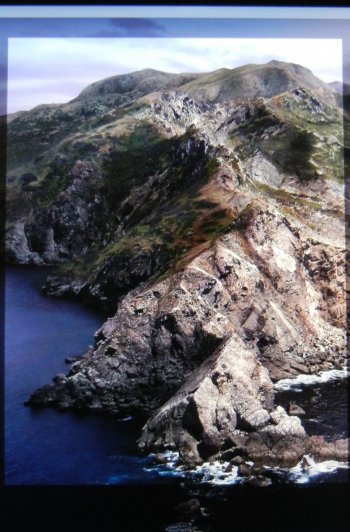
to Stop recording, I have to use Cmd-Cntr-Esq. There is no 'stop' button visible. That menu bar disappears as soon as i Start the recording. see pics above. While recording, the only thing I see is the 'area' that is being recorded, no other indication of recording. I have to take it on 'faith' that it's working, no way to be sure until I stop and check the recorded file.
The menu bar is at the top of your screen. It should be visible during your screen recording (unless you’ve set yours to hide). The menu bar items are near the clock. Please check there for the icon I am talking about.
I definitely have a stop button on my menu bar - it's very small and discreet. I assume you don't any software like BarTender to manipulate the items on the menu bar?
What irritates me, though, is that there's no way to pause the recording.