Got a tip for us?
Let us know
Become a MacRumors Supporter for $50/year with no ads, ability to filter front page stories, and private forums.
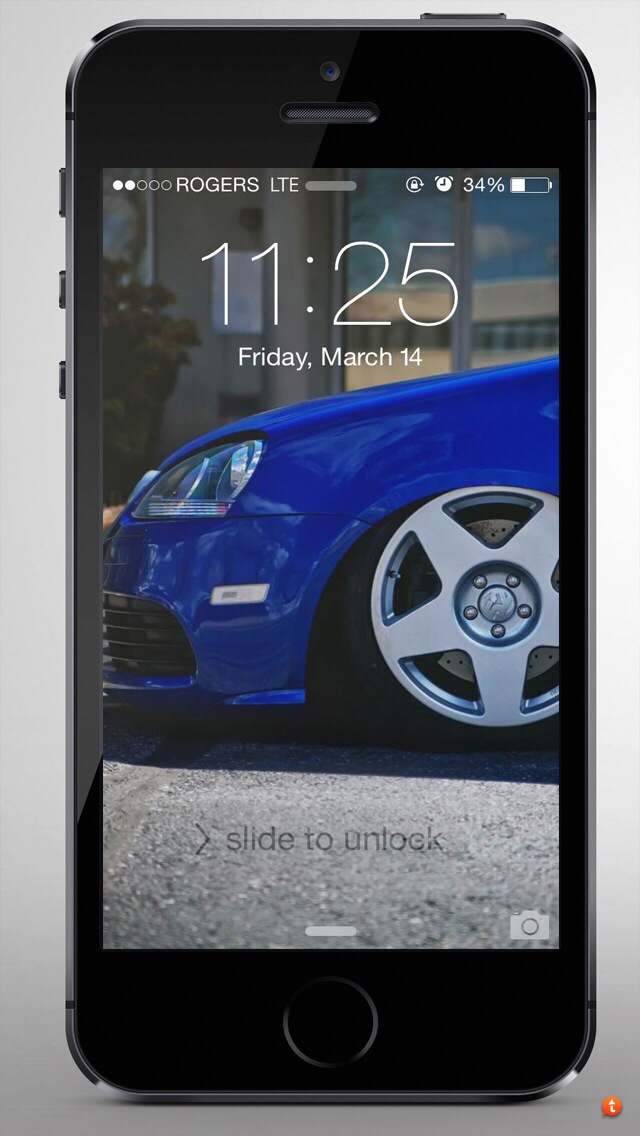
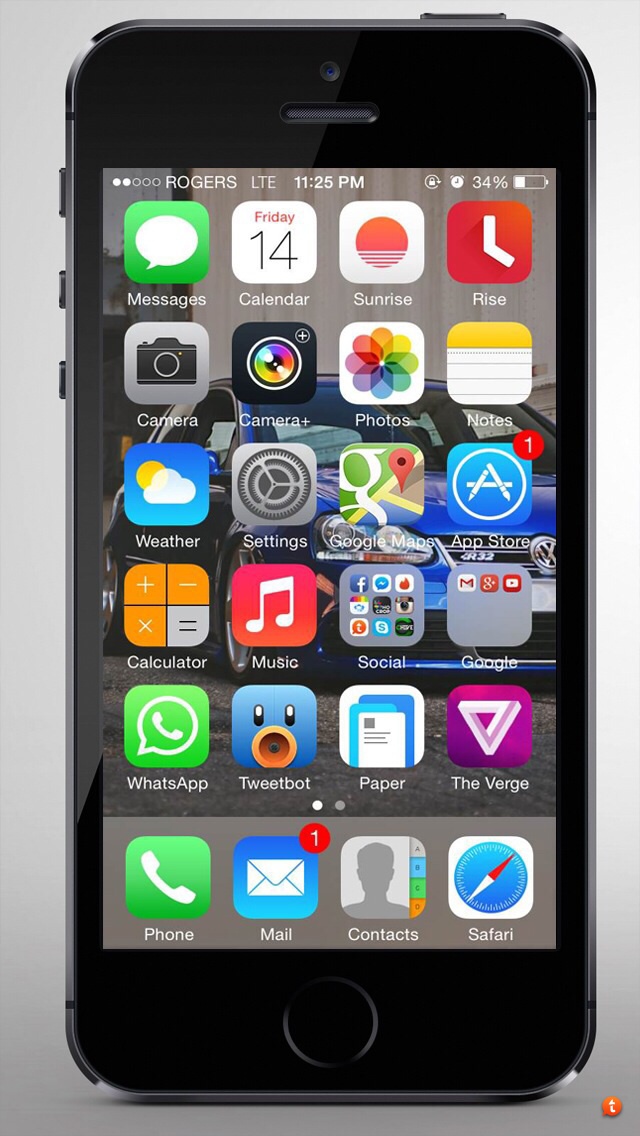
Screen-shot your home and lock screen!
- Thread starter BlackBook88
- Start date
- Sort by reaction score
You are using an out of date browser. It may not display this or other websites correctly.
You should upgrade or use an alternative browser.
You should upgrade or use an alternative browser.








J.Appleseed
macrumors 6502



Dehmirra
macrumors newbie
Screen-shot your home and lock screen!
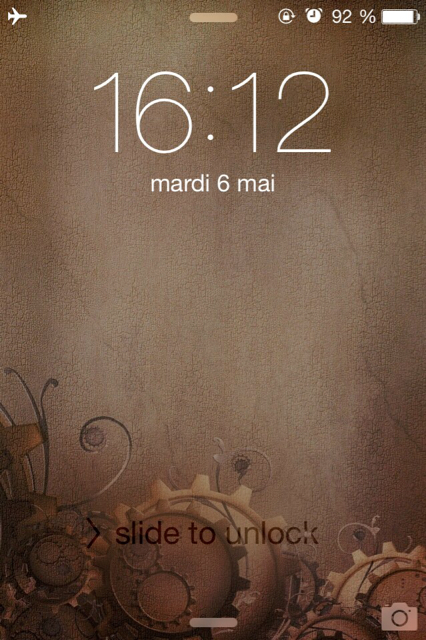
Hello.
I think the lock screen is from Machinarium.
http://img.tapatalk.com/d/14/05/06/qe8yqe7y.jpg
Hello.
I think the lock screen is from Machinarium.
http://img.tapatalk.com/d/14/05/06/qe8yqe7y.jpg
Last edited:



ForceGhost
macrumors regular
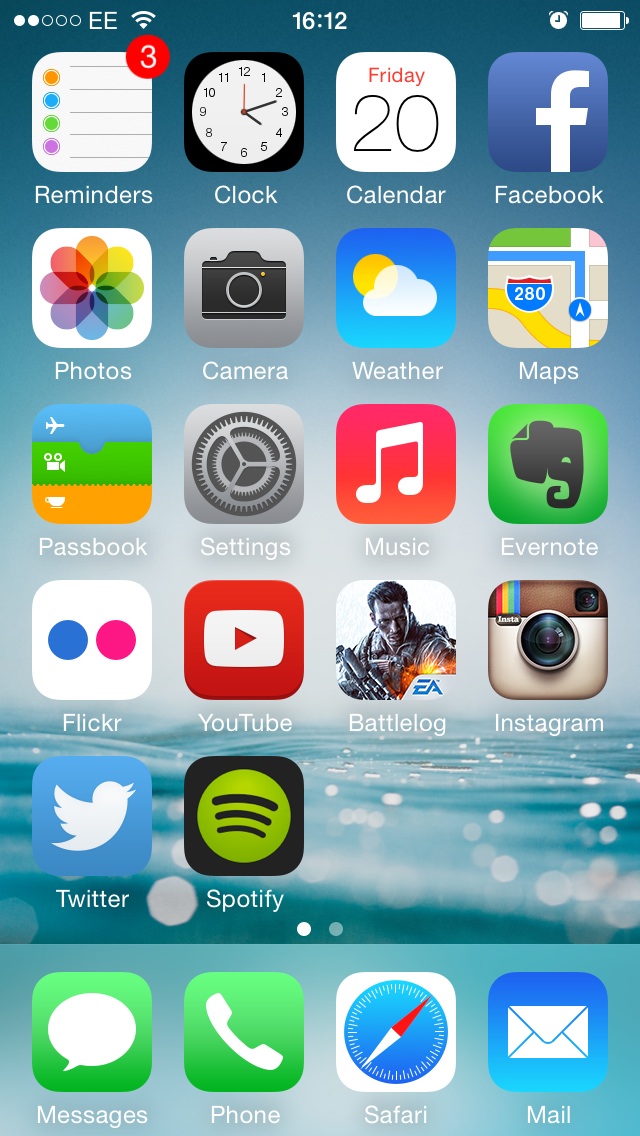
MattMJB0188
macrumors 68020
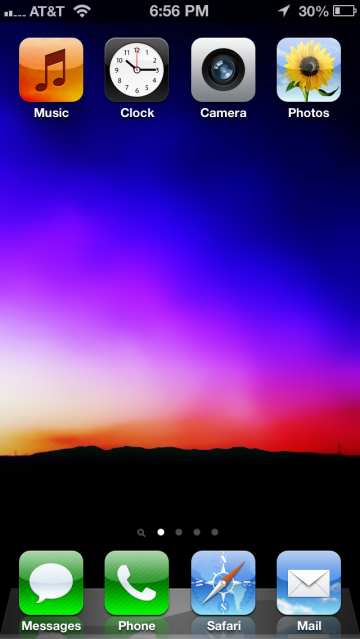
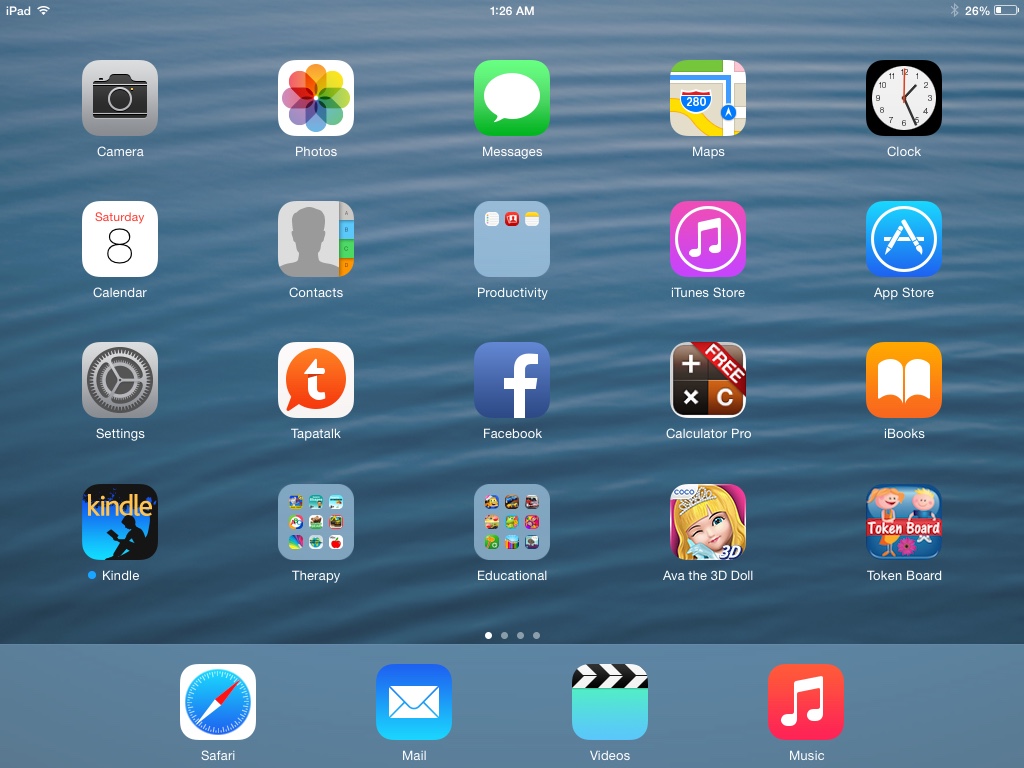
how can i capture my screen ? Im using HTC one X
Hold down power and press the home button.

webslinger85
macrumors 6502a
Hold down power and press the home button.
Read again, they aren't using an iPhone
Anyway, Android standard is to Press the power and volume down keys simultaneously. But with that being said, there's a separate thread for Android screens
Screen-shot your home and lock screen!
Thanks Sherlock, I read his post just fine. Had an Htc One and home/power button was how I screen captured. Two ways to do it.
Read again, they aren't using an iPhone
Anyway, Android standard is to Press the power and volume down keys simultaneously. But with that being said, there's a separate thread for Android screens
Thanks Sherlock, I read his post just fine. Had an Htc One and home/power button was how I screen captured. Two ways to do it.

kazmac
macrumors G4
same for both
Same photo for both screens.
Awesome shot of Martin Van Drunen at 2007 Asphyx show found on flickr.
Makes me think of their song, The Herald.
Same photo for both screens.
Awesome shot of Martin Van Drunen at 2007 Asphyx show found on flickr.
Makes me think of their song, The Herald.
Attachments

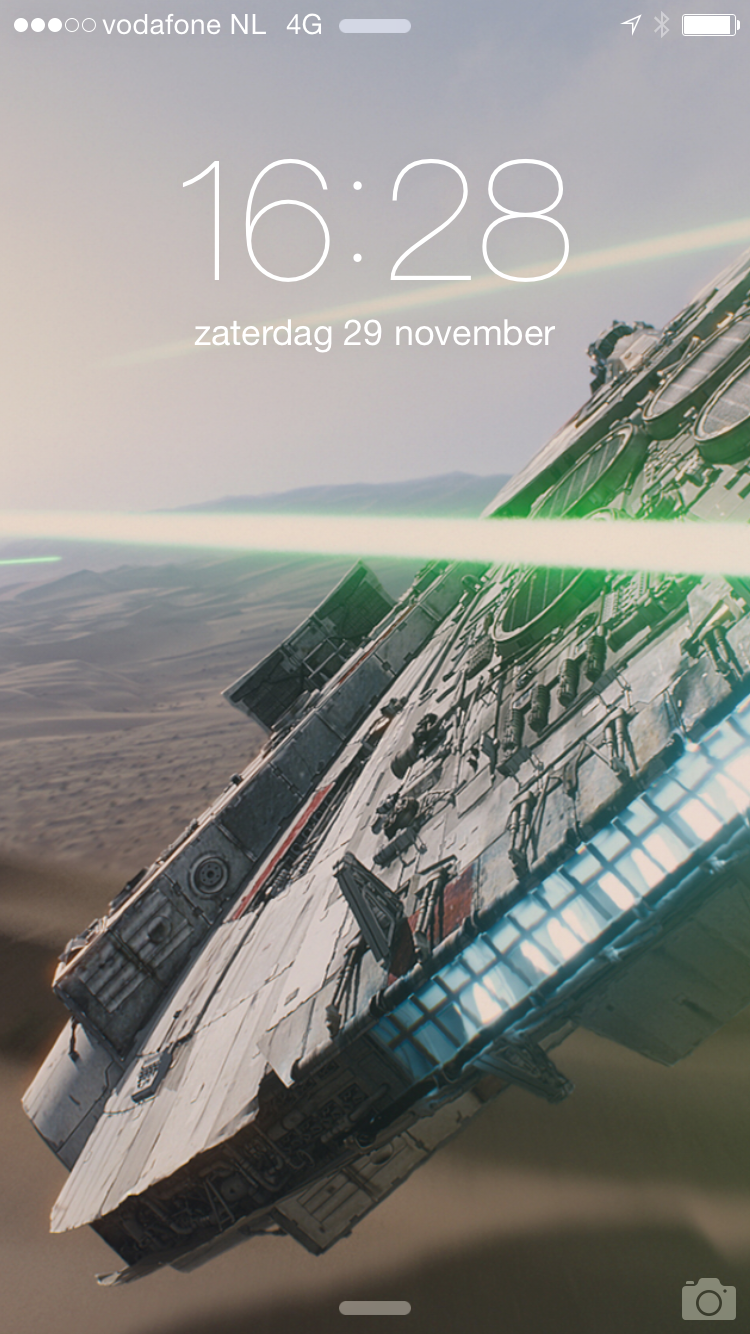

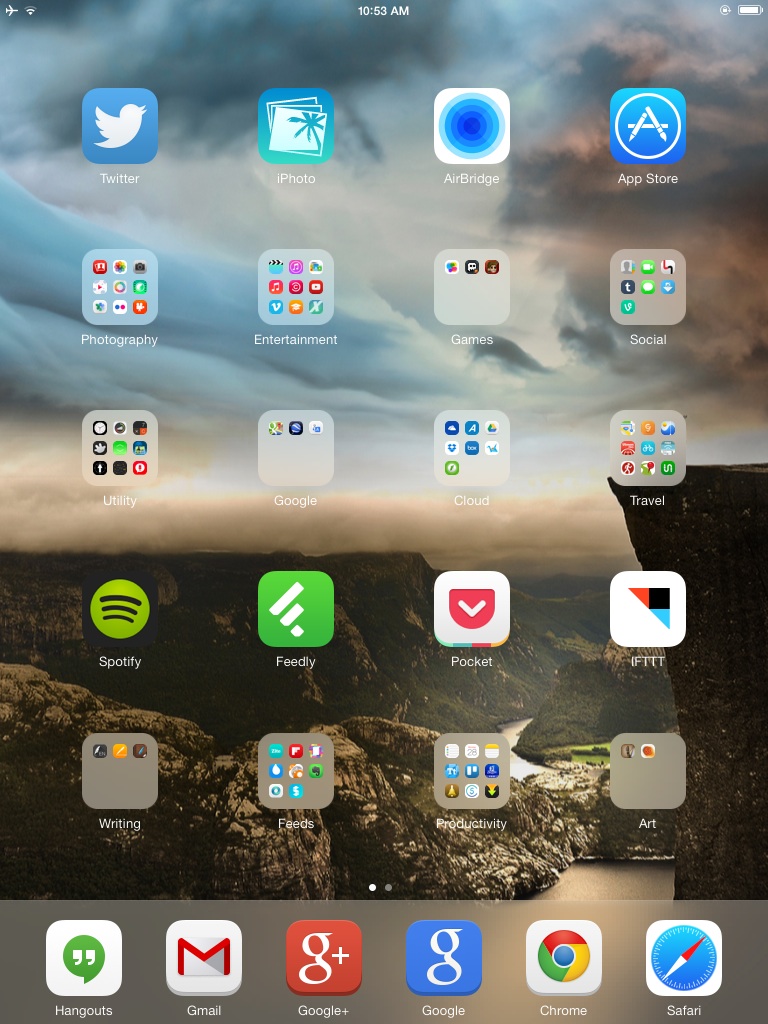
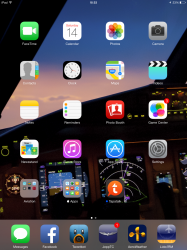
I've slowly worked my way up to one single screen of apps.
My iPhone is my communication device, my iPad is my allround notebook.
This now allows me to use my Dock a little differently. Still a WIP, but I've stored apps that I only use occasionally and apps that I can't delete.
So far, it works rather well for me.
My iPhone is my communication device, my iPad is my allround notebook.
This now allows me to use my Dock a little differently. Still a WIP, but I've stored apps that I only use occasionally and apps that I can't delete.
So far, it works rather well for me.