Become a MacRumors Supporter for $50/year with no ads, ability to filter front page stories, and private forums.

venomgt95

macrumors 6502
Original poster
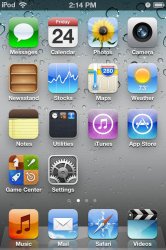
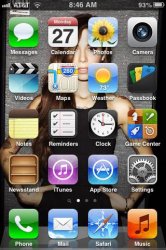
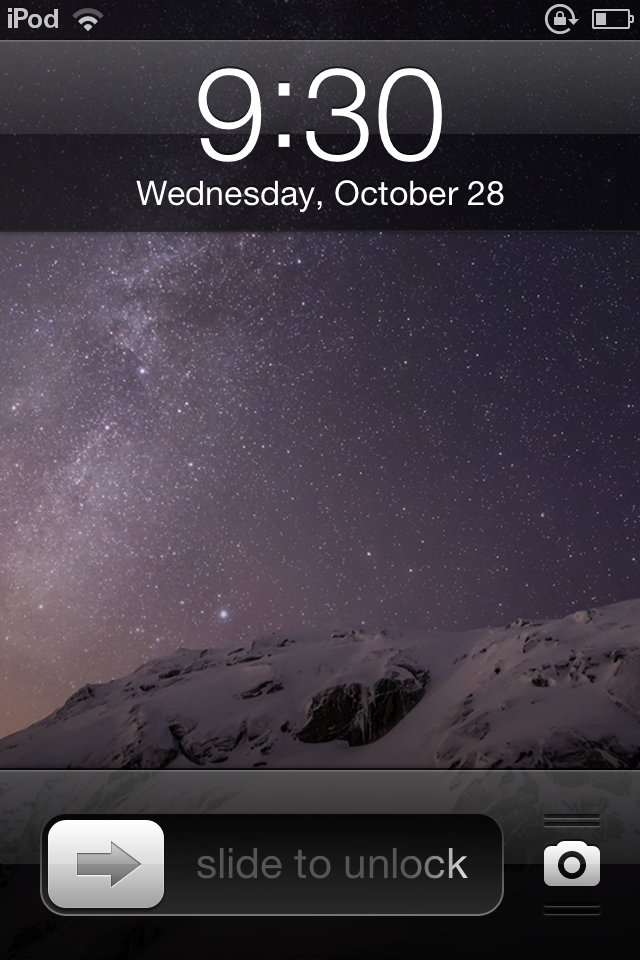
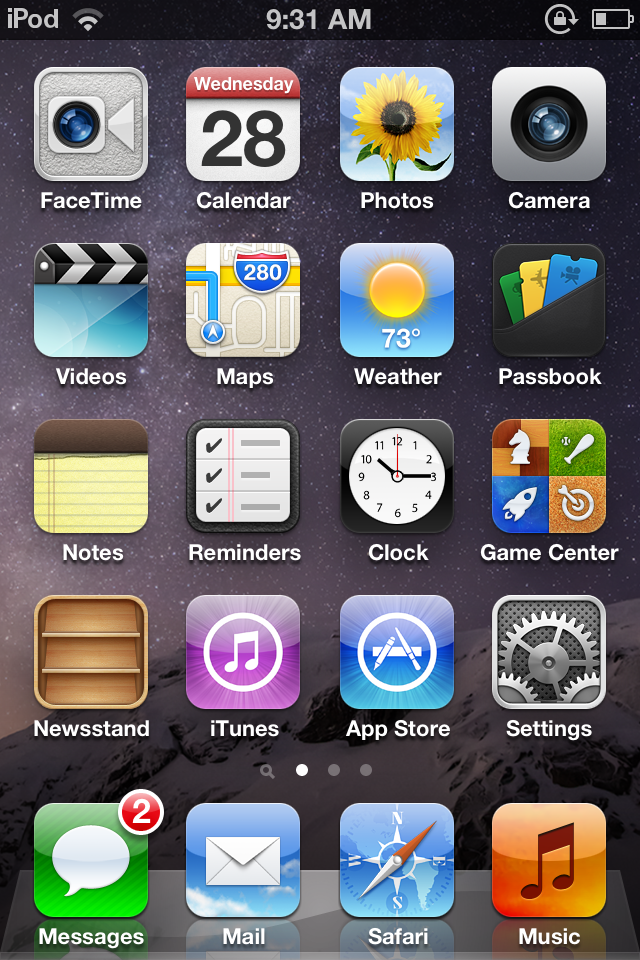
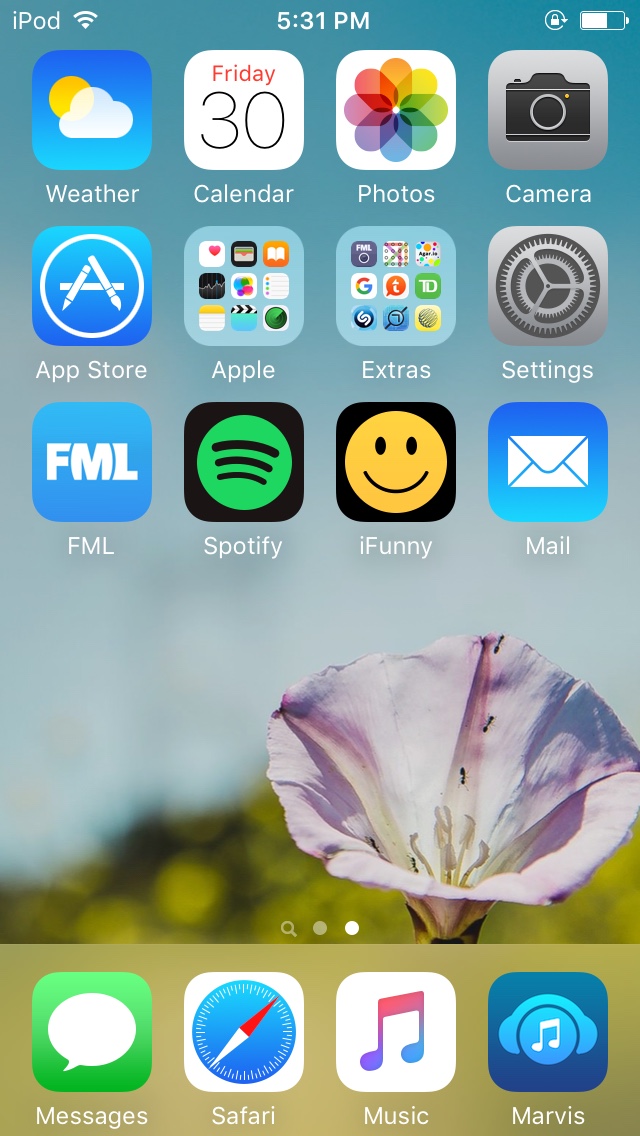
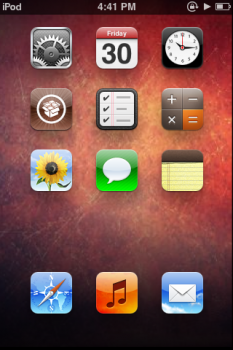
How do you like your icons arranged? I tend to keep it stock the way apple had it, but with my iPod i wanted a vintage feel so i put it like iOS 4. my 3GS is in the iOS 6 way.
 

Attachments

  • IMG_4234.jpg
    IMG_4234.jpg
    86.8 KB · Views: 829
  • unmdjd.jpg
    unmdjd.jpg
    37.2 KB · Views: 295
ImageUploadedByTapatalk1414415585.000312.jpg
I prefer to have everything on one page. It was all messes up but because you posted this thread I organised all my apps again.
But I don't really care now because I rarely touch my ipod after getting my OPO.
 
Just whatever looks good. I only use my iPod for music, but I use different music apps that all do different things.
 

Attachments

  • IMG_0001.PNG
    IMG_0001.PNG
    1.1 MB · Views: 257
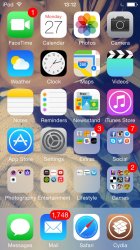
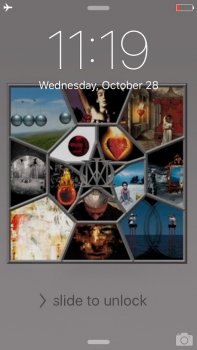
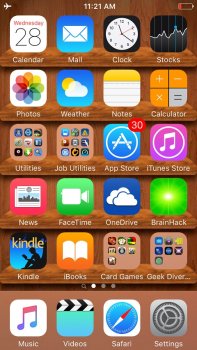
I think I left my home screen the way it came but moved the stock apps that I don't use (Game Center, Passbook, etc)
 

Attachments

  • 20151028_Lock_iOS.jpg
    20151028_Lock_iOS.jpg
    90.2 KB · Views: 225
  • 20151028_Home_iOS.jpg
    20151028_Home_iOS.jpg
    175.6 KB · Views: 226
998f4e68216b5c486439e19ff10423f7.jpg


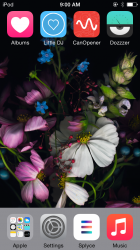
I only have one page (the first page is just a blank one so I can see the wallpaper better). The apple folder holds all of the stock apps and everything else usually goes in the extras folder. My iPhone is laid out in a very similar way.
 
image.jpg

That's my iPod Touch 5G on iOS 6. (Won't move from there) The Apple folder contains all Apple non-stock apps. Then, first page contains stock apps.
 
I wish this was possible without jailbreaking, but hey
 

Attachments

  • iPod Touch homescreen.png
    iPod Touch homescreen.png
    248.7 KB · Views: 254
Register on MacRumors! This sidebar will go away, and you'll see fewer ads.