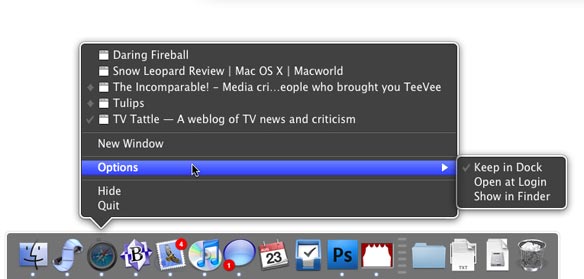
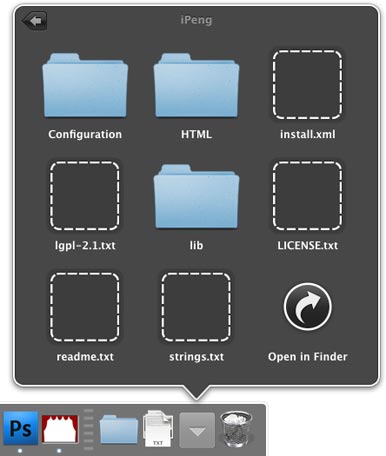
I saw this and thought the dock looks much nicer, how the hell do i turn that on!!?
http://www.macworld.com/article/142423/2009/08/snow_leopard_review.html


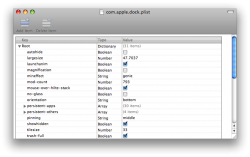
defaults write com.apple.dock no-glass -boolean YES; killall Dock
i tried entering the following code in terminal to change to the 2d dock and it doesn't work. any ideas?
defaults write com.apple.dock no-glass -boolean YES; killall Dock
i tried entering the following code in terminal to change to the 2d dock and it doesn't work. any ideas?
defaults write com.apple.dock no-glass -boolean YES; killall Dock

that's because you copy and pasted two commands together
type:
defaults write com.apple.dock no-glass -boolean YES
hit enter then type:
killall Dock
defaults write com.apple.dock no-glass -boolean YES; killall Dockthanks for the suggestions. i'm running 10.6.2 and for some reason this code does/will not work for me.
sudo defaults write com.apple.dock no-glass -bool 'TRUE'try adding sudo to the front of it. You might not be logged in as an Administrator.
C/P this into terminal
then: killall DockCode:sudo defaults write com.apple.dock no-glass -bool 'TRUE'
It's odd that it won't work for some while it works for others. 😕all images listed are present.
try adding sudo to the front of it. You might not be logged in as an Administrator.
C/P this into terminal
then: killall DockCode:sudo defaults write com.apple.dock no-glass -bool 'TRUE'