Become a MacRumors Supporter for $50/year with no ads, ability to filter front page stories, and private forums.

Papanate

macrumors 6502
Original poster
My new MacBook Pro M3 running Sonoma is really frustrating me - I try to do a Time Machine Backup and get a message Saying ‘Time Machine Backup Delayed’ - and the reason given is 'Time Machine cannot back up because some iCloud Drive files have not finished syncing’ - it has been 3 days - no change - My old 2017 MacBook Pro did the same task in 5 minutes - I don’t get this - Has Apple screwed up the process so bad? I called Tech support and got a Tech who was Sonambulent - I don’t mean to be cruel - but he was dumb as a rock and couldn’t figure anything out - kept asking me after I said I wanted iCloud to work if I wanted to turn off iCloud and stop using it - I am begining to wonder if Apple if worth it anymore - my 2017 MacBook Pro has none of the issue I face with what is supposed to be a Superior Machine.

So any ideas? Am I doing something wrong?
 
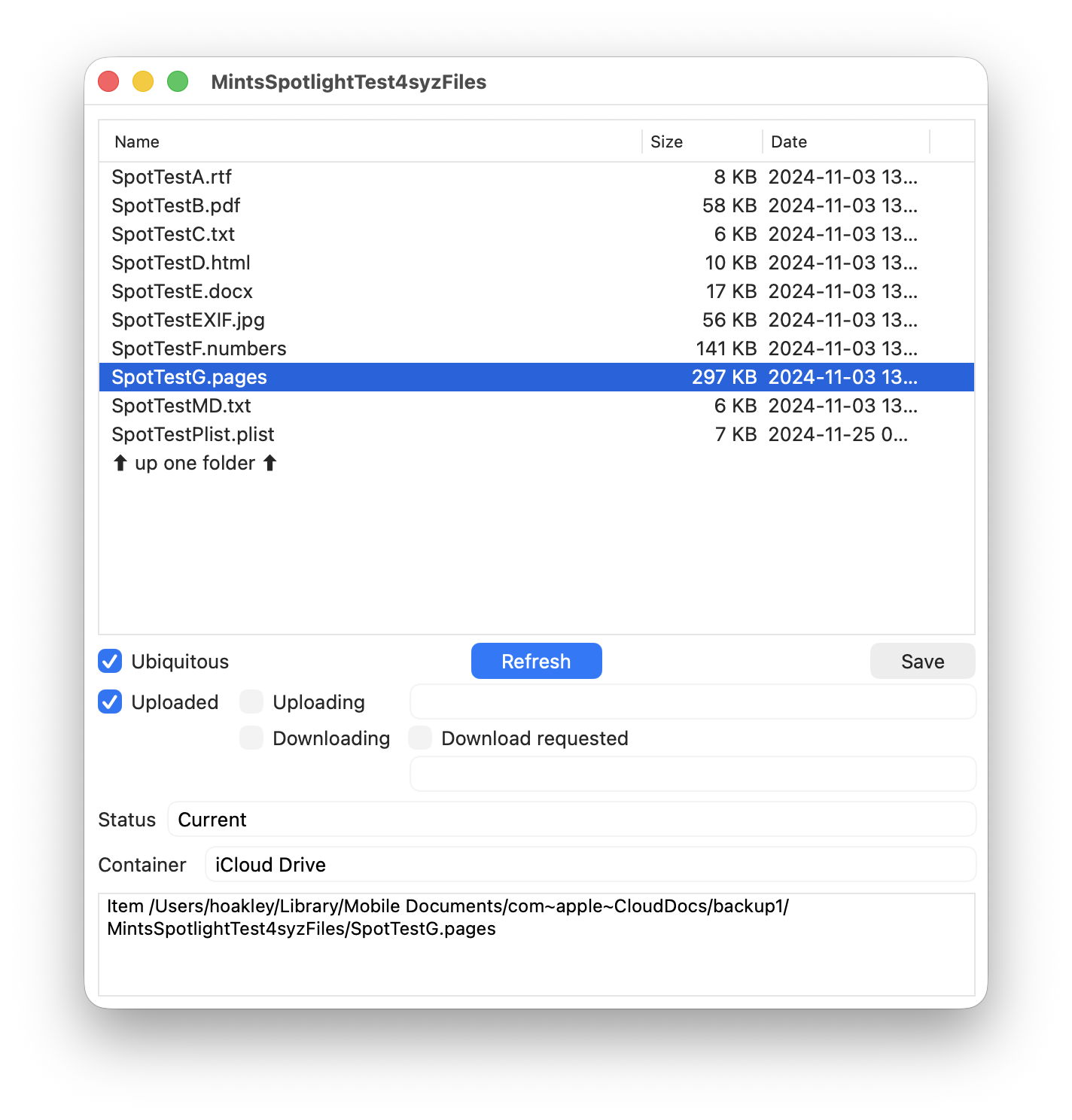
Might be worth checking out these free utilities for dealing w/ iCloud Drive
 
  • Like
Reactions: gilby101
Do you have System Settings > AppleID > iCloud > Optimise Mac Storage enabled? You should enable. If not, sync can take a long time, maybe forever.

Also, do you have System Settings > AppleID > iCloud > iCloud Drive > Desktop & Documents Folders enabled?
 
  • Like
Reactions: Papanate
Do you have System Settings > AppleID > iCloud > Optimise Mac Storage enabled? You should enable. If not, sync can take a long time, maybe forever.

Also, do you have System Settings > AppleID > iCloud > iCloud Drive > Desktop & Documents Folders enabled?
I have Storage enabled - I have Desktop & Documents now Disables and stored locally.
 
Register on MacRumors! This sidebar will go away, and you'll see fewer ads.