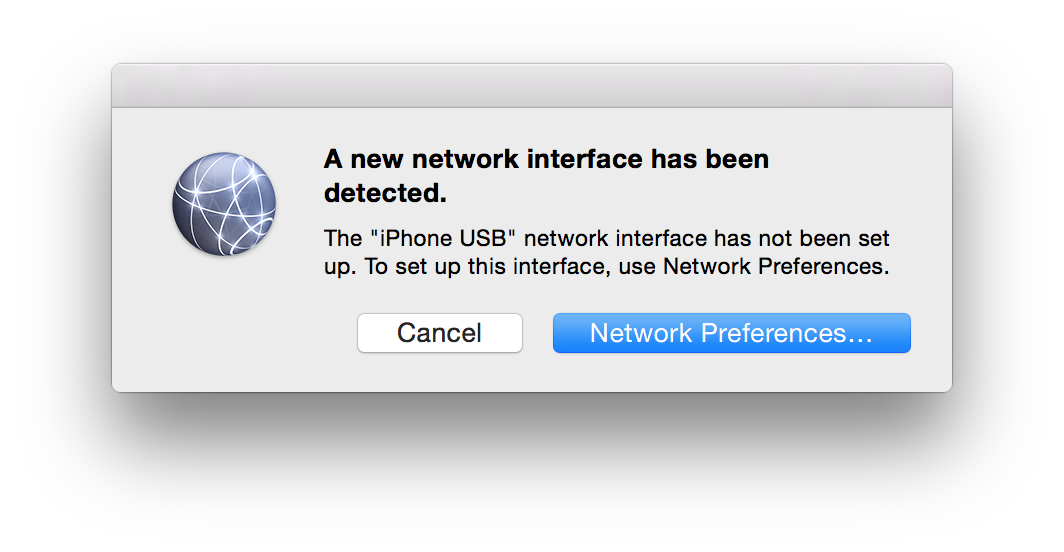
James83448 macrumors regular Original poster Jul 15, 2015 #1 Whenever I plug my iPhone into my Macbook, I get the following notification popup. How can I stop this?
Whenever I plug my iPhone into my Macbook, I get the following notification popup. How can I stop this?
James83448 macrumors regular Original poster Jul 15, 2015 #2 I have clicked Network Preferences, and then selected the iPhone and selected Inactive, but it still appears when the phone is connected.
I have clicked Network Preferences, and then selected the iPhone and selected Inactive, but it still appears when the phone is connected.