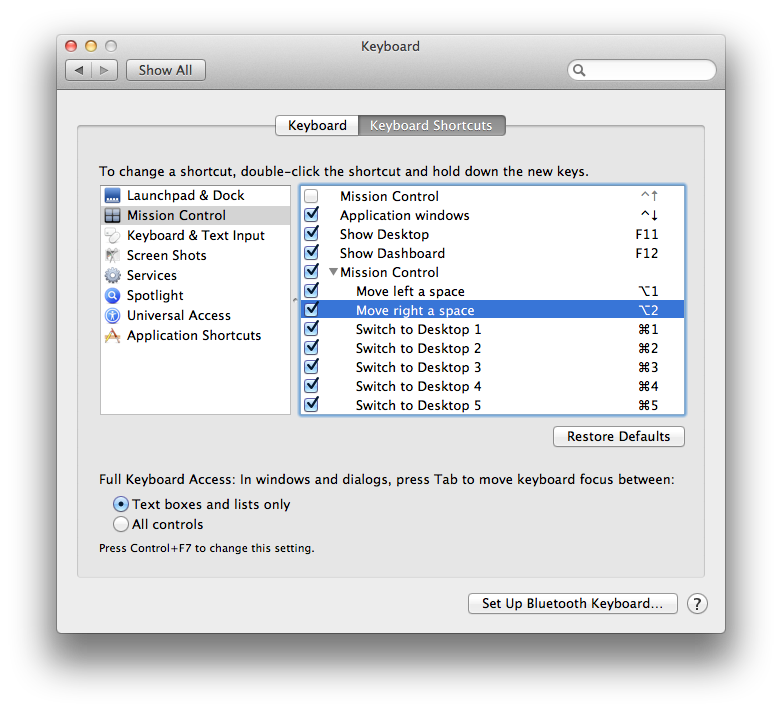
Yes, using CTRL+number keys makes the animation faster, but it still makes my eyes and head hurt.
I often switch between workspaces several times per minute, and the reason the animation is more straining on the eyes in Lion than it was in Snow Leopard, is that now the desktop and menu bar moves as well. In 10.6 those were static and only the open windows moved. That was a much 'calmer' experience. And by using the Terminal command in 10.6, the animation can be removed completely which makes the switch instant.
When you work in front of the computer all day, gimmicks like this get old quickly. I don't want to be reminded of the OS when I'm working. And I especially don't want to be slowed down. Many of the animations in 10.7 slows things down considerably. For example, go to iCal and choose month view. Then click CMD+Right Arrow 5 times to go five months forward. You will only get 1 month forward as you have to wait for the animation to finish before you can go to a new month. That is pretty ridiculous. We should be able to easily turn these gimmicks off. They add nothing of value, imo.