
Ive just started to use a photo application and when any of the preference
boxes come on screen the text looks squashed up as shown below ..
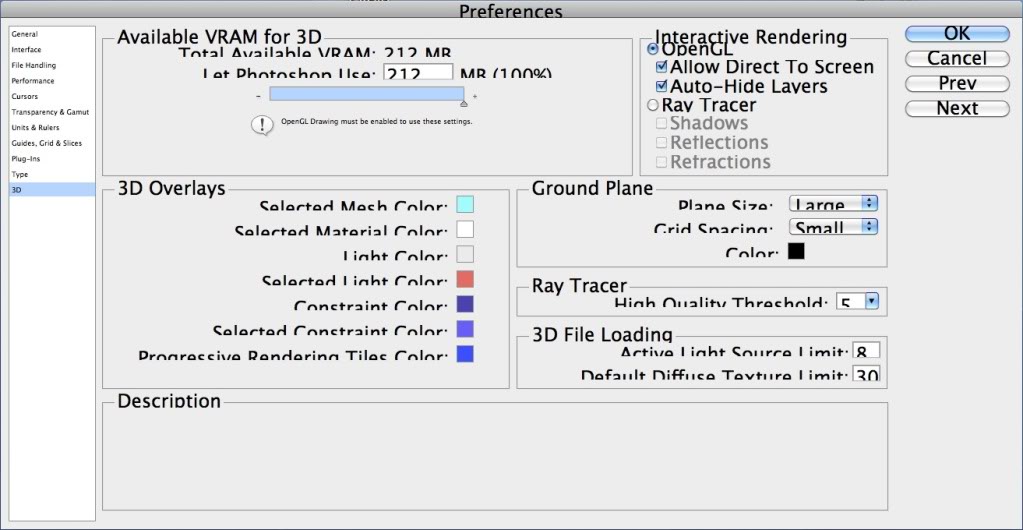
and ....
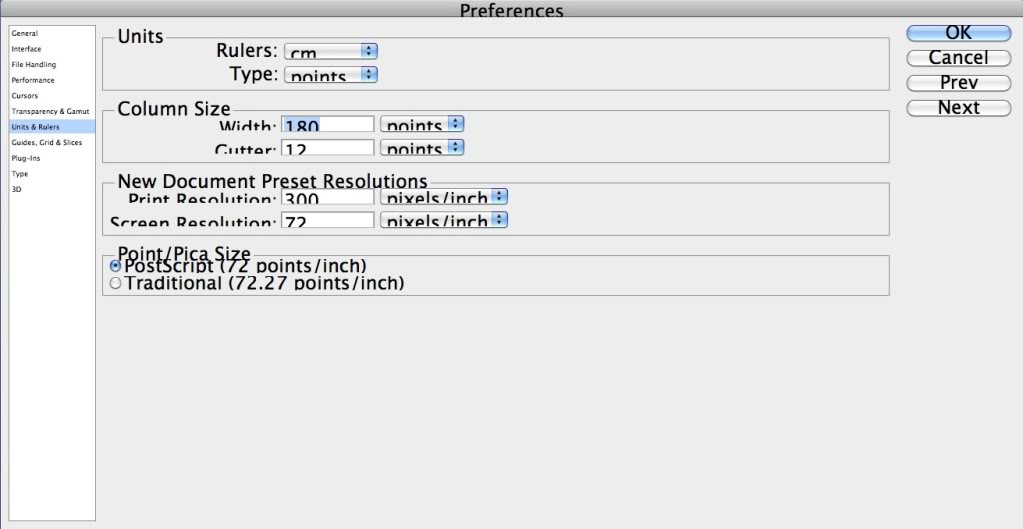
I am using a 24 inch iMac 2008 Intel , with a screen running at 1920x1200
what ever I do I can't seem to make the box text look normal, any one have an Idea whats going on and how to put it right ?
Thanks
boxes come on screen the text looks squashed up as shown below ..
and ....
I am using a 24 inch iMac 2008 Intel , with a screen running at 1920x1200
what ever I do I can't seem to make the box text look normal, any one have an Idea whats going on and how to put it right ?
Thanks
