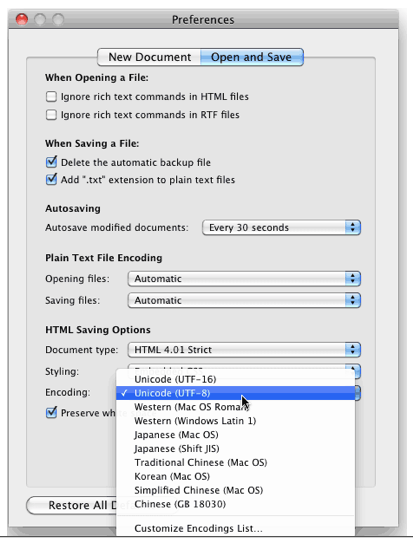
Someone needs to help me, because I'm going insane. I'm trying to help my grandfather out, we're running Mac OS X 10.6.8 and I'm trying to get TextEdit to NOT save as a different document when he exits and saves. Currently, his primary method of saving is to click the x to exit the document, the program will ask him if he wants to save his changes, and when he clicks yes, it saves as a different document. Initially, I thought this was a simple preference issue and I could just change the default save settings to "save" rather than "save as" as it is on MOST word processors. But no.... It's apparently far more difficult than that and I cannot find ANYTHING about it when I google. Apparently a later version of the Mac OS changed things so now save as is gone or something and that's all I can fine when I google... But this is the opposite problem that I have. I'll try to re-train him to manually click "save" instead of exiting and clicking save when it asks him, but he's old and I don't think that's going to work very well. He's becoming quite distressed by the fact that for every document he has, there's 20 different versions- ALL SAVED UNDER THE EXACT SAME NAME! How macs an save multiple documents under the EXCT SAME NAME, I will never know. This is why I'm a windows person, to be honest... At any rate... does anyone know what I am talking about and is there a way to change this?????????????

Got a tip for us?
Let us know
Become a MacRumors Supporter for $50/year with no ads, ability to filter front page stories, and private forums.
TextEdit help needed!
- Thread starter zobothehobo
- Start date
- Sort by reaction score