

Become a MacRumors Supporter for $50/year with no ads, ability to filter front page stories, and private forums.

MacRumors

macrumors bot
Original poster


Apple this week released tvOS 26.4, and the software update includes a handful of new features and changes for the Apple TV.
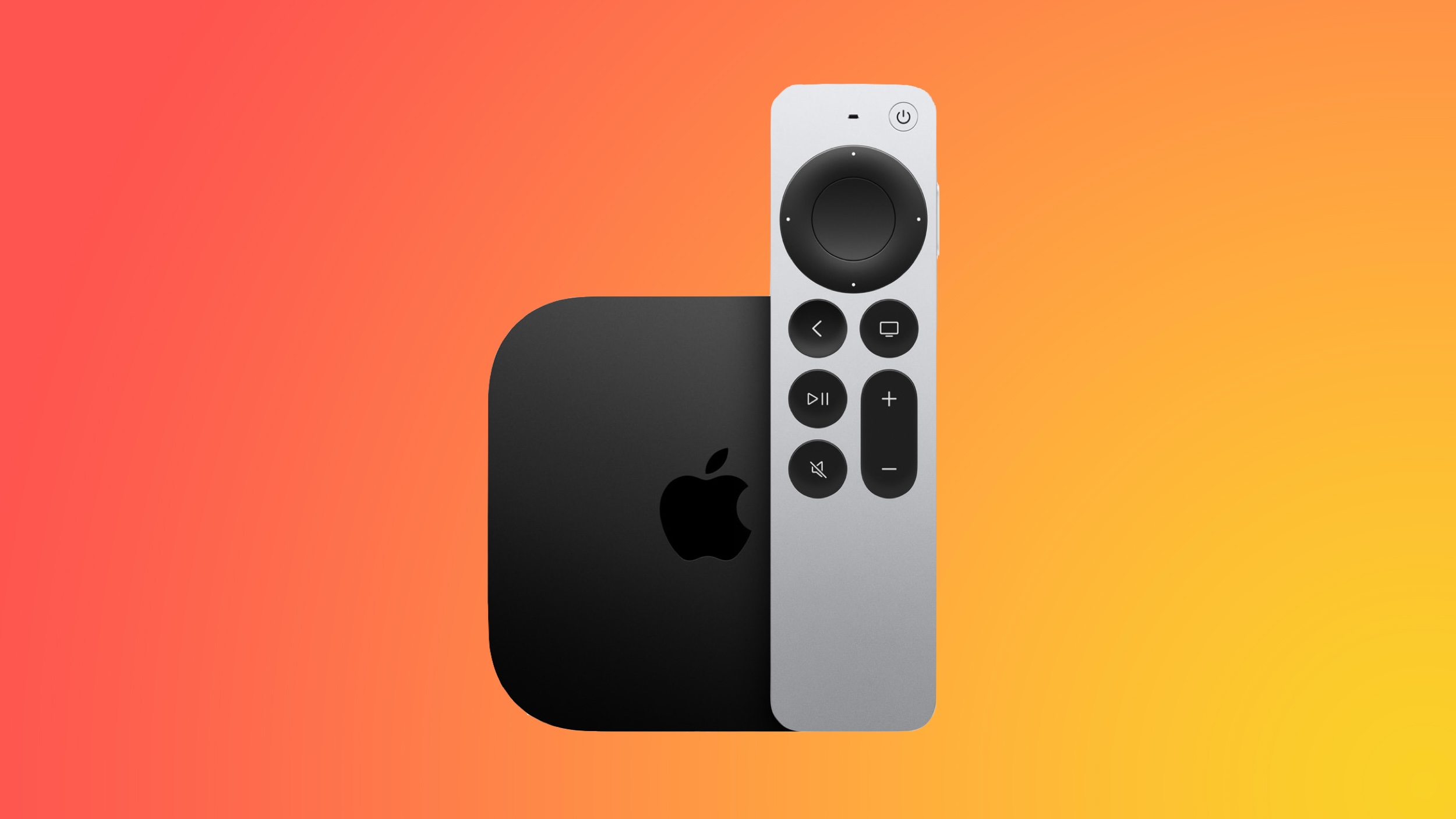
apple-tv-4k-new-orange.jpg

tvOS 26.4 is compatible with all Apple TV 4K and Apple TV HD models released since 2015. To update your Apple TV, open the Settings app on the device, navigate to System → Software Updates, and select Update Software.

Below, we have recapped what is new in tvOS 26.4.

tvOS 26.4: New Features

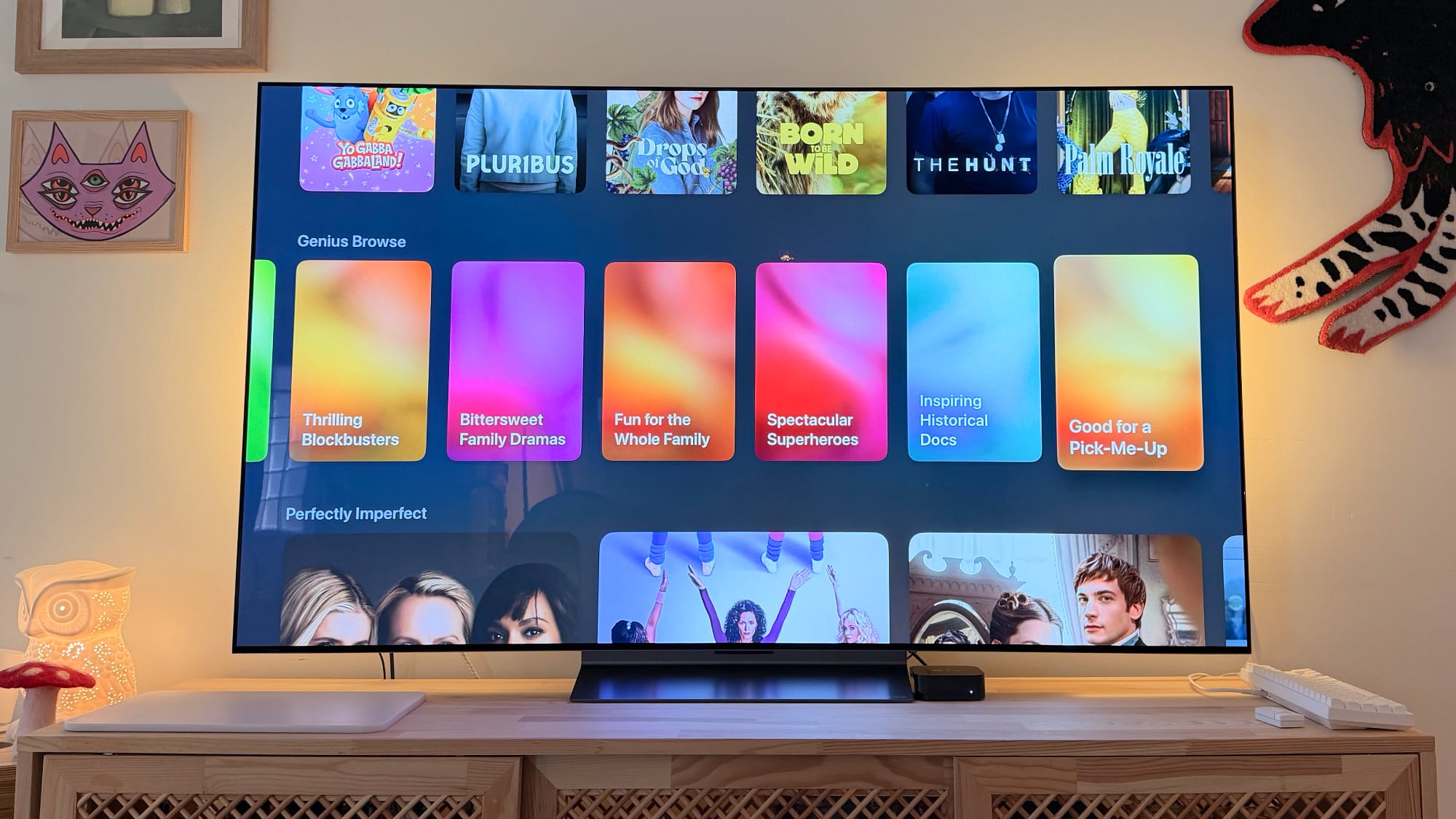
Genius Browse
tvos-26-genius-browse-overview.jpg

Apple added a new "Genius Browse" section to the ‌Apple TV‌ app on tvOS 26.4. Genius Browse is a content discovery feature that provides recommendations for TV shows and movies across multiple suggested categories. Suggestions vary based on content preferences, and the options are updated regularly.

Examples of categories include "Bittersweet Family Dramas" and "Good for a Pick-Me-Up."

Continuous Audio Connection

Apple says tvOS 26.4 fixes an issue with audio playback on Apple TV 4K that can occur when sound transitions between programs with different formats.

Specifically, there is a new "Continuous Audio Connection" setting in the Settings app, under Video and Audio → Audio Format → HDMI Output.

"Apple TV uses a Dolby MAT connection for glitch-free playback across formats," reads Apple's description of the setting. "Older receivers may indicate an Atmos connection, but original mixes will not be modified."

Subtitle Styling

You can now change the style of subtitles/captions while you are watching content in the Apple TV app and other apps that use the Apple TV's default video player, without needing to open the Settings app. You can adjust the size and appearance of the subtitles, opt for subtitles to have a transparent background, and so forth.

To turn on subtitles from the video player, look for the speech bubble button.

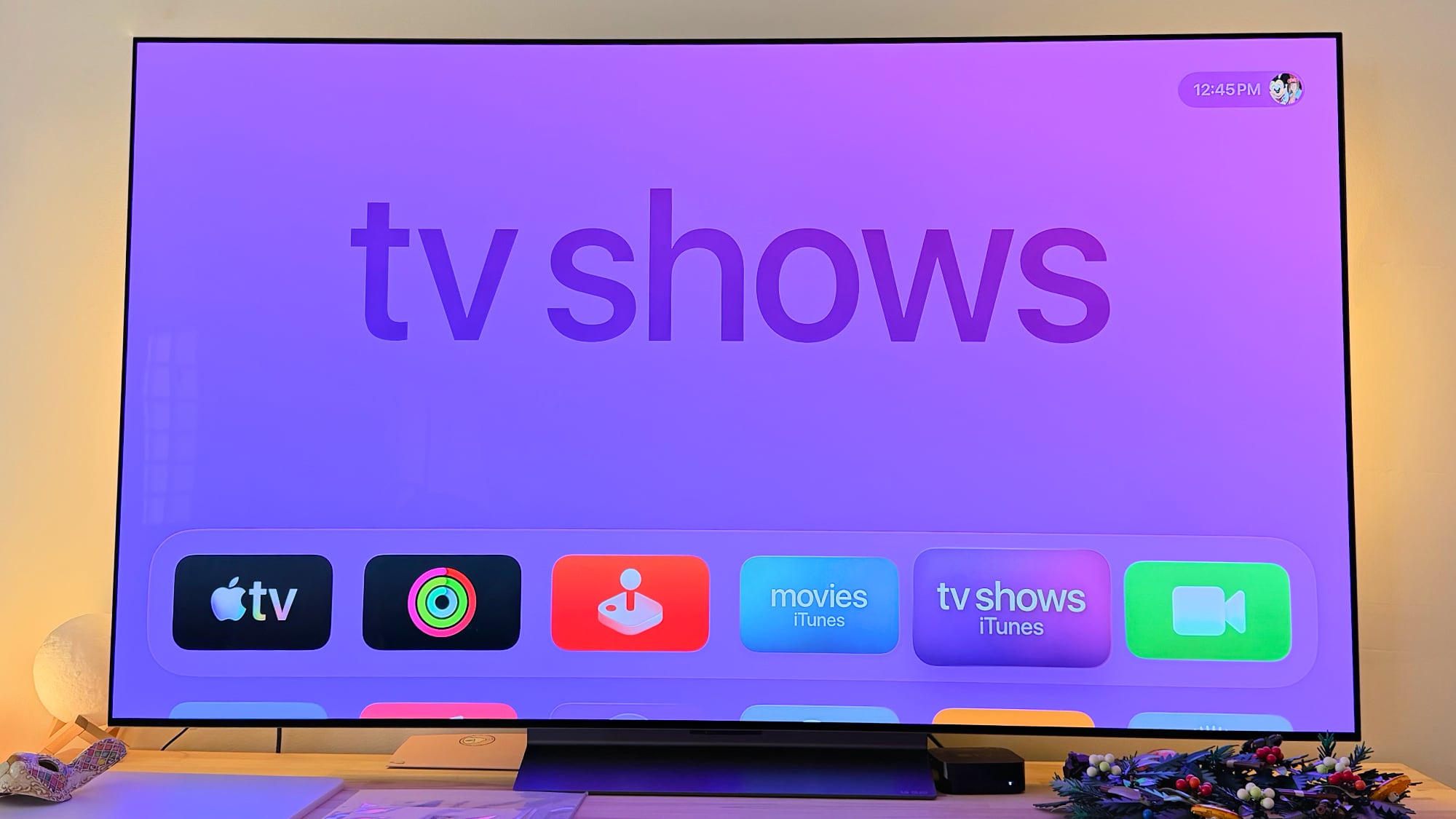
No More iTunes TV Shows and Movies Apps
apple-tv-itunes-tv-shows-movies.jpg

tvOS 26.4 finally removes the preinstalled iTunes TV Shows and iTunes Movies apps from the Apple TV, with all content now found in the Apple TV app.

Performance Improvements

Apple says tvOS 26.4 includes performance and stability improvements.

tvOS 26.4: Release Notes

Here are Apple's release notes for tvOS 26.4:
This update fixes an issue with audio playback on Apple TV 4K that can occur when sound transitions between programs with different formats, like Dolby Atmos and stereo. iTunes Movies and TV Shows apps removed with all content and playback consolidated into Apple TV app. This update also includes performance and stability improvements.
Some tvOS features are limited to newer Apple TV models.

Article Link: tvOS 26.4 Adds These New Features to Your Apple TV
 
  • Haha
Reactions: Z-4195
Still waiting for parental control that limit access by language, so watching TV becomes more... educational. Nobody of the big streaming companies is doing this right. Maybe Apple could implement it in the OS.
 
Good to know. However I don't even see the option on my gen3. Bizarre.
I believe that this function is only good for those who use soundbar and home theater. I use the S90D OLED TV speakers, so that's why here deactivated is better
 
I installed the RC a week or two ago entirely because of Continuous Audio Connection.

It’s never been a problem for TV shows, but for some reason after some change that YouTube made a few months ago I could never hear the first few seconds of a YouTube video. That time receiver switching audio modes and so there just was no output for me.

COMPLETELY fixed. Love it.

Now if Apple would just use VRR so I don’t have to have it switch frame rates I would be golden. I know newer TVs have a feature for that, but mine doesn’t. However there isn’t anything technical that would prevent them from doing it with VRR.

But I’m not complaining. That’s always been there, and the audio fix is fantastic.
 
Was hoping the continuous Audio was related to paired HomePod connections, not just HDMI.

Random hiccups with a stereo pairs, auto of sync audio (with the video), and dropped connections after the unit sleeps are getting old.

Been through 2 home routers, and while my newest ubiquity setup is far superior, these things still act up on occasion.
 
I don't see the new "Continuous Audio Connection" setting 🧐

Continuous Audio Connection' keeps the audio connection active, preventing audio from cutting out and popping on a receiver or soundbar such as Sonos. The audio is sent decoded as uncompressed PCM (Dolby MAT) to also avoid volume fluctuations.

This does not mean that all content is now output as Dolby Atmos audio. Dolby MAT is simply an uncompressed PCM audio signal with the option of metadata - stereo is still stereo. If your receiver reports Atmos on the display when the source is not Atmos, it has been misconfigured by the manufacturer and you should consider turning off the new audio feature.

Please note that the audio feature only works on Apple TV 4K (2nd and 3rd Gen) and only if an Atmos-compatible sound system is connected.
 
I’m genuinely surprised so many people are having issue. I understand it’s a forum and people tend to talk more about things that doesn’t work than the opposite, just surprise though.

On my side, I never had issues but my system is pretty simple: HDMI to TV and TV to amplifier. It’s not a AV receiver though just a regular hifi one. No 5.1 just good old 2.0 which is fine for me as I mostly watch TV shows.
 
  • Like
Reactions: b17777
CAC is a huge change, especially with my Bose soundbar 900, between movies and music and atmos, the delay before audio started playing drove me crazy. Now it’s gone with this addition, finally!
 
  • Like
Reactions: JeffPerrin
Continuous Audio Connection' keeps the audio connection active, preventing audio from cutting out and popping on a receiver or soundbar such as Sonos. The audio is sent decoded as uncompressed PCM (Dolby MAT) to also avoid volume fluctuations.

This does not mean that all content is now output as Dolby Atmos audio. Dolby MAT is simply an uncompressed PCM audio signal with the option of metadata - stereo is still stereo. If your receiver reports Atmos on the display when the source is not Atmos, it has been misconfigured by the manufacturer and you should consider turning off the new audio feature.

Please note that the audio feature only works on Apple TV 4K (2nd and 3rd Gen) and only if an Atmos-compatible sound system is connected.

CAC Easter egg: 5.1 Dolby Digital surround channels get sent as a surround 7.1 signal on compatible Dolby Atmos systems.
 
Register on MacRumors! This sidebar will go away, and you'll see fewer ads.