

Hi there, I got a problem here. I've tried to uninstall Tuxera by deleting it from applications, and some files from library. I also run a script on my terminal that I found on Tuxera website (/Library/Filesystems/fusefs_txantfs.fs/Contents/Resources/Support/uninstall-package.sh):
Buy I think something is wrong, the program still installed? each time I connect my disk I got this message:
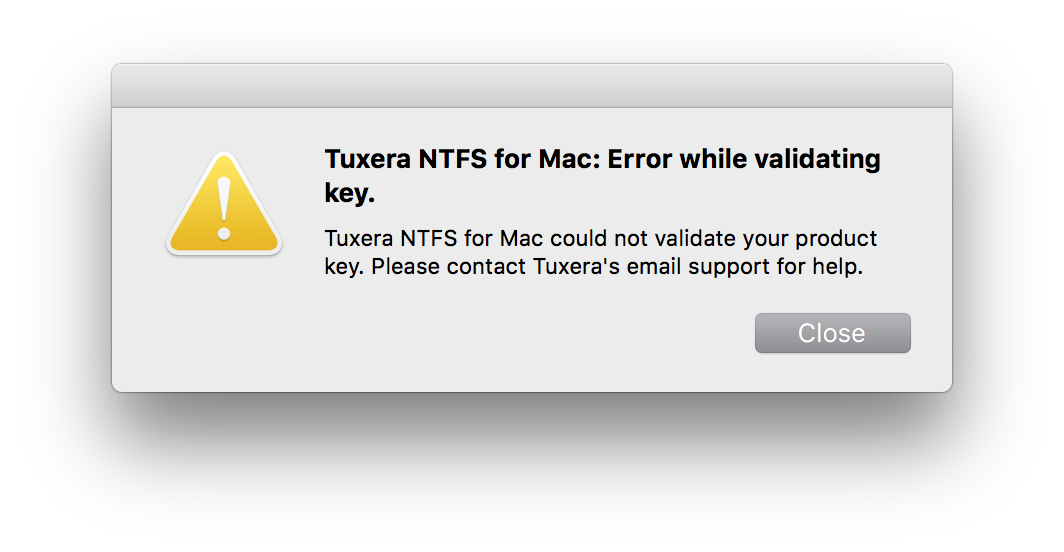
I thought I could fixit by installing again and remove in a best way, but now when try to reinstall Tuxera I got this message:
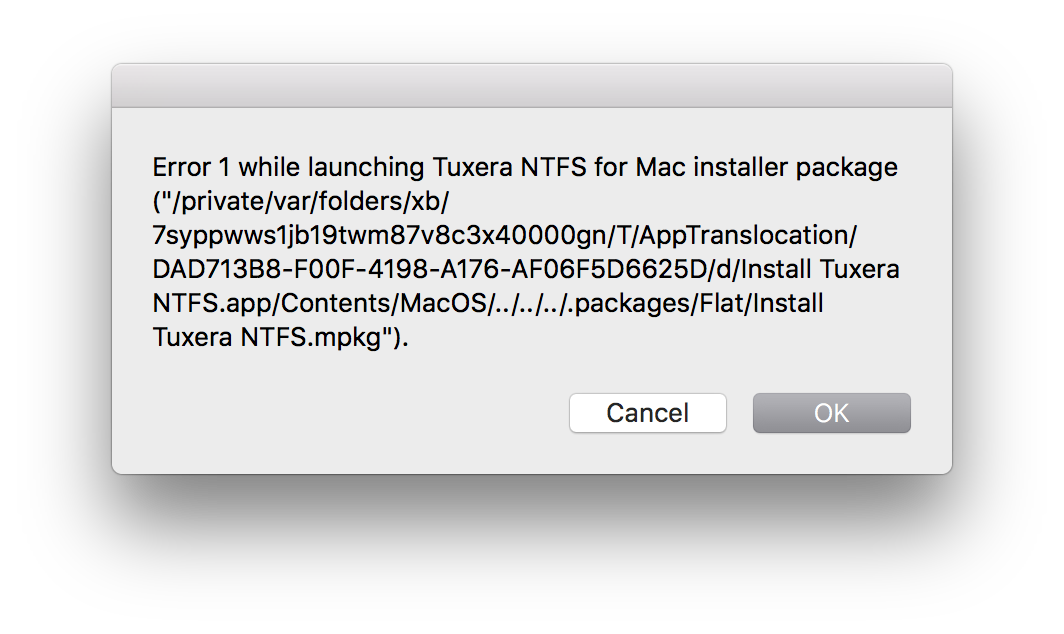
Any idea on how to leave everything normal again?
Thank you.
Buy I think something is wrong, the program still installed? each time I connect my disk I got this message:
I thought I could fixit by installing again and remove in a best way, but now when try to reinstall Tuxera I got this message:
Any idea on how to leave everything normal again?
Thank you.