

I Just wanted to make a Quick posting that I managed to update the Microcode on my MacBook2,1 to the latest version intel has released for its CPU 🙂
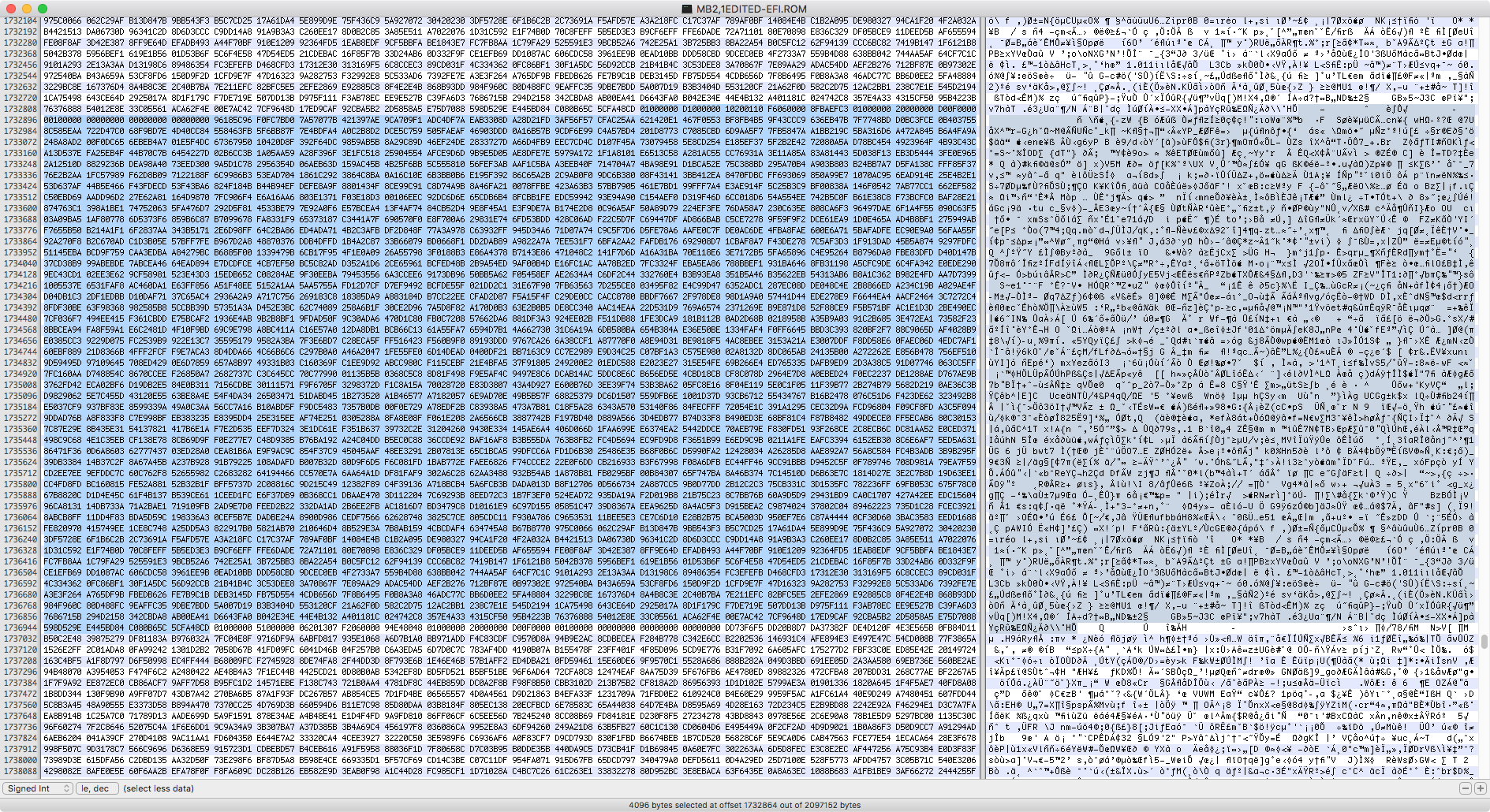
I managed to do this by dumping my MacBooks BootROM using flashrom in Linux and actually manually finding the microcode in the BootROM (which in this case is 4096 Bytes long/big) and taking the updated microcode and replacing the old microcode with the new version, I then flashed the now edited BootROM onto the MacBooks BootROM flash chip crossed my fingers rebooted and low and behold it booted up with the updated microcode! 😀
here is the Stock microcode in the BootROM

and here is the microcode after I have inserted the new version into the BootROM
while this is a MacBook and not a Mac Pro im fairly sure the same thing could be Applied to Mac Pros.
it might be possible to add E0 stepping CPU compatibility to a Mac Pro 3,1 and get the X5492 to work for example using this. or even maybe Westmere support to an Xserve3,1? or add the newest microcode for meltdown/spectre patching if Apple does not release an update for it 🙂
I used my MacBook for this as this machine is Fairly expendable, now that I see it did not brick the MacBook by doing this, I plan on trying to add updated microcode to one of my Mac Pro 1,1/2,1s at some point now to test this on a Mac Pro.
it might even be possible to add Harpertown support to a 1,1/2,1 Mac Pro 😀 (atm i dont own any Harpertown CPUs sadly so i cant test this out)
I just wanted to show that it is possible to update the Microcode in Apples EFI BootROMs 🙂
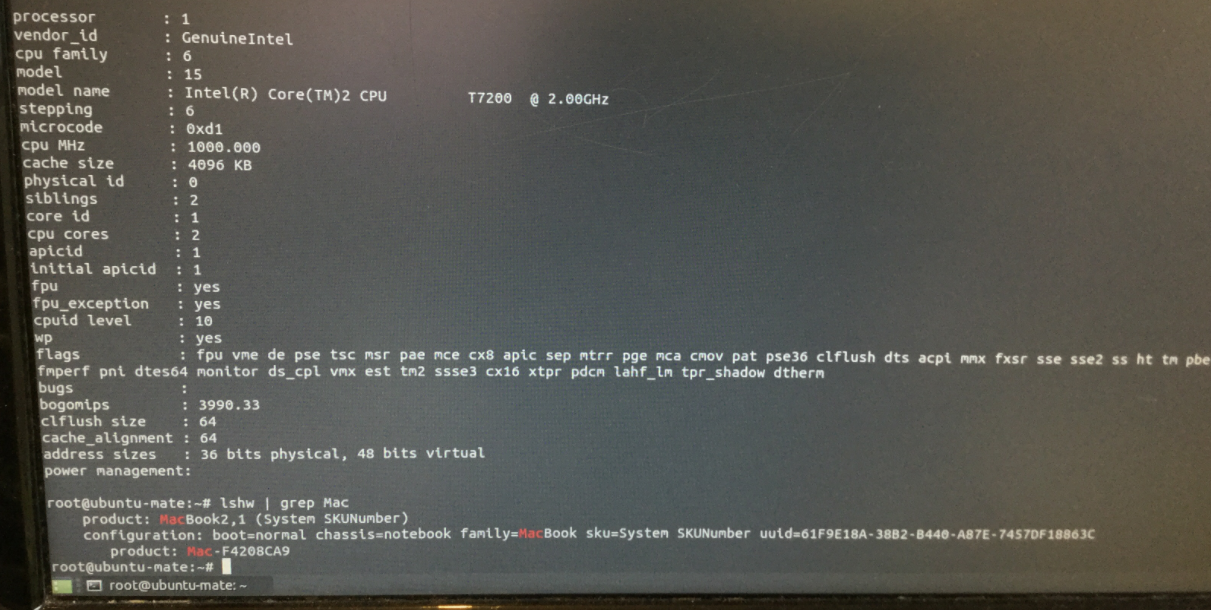
and now for some pictures of the MacBook actually booted up into an OS showing off the new microcode revision 🙂
here is the old microcode revision

and here is the new Microcode revision 🙂
I am very excited about this 🙂 it could enable quite a few cool things 😀
I managed to do this by dumping my MacBooks BootROM using flashrom in Linux and actually manually finding the microcode in the BootROM (which in this case is 4096 Bytes long/big) and taking the updated microcode and replacing the old microcode with the new version, I then flashed the now edited BootROM onto the MacBooks BootROM flash chip crossed my fingers rebooted and low and behold it booted up with the updated microcode! 😀
here is the Stock microcode in the BootROM
and here is the microcode after I have inserted the new version into the BootROM
while this is a MacBook and not a Mac Pro im fairly sure the same thing could be Applied to Mac Pros.
it might be possible to add E0 stepping CPU compatibility to a Mac Pro 3,1 and get the X5492 to work for example using this. or even maybe Westmere support to an Xserve3,1? or add the newest microcode for meltdown/spectre patching if Apple does not release an update for it 🙂
I used my MacBook for this as this machine is Fairly expendable, now that I see it did not brick the MacBook by doing this, I plan on trying to add updated microcode to one of my Mac Pro 1,1/2,1s at some point now to test this on a Mac Pro.
it might even be possible to add Harpertown support to a 1,1/2,1 Mac Pro 😀 (atm i dont own any Harpertown CPUs sadly so i cant test this out)
I just wanted to show that it is possible to update the Microcode in Apples EFI BootROMs 🙂
and now for some pictures of the MacBook actually booted up into an OS showing off the new microcode revision 🙂
here is the old microcode revision
and here is the new Microcode revision 🙂
I am very excited about this 🙂 it could enable quite a few cool things 😀


