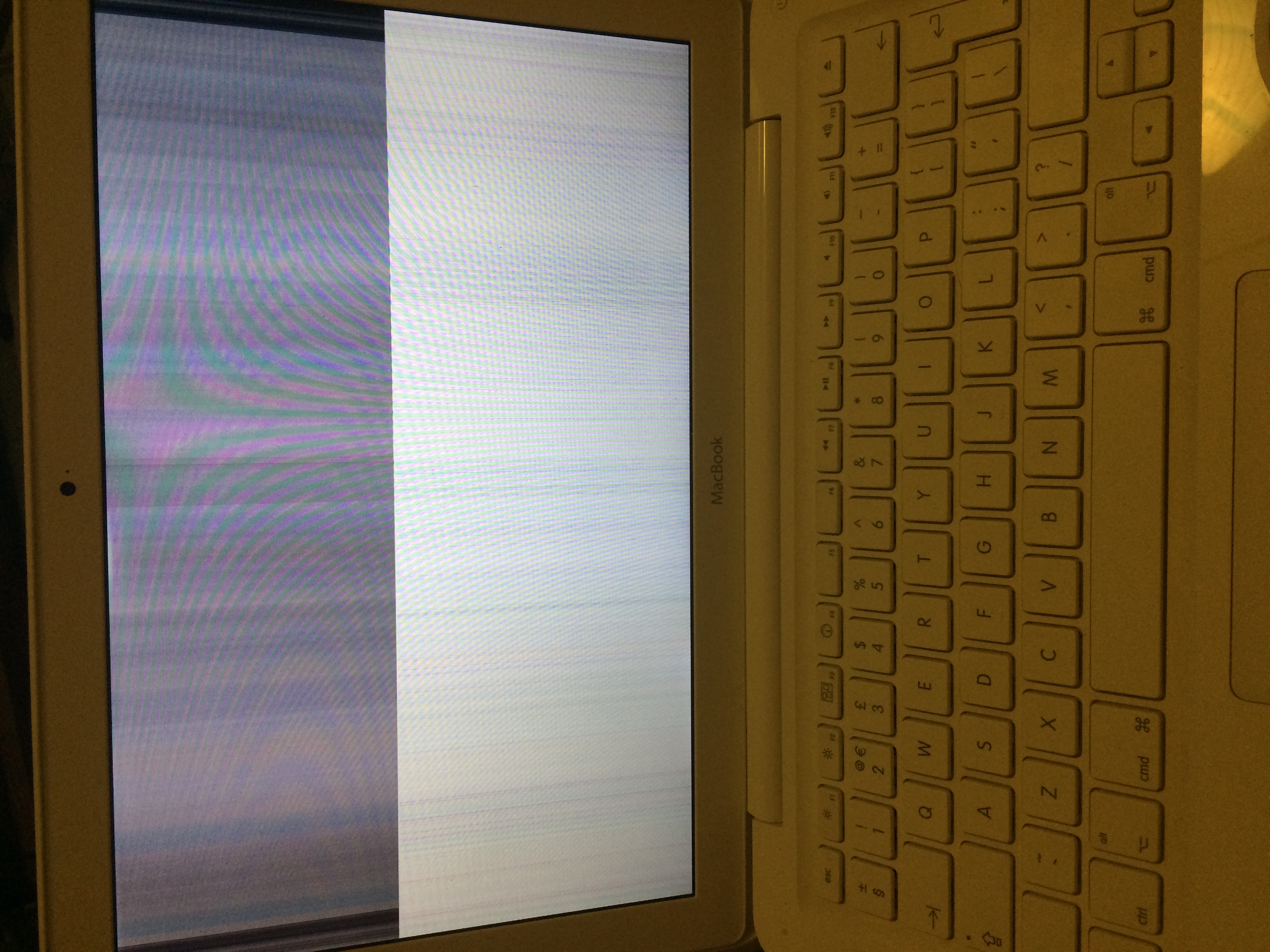
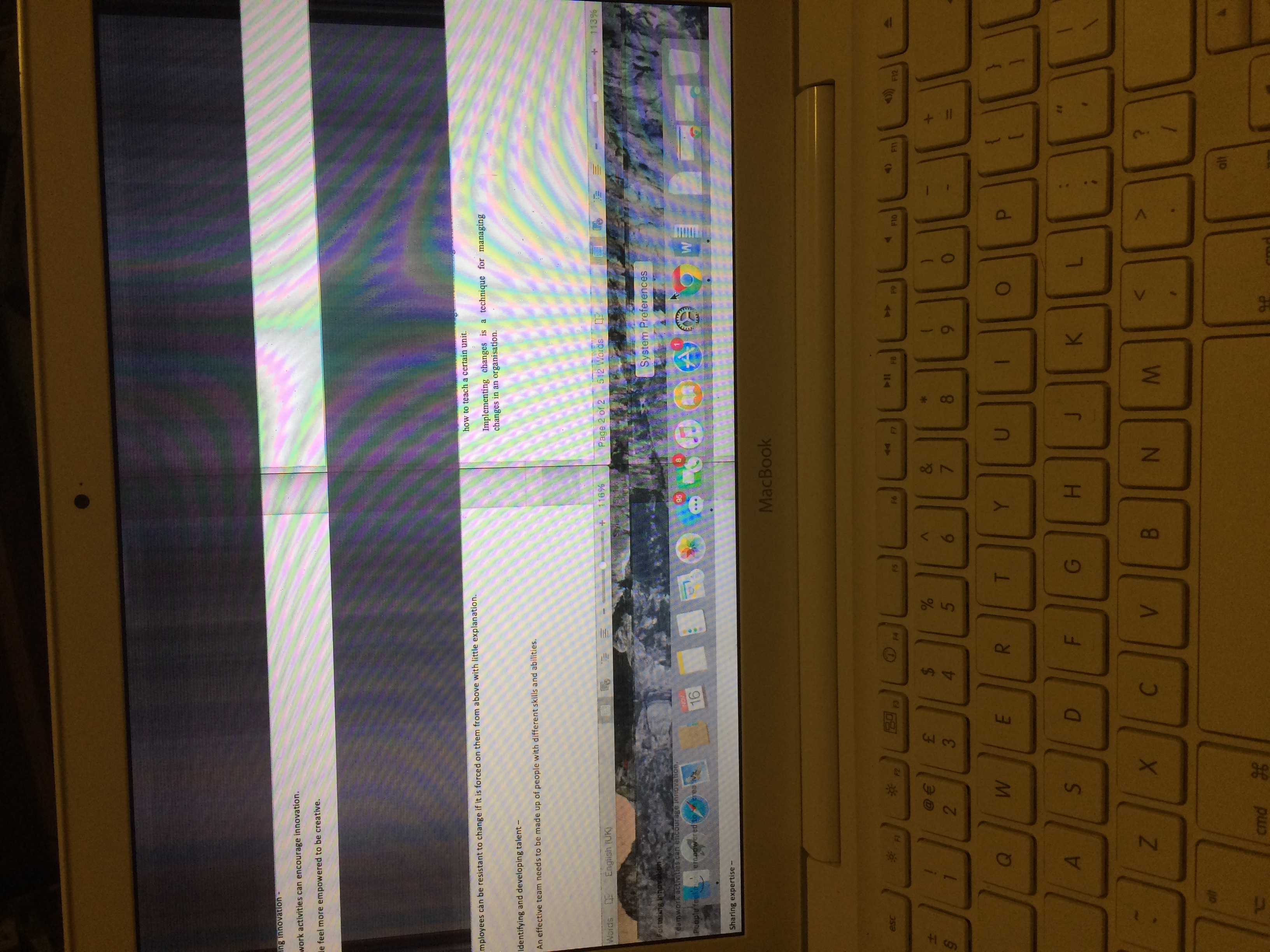
cam.sil macrumors newbie Original poster Nov 16, 2015 #1 I've had this problem for about a year, and I don't know how I can fix it 🙁 What is going on??
C Coldmode macrumors regular Nov 16, 2015 #2 It's probably either a faulty display cable or a graphics card problem.
cam.sil macrumors newbie Original poster Nov 16, 2015 #3 Coldmode said: It's probably either a faulty display cable or a graphics card problem. Click to expand... More Likley faulty display cable. if I reposition the screen its fine. but then it'll just start flickering are stuff 🙁
Coldmode said: It's probably either a faulty display cable or a graphics card problem. Click to expand... More Likley faulty display cable. if I reposition the screen its fine. but then it'll just start flickering are stuff 🙁
C Coldmode macrumors regular Nov 17, 2015 #4 cam.sil said: More Likley faulty display cable. if I reposition the screen its fine. but then it'll just start flickering are stuff 🙁 Click to expand... Ok, in that case you can follow an iFixIt guide to replace the cable. Assuming you have a unibody white Macbook (that looks like what you have from the picture) you can use this guide: https://www.ifixit.com/Guide/MacBook+Unibody+Model+A1342+Display+Data-Camera+Cable+Replacement/3001
cam.sil said: More Likley faulty display cable. if I reposition the screen its fine. but then it'll just start flickering are stuff 🙁 Click to expand... Ok, in that case you can follow an iFixIt guide to replace the cable. Assuming you have a unibody white Macbook (that looks like what you have from the picture) you can use this guide: https://www.ifixit.com/Guide/MacBook+Unibody+Model+A1342+Display+Data-Camera+Cable+Replacement/3001