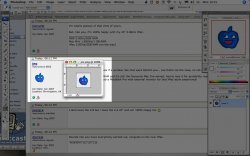
Yep, it's the conversion of PNGs to GIFs the server does that's causing those rough edges.
See this post by Knox for an explanation as to why they set it up to do that.
As for having transparencies in avatars, you can save the image as a GIF, and in the saving process add a matte that matches the color of the background. Problem with that is you can't have opacities between 0% and 100% - i.e. it's all or nothing.
Or you can just add a background to the image and save it as a JPEG, it looks similar, except with different monitors and computers, you can sometimes tell that it isn't a true transparent image.
For reference, avatars are permanently in the high-traffic mode - these days we get what would have been keynote-only traffic levels not too long ago every day 🙂