Become a MacRumors Supporter for $50/year with no ads, ability to filter front page stories, and private forums.

Guilfox

macrumors member
Original poster
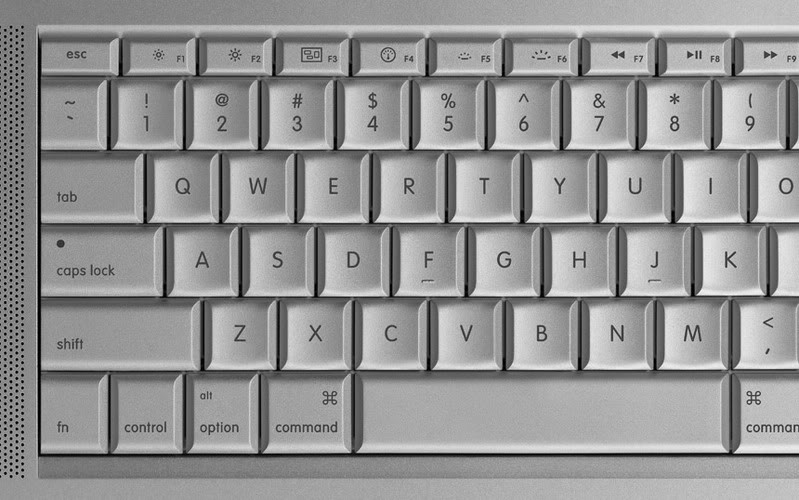
At the risk of a huge berating. Where is the # Key on my MBP?

I have tried looking in the character palette but there are simply hundreds to choose from.

Please can someone enlighten this dummy.

Thanks.
 
Um. I can't help but ask, how did you type the question if you can't find the key? Also, it's in the same place as on any keyboard...shift 3? #?

Hm.
 
It would help if we knew where you were to give an accurate answer, as different keyboard layouts put it in different places.

In the US and Canada it is Shift - 3.
In the UK it is Option - 3

TEG
 
Thanks for the help. For those of you that asked I started the thread from my work PC which has the # in the normal place.
 
It should be the same, no matter what keyboard, windows or mac, shouldn't it?


Keyboard1.jpg


looks like it😕
 
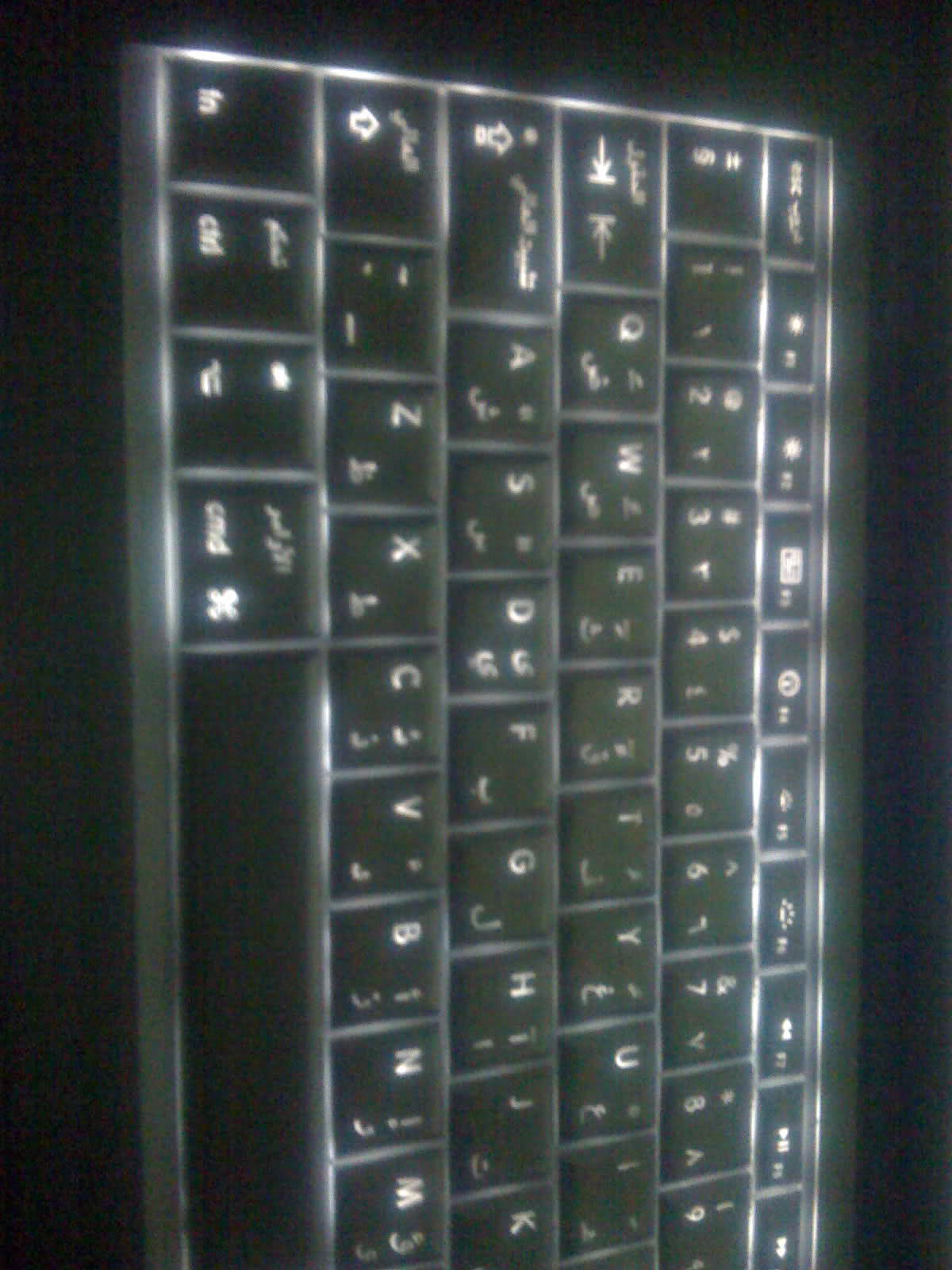
On my keyboard, it's the '3' key...

kcj8z5.jpg


Sorry about pic quality, but you get the idea. I'm not entirely sure about the layouts, as mine has the English/Arabic layout.
 
To my knowledge, Shift-3 makes the "Pound Sterling" symbol, whereas option-3 make "#" (the pound sign).

TEG
 
Register on MacRumors! This sidebar will go away, and you'll see fewer ads.