Become a MacRumors Supporter for $50/year with no ads, ability to filter front page stories, and private forums.

Baletin

macrumors regular
Original poster
Apr 14, 2012
138
21
I've clicked on "UPDATE" of xcode in Appstore and this feature was grayed out (nonclickable) and the download started as it appears in Launchpad:

OQFFM.png


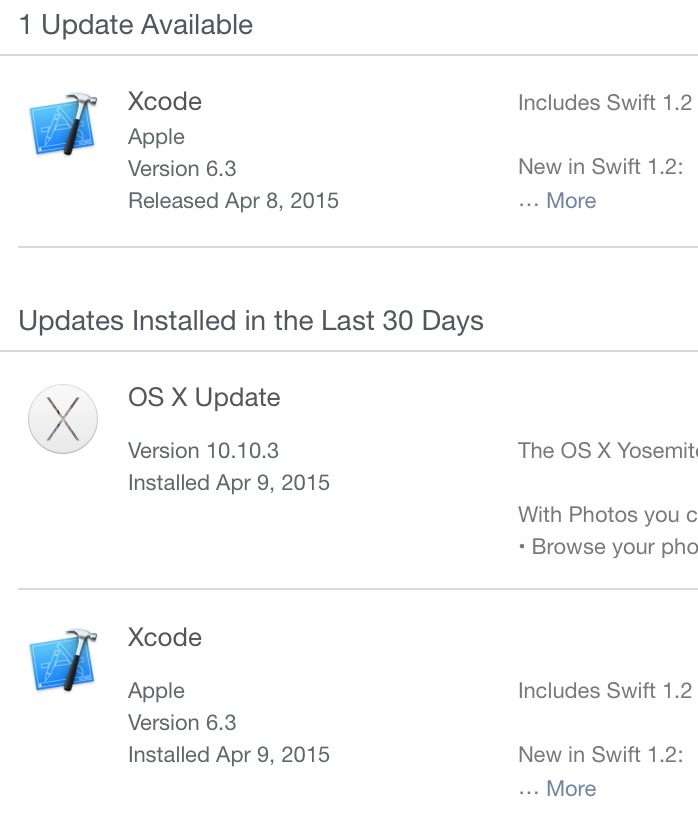
After downloading and installation the appstore still has clickable "update" for xcode and performs the same actions as in the time of first installation.

How can I resolve this issue?
 
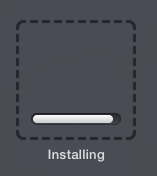
I have weirdness with this too. Clicked "Update" for Xcode in MAS, and though there's a spinning activity indicator at top left, and a message "Installing Updates..." underneath that, it just goes on forever, yet nothing seems to be happening. In Launchpad, some unidentified thing, which I presume is Xcode, seems to be updating. I say "unidentified" because it looks like this:
 

Attachments

  • installing.jpg
    installing.jpg
    12.3 KB · Views: 164
Searching for "Xcode" in Launchpad returns "no results" .. messed up indeed
 
Did you run Xcode and verify the version that is installed? If it did update, then just ignore it. Out of several machines, I have one machine that shows the updates several times not just for Xcode but for other updates. I tried redoing the update even though it installed fine, and each time it added it to the installed list. It seems to work fine though.

The issue seems to be self-resolving. After the second round everything is ok, installation has completed, no any other updated are listed in the AppsStore app.

Minor issue indeed...
 
Register on MacRumors! This sidebar will go away, and you'll see fewer ads.