



Apple is about to release iOS 26.2, the second major point update for iPhones since iOS 26 was rolled out in September, and there are at least 15 notable changes and improvements worth checking out. We've rounded them up below.
Apple is expected to roll out iOS 26.2 to compatible devices sometime between December 8 and December 16. When the update drops, you can check Apple's servers for the download by going to Settings ➝ General ➝ Software Update on your iPhone.
Set a Reminder Alarm
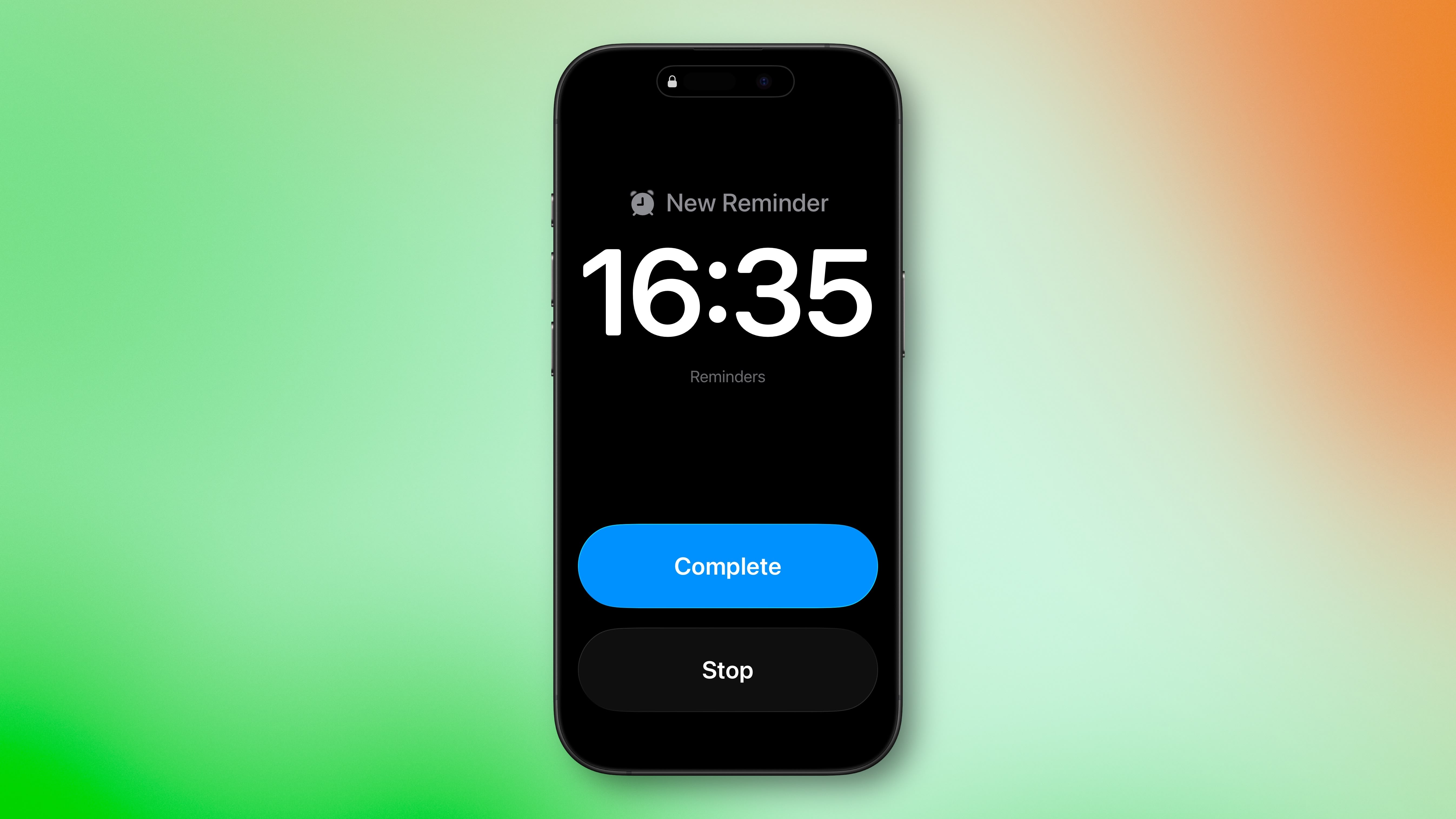
iOS 26.2 brings a new alarm capability to the Reminders app. When you create a reminder, you can toggle on an "Urgent" option so that, at the due time, your iPhone sounds an alarm rather than simply showing a notification.
Adjust Liquid Glass Clock
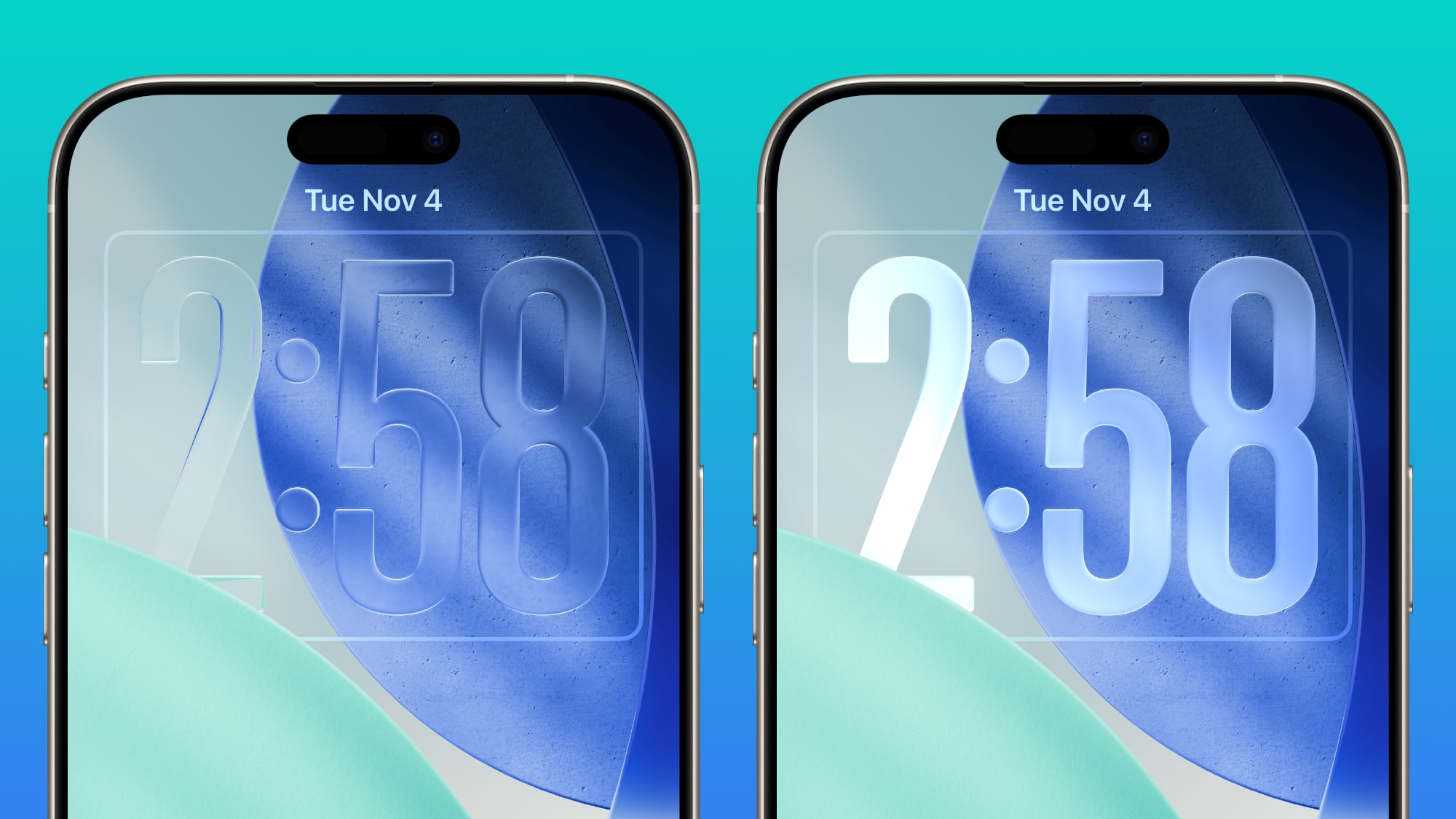
Apple's latest update adds a new slider under the "Liquid Glass" Lock Screen settings that gives much finer control over the clock's appearance. You can choose to make the time display nearly fully transparent, or more frosted and opaque, rather than being limited to the previous fixed presets.
AirDrop Files to People Not in Contacts
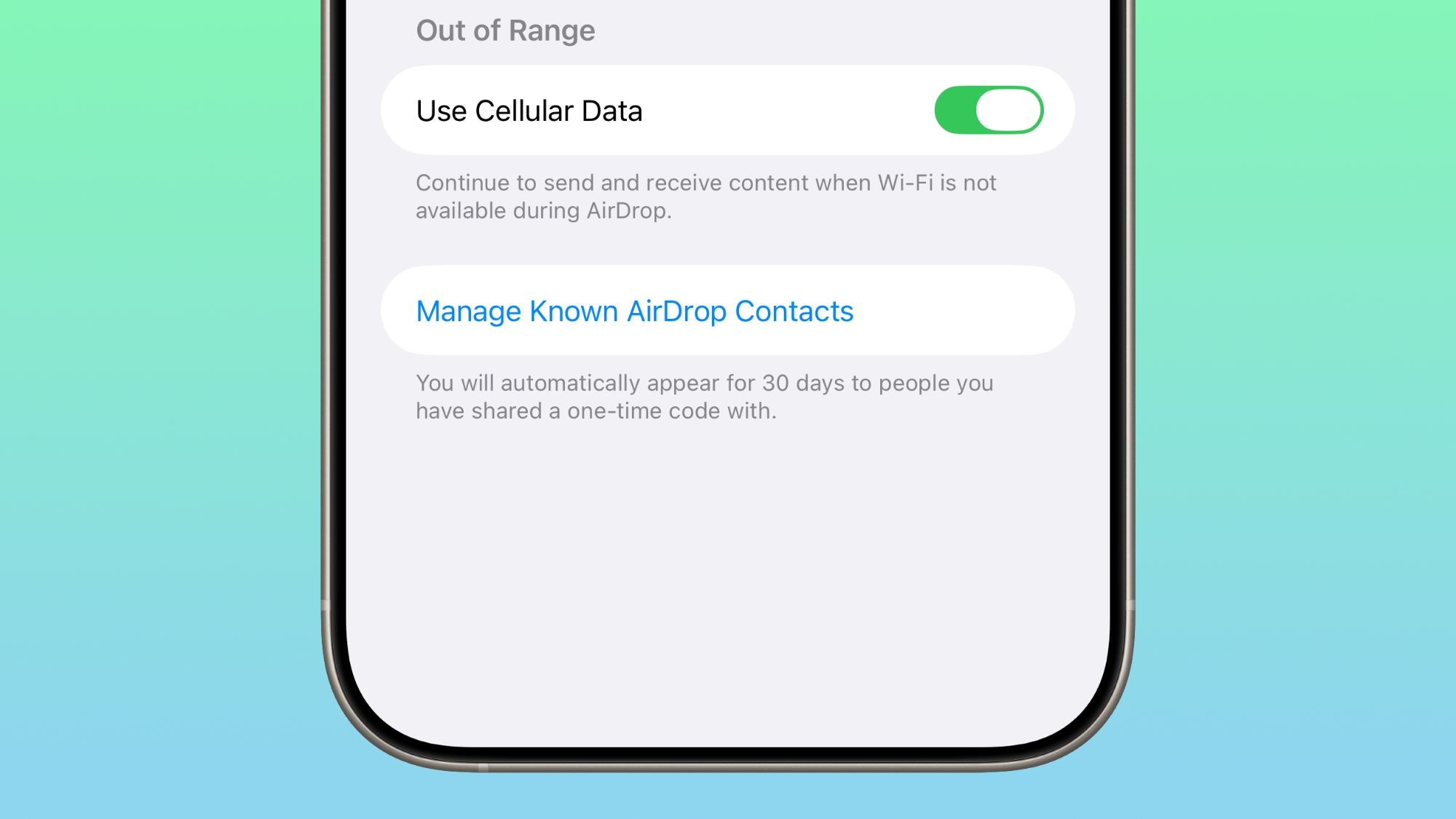
iOS 26.2 introduces a one-time AirDrop code system, letting you share files with someone even if they're not in your contacts. Once generated, the code remains valid for 30 days. Apple also includes a "Manage Known AirDrop Contacts" pane so that you can see and manage the people you've shared codes with.
View Apple Music Lyrics Offline
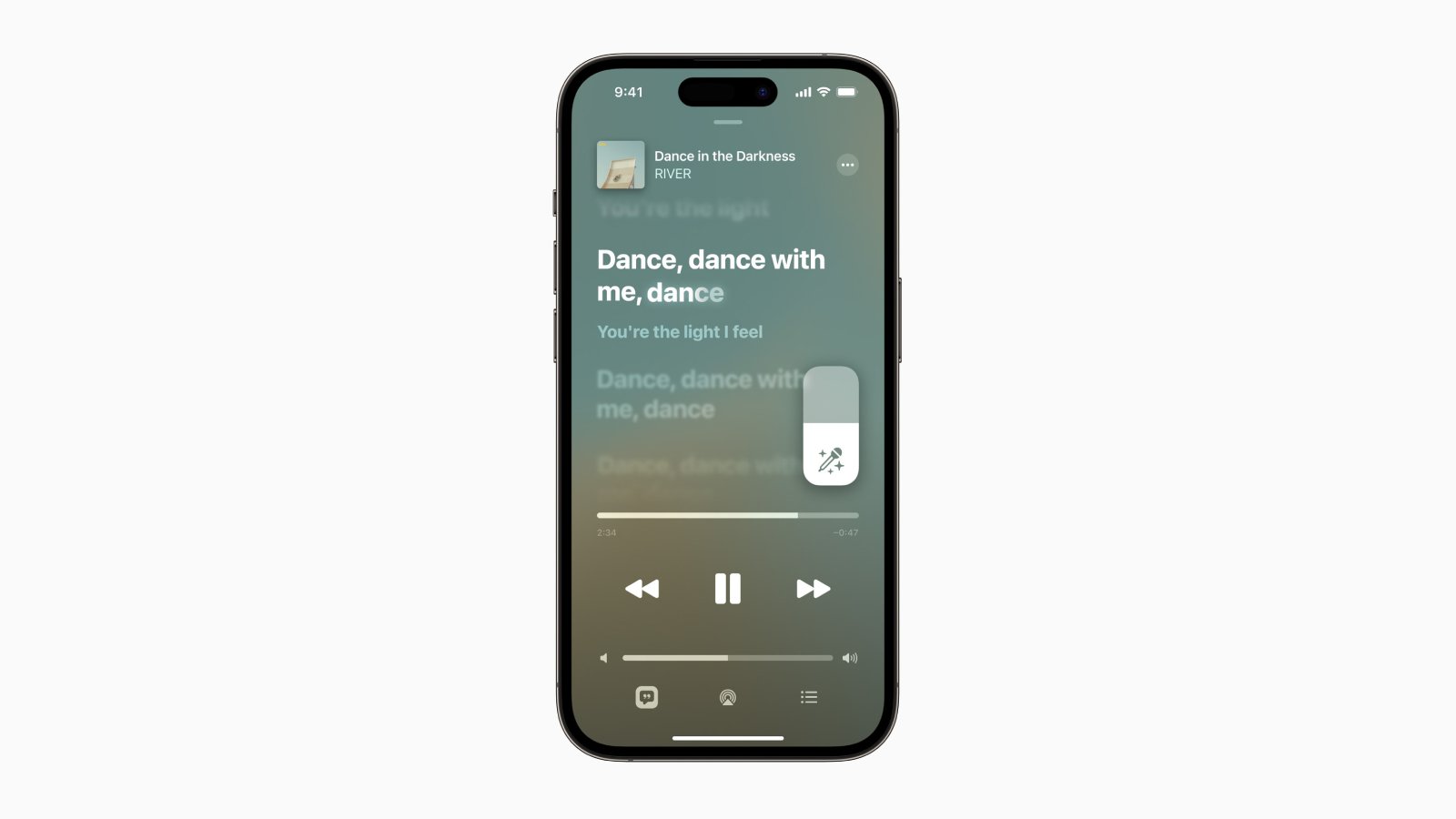
Apple Music is gaining offline lyrics support, so you can now view song lyrics in the app even when your iPhone isn't connected to Wi-Fi or mobile data.
Get a Better Sleep Score
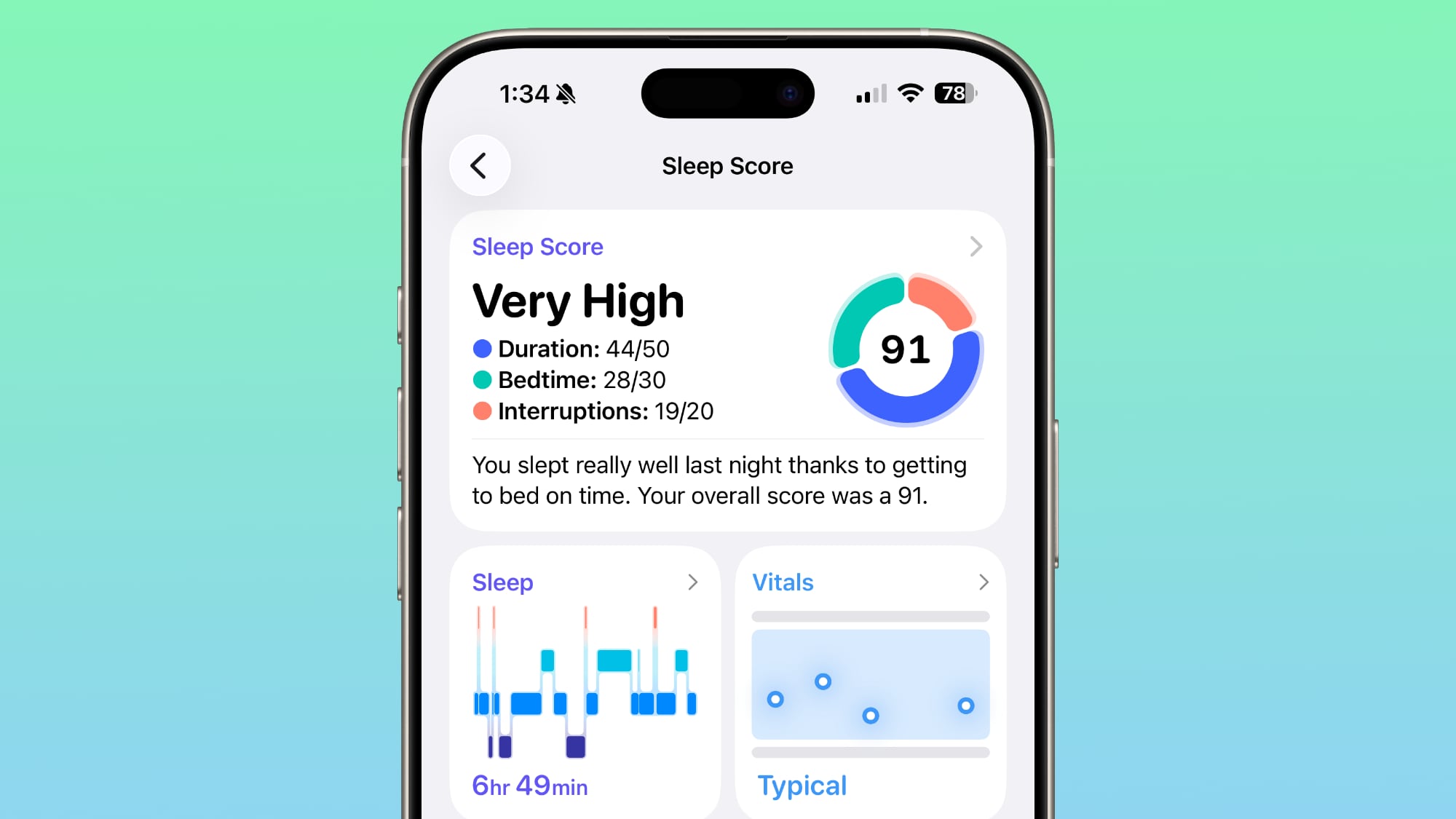
If you wear your Apple Watch in bed, it's worth knowing that Apple has reworked its Sleep Score scoring tiers, with the aim of better matching typical sleep-quality experiences. Now, "Very Low" runs 0–40 (previously 0–29), "Low" 41–60, "OK" 61–80, "High" 81–95, and "Very High" 96–100 (previously labelled "Excellent").
Automatically Create Podcast Chapters
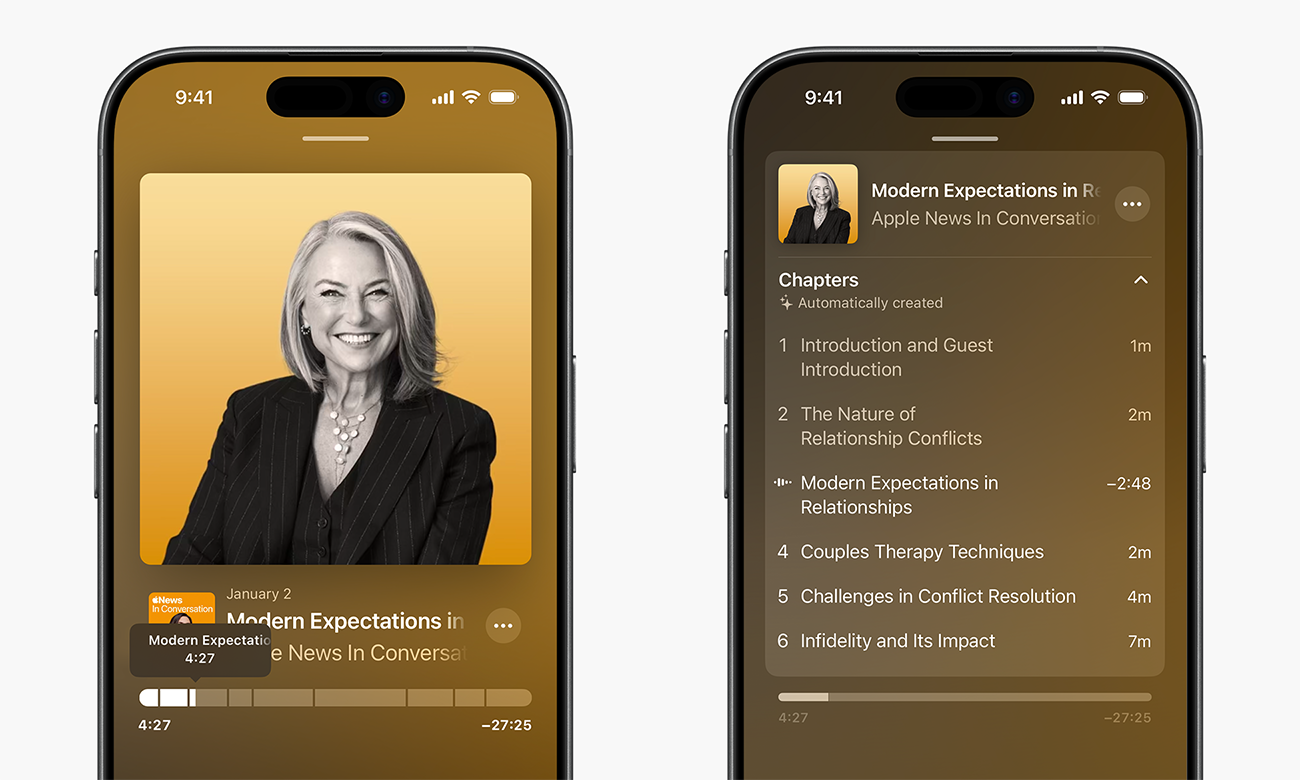
The Podcasts app can now automatically generate chapters for individual episodes. This means that rather than fixed chapter markers, the app will create them for you – and episode transcriptions now let you tap on mentions of other podcasts or links.
Manage Websites Where Passwords Aren't Saved
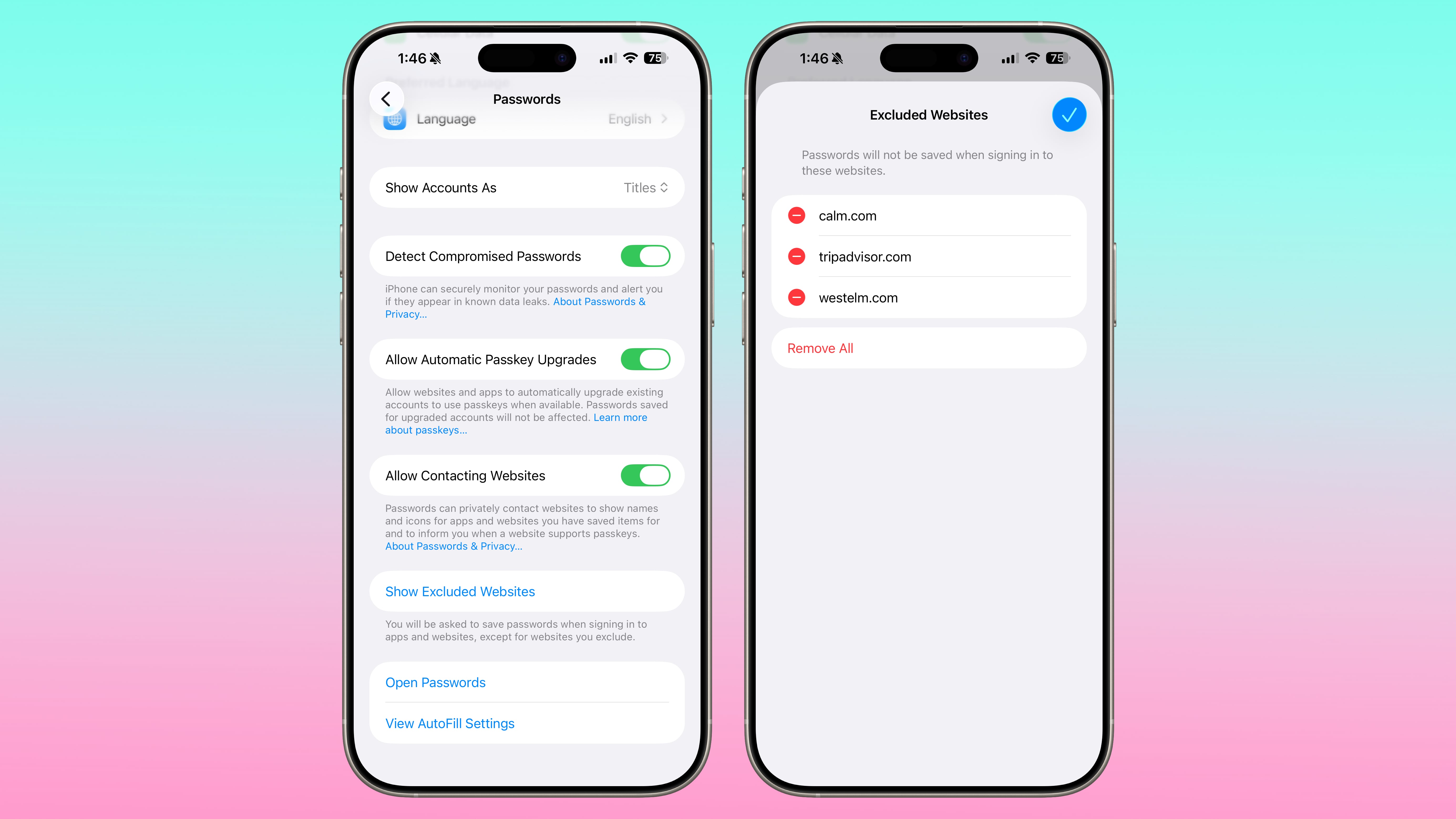
In the Passwords app's main settings menu, there's a new section allowing you to review and manage websites where you have deliberately avoided saving credentials. It gives you finer control over which domains are excluded from password storage.
Get AirPods Live Translation in EU
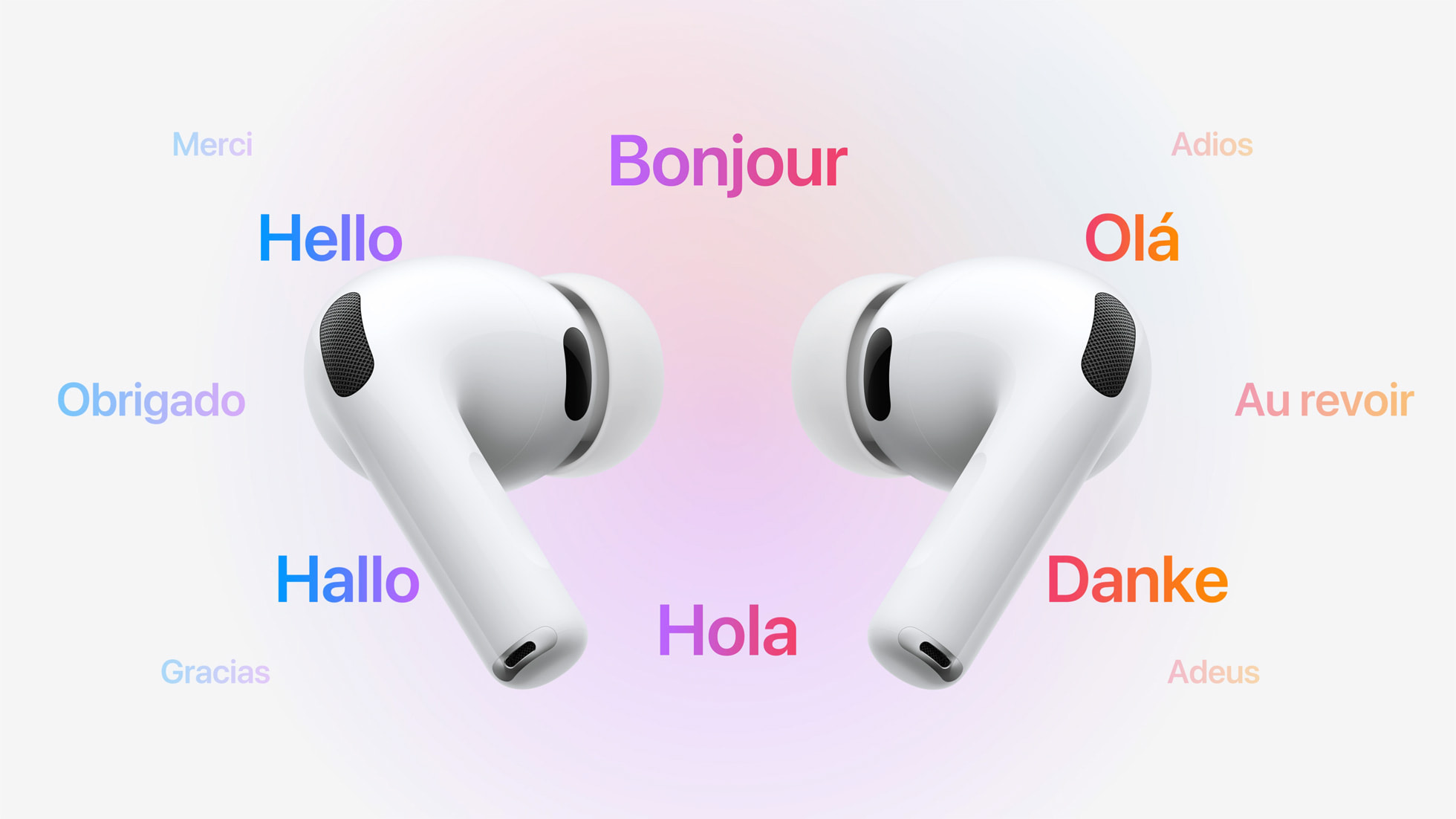
Apple's latest update expands the reach of AirPods Live Translation to countries in the European Union. The feature was previously unavailable in the EU due to Apple's ongoing regulatory compliance work.
Flash iPhone Screen for Alerts
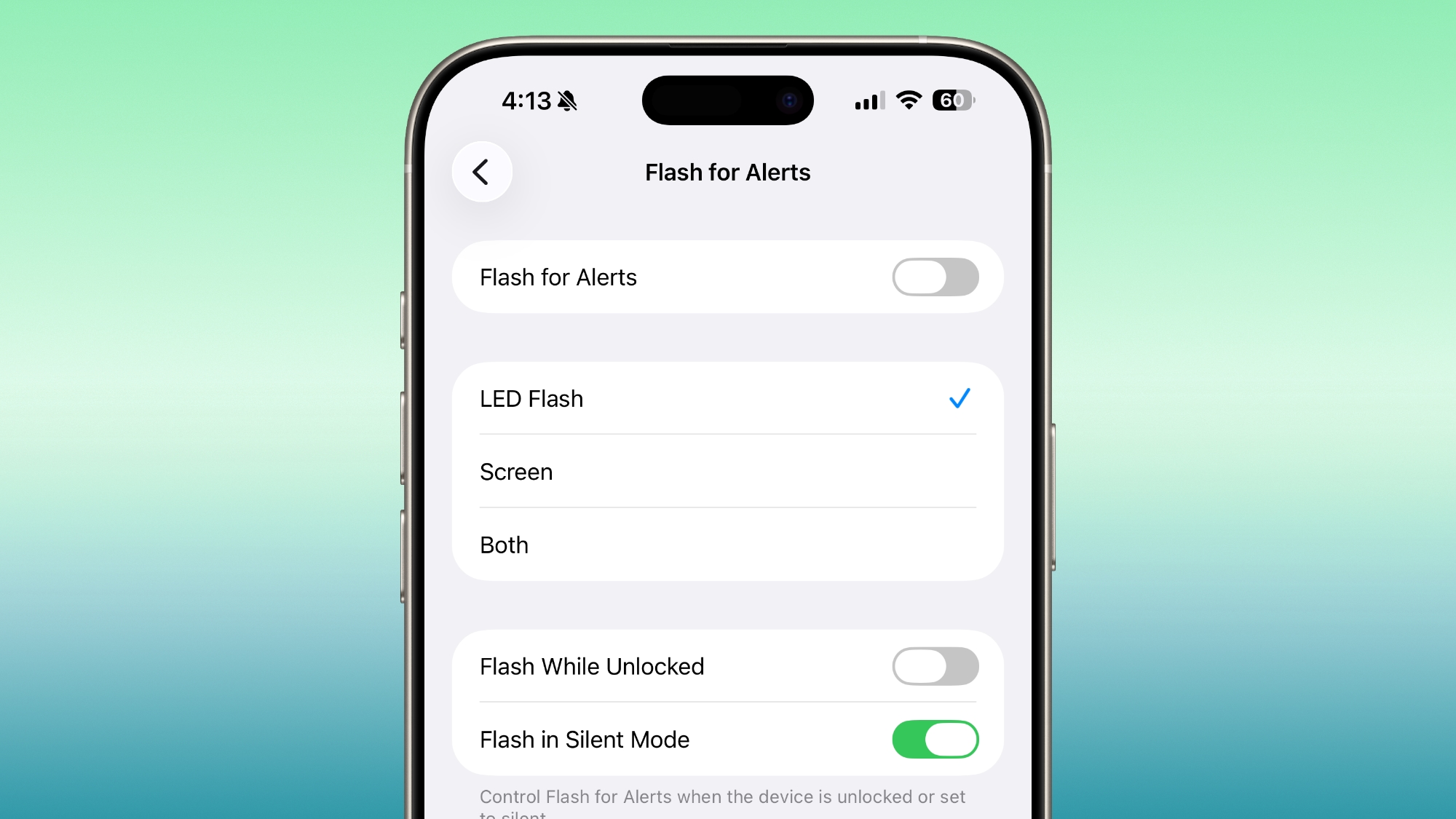
In the Accessibility settings, under "Flash for Alerts," you can now choose to have your iPhone screen flash when a notification arrives, rather than just the rear camera's LED flash. You can configure it to use the screen flash alone, the LED flash, or both simultaneously, giving you more flexibility for alert styles.
Quicker Access to Apple News Sections

The Apple News app gets a refreshed interface. The top-of-feed buttons now let you jump quickly into categories (e.g. sports, business, food, puzzles) instead of scrolling or tapping through menus.
Manage Safety Alerts
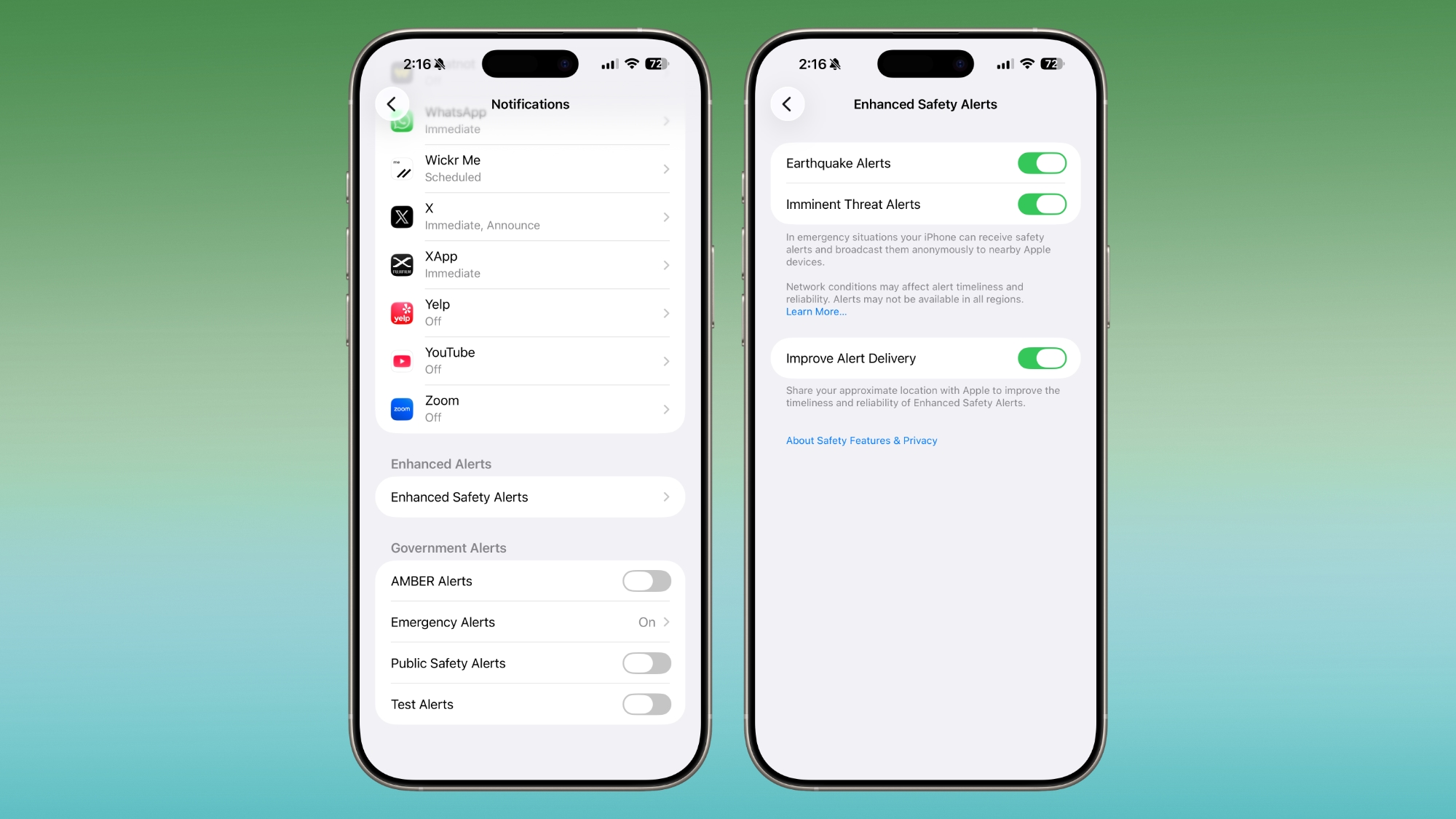
iOS 26.2 introduces an "Enhanced Safety Alerts" section in Notifications settings that centralizes earthquake alerts, imminent-threat alerts, and also includes a new location-based "improved alert delivery" option, helping ensure the reliability of alerts.
Sort Games by Size
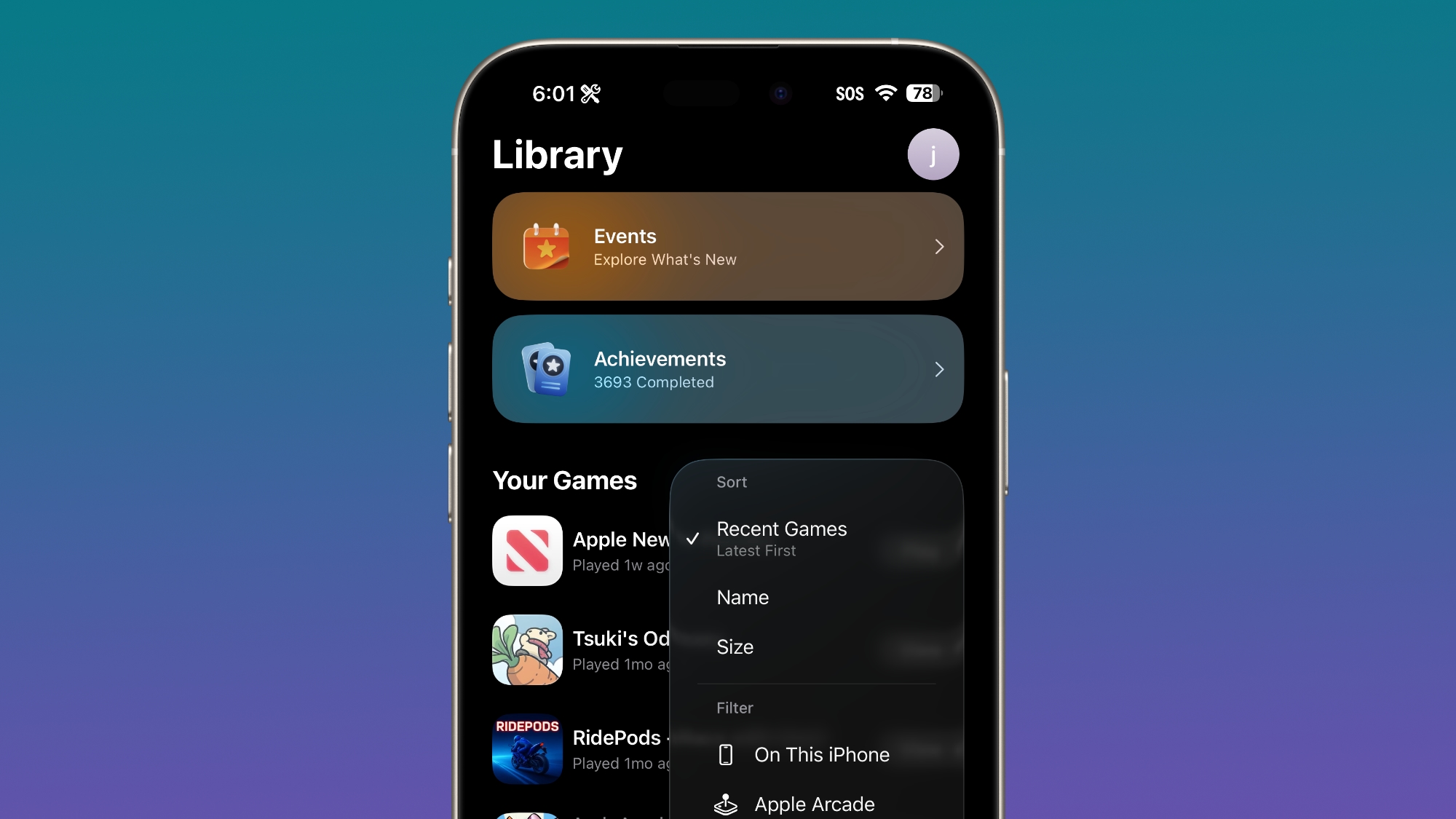
In the Games app library, there's now an option to sort games by size (in addition to name or recent). It should prove useful if you want to clear storage or identify large games quickly. Beyond sorting, the update also brings support for controller-based navigation and real-time challenge-score updates while playing.
Disable Pinned Messages in CarPlay
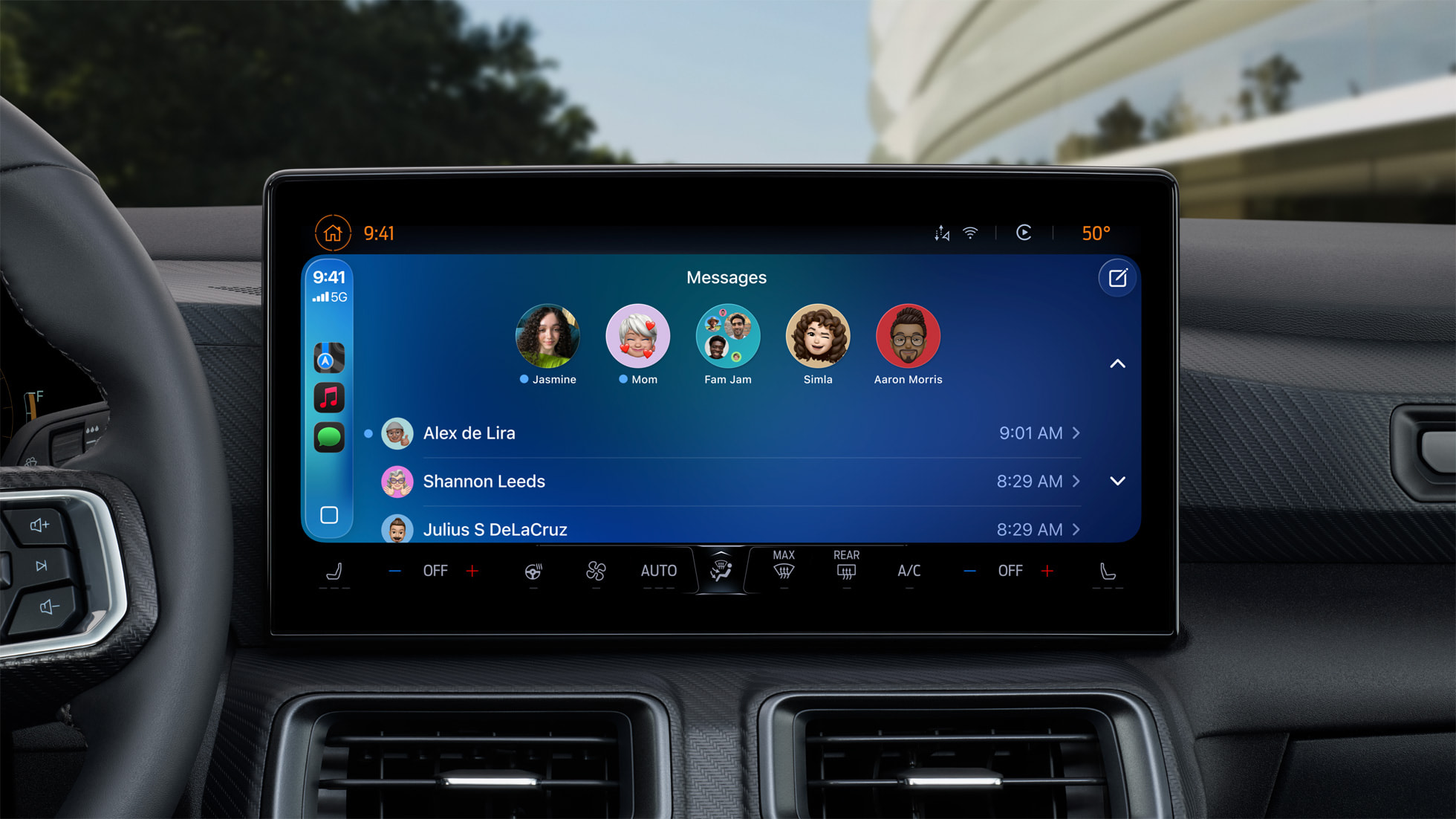
For CarPlay users, iOS 26.2 lets you disable the new "pinned messages" view in the Messages app – restoring the older, classic messages interface if you prefer that simpler look while driving.
Replace Siri Side Button Functionality (in Japan)
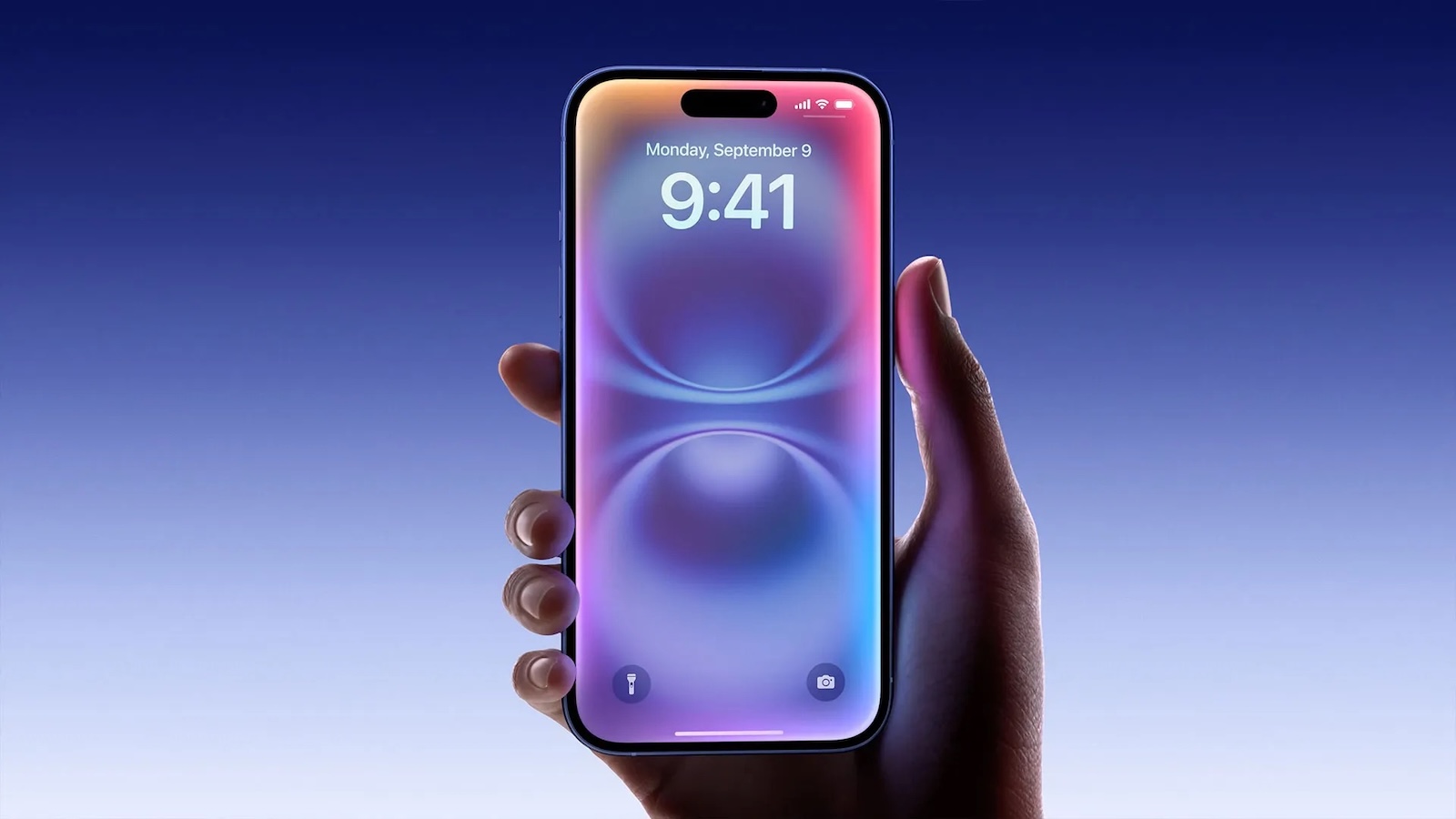
For iPhone users registered in Japan, iOS 26.2 lays the foundation for replacing the default voice assistant triggered by the Side button from Siri to a third-party voice assistant (for example, Gemini... Click here to read rest of article
Article Link: 15 New Things Your iPhone Can Do in iOS 26.2


