Become a MacRumors Supporter for $50/year with no ads, ability to filter front page stories, and private forums.
I was thinking about the cord length, too. I mean if it is meant to be used with the 20W what are the chances the outlet is that close? I know it's the outlier use since all Macs/MacBooks come with USB-C so it's probably intended for that use (and I want to try it with my iPad Pro) but a longer length would have been more considerate.

Remember how the 1st gen iPad Pro came with that crazy long USB-A to Lightning cable? Pepperidge Farm remembers.

View attachment 1491004
2m length ones I buy!
 
  • Like
Reactions: Nanotyrns
Can someone please post an image example of how to search/track by reference on UPS? I want to check if I'm doing right. Tried with my phone number (several text formats) and with the order number from Apple (and without the W) and nothing is coming up :/ Maybe mine is with Fedex?
 
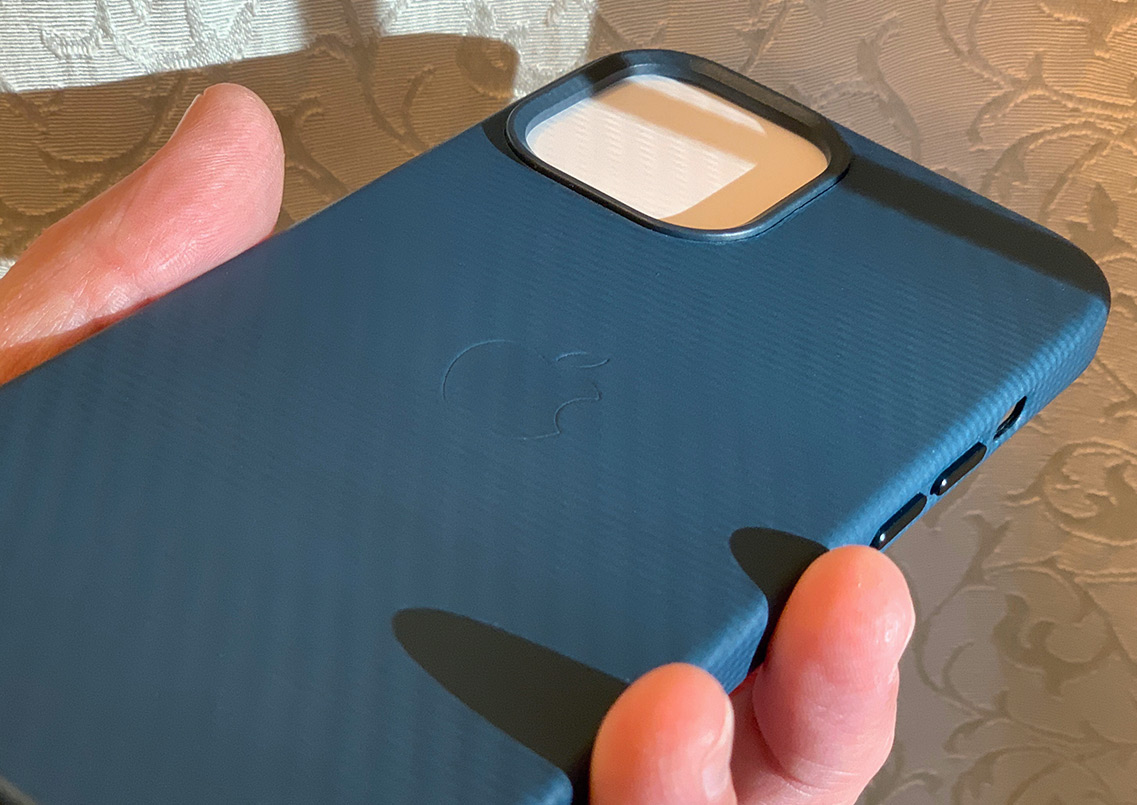
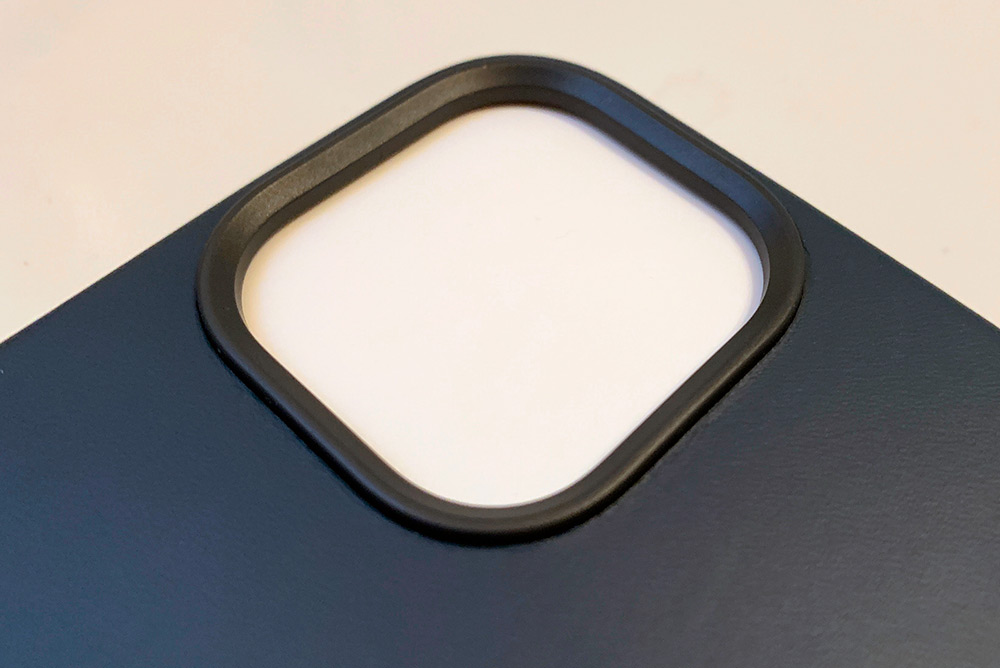
It is, isn’t it? I looked more closely, and it sinks deeper into the case which makes it looks like it’s raised much more than it is. I’ll post a pick from the side in a bit. My 11PM leather case has no protrusion for the camera, however.View attachment 1490877
It is definitely a new feeling holding it, slightly bigger and the "boxiness" especially. It may take a day or more to get used to it. Looking at it and coming from XS Max, the camera hold, lip. This is completely new for me.

pU7KYeq.jpg

k6P6yC6.jpg

 
Can someone please post an image example of how to search/track by reference on UPS? I want to check if I'm doing right. Tried with my phone number (several text formats) and with the order number from Apple (and without the W) and nothing is coming up :/ Maybe mine is with Fedex?
Sign up for a UPS MyChoice account if you haven’t.
(https://www.ups.com/us/en/services/tracking/mychoice.page)

Then make sure you have the address your iPhone is being sent to set in your UPS MyChoice preferences. Use the phone number and/or email you used to order it.
E063B70C-6809-4D3C-B477-BDD0910A96E5.jpeg


Any shipment incoming should now show up in manage home deliveries under the tracking main menu.
7D34639B-D619-4A08-B268-F2C296658C53.jpeg
 
Sign up for a UPS MyChoice account if you haven’t.
(https://www.ups.com/us/en/services/tracking/mychoice.page)

Then make sure you have the address your iPhone is being sent to set in your UPS MyChoice preferences. Use the phone number and/or email you used to order it.View attachment 1491019

Any shipment incoming should now show up in manage home deliveries under the tracking main menu. View attachment 1491020
Thanks a lot for that. However, how can I do it without an account? Like through here:

 
I put my 11pm in my 12pm case and I figure we won’t notice any difference. Not that much empty space between it and the phone. Well I have had the plus and max sizes every year with huge hands so I may not notice a difference as much as a smaller handed person.
Coming from an iPhone X will probably be a shock for me at first. Looking forward to it!
 
Last edited:
Thanks a lot for that. However, how can I do it without an account? Like through here:


Sorry, I can't answer that question. However, a UPS My Choice account is free and comes in handy. You'll know when you have any UPS package coming and be able to track it.
 
Can someone please post an image example of how to search/track by reference on UPS? I want to check if I'm doing right. Tried with my phone number (several text formats) and with the order number from Apple (and without the W) and nothing is coming up :/ Maybe mine is with Fedex?
1604795284002.png

1604795546580.png

Go to tracking, on the right, click on track by reference number, enter your phone number, the country you're in, and your zip code in the appropriate boxes, then hit Track
 
Register on MacRumors! This sidebar will go away, and you'll see fewer ads.