

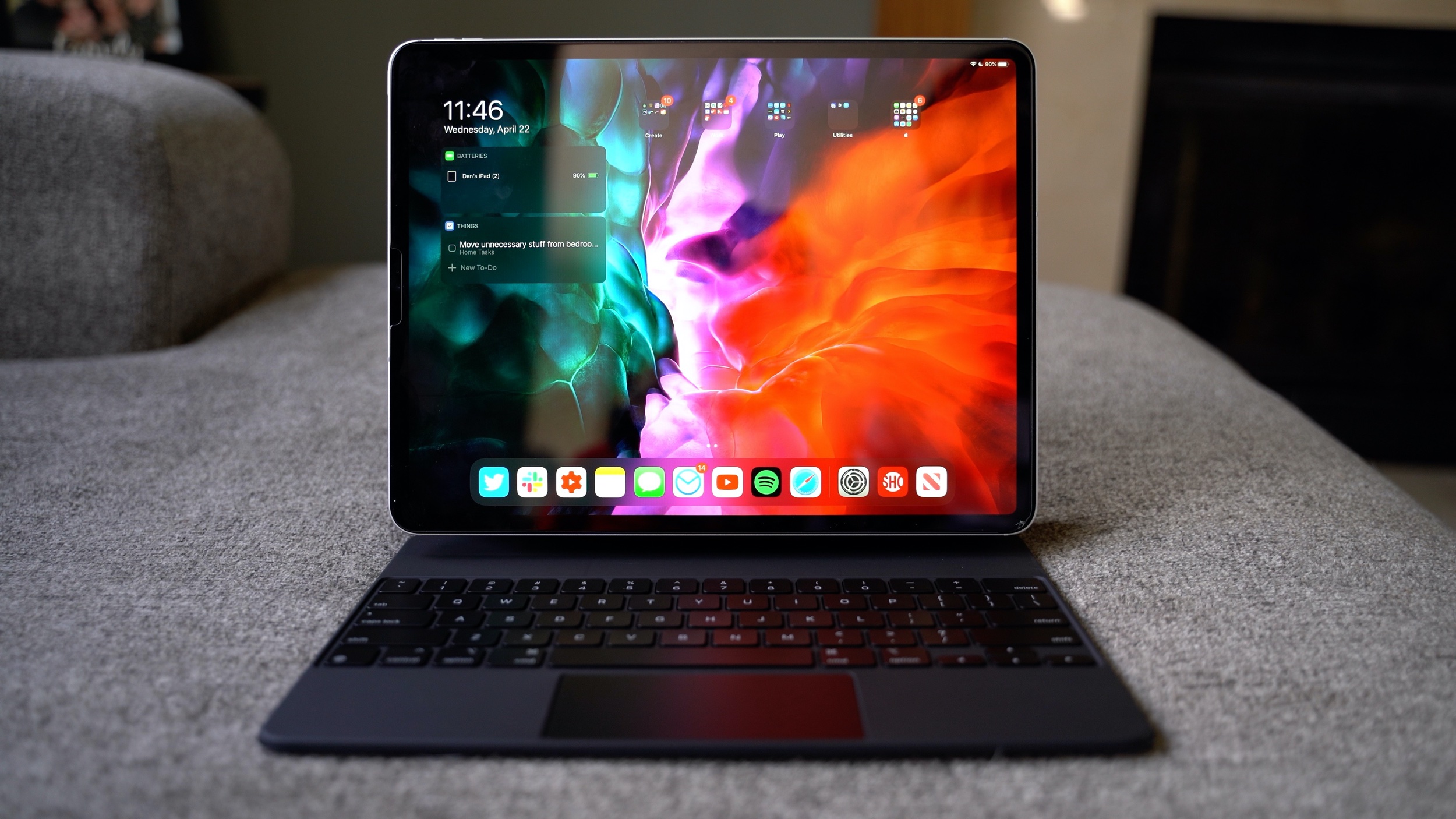
A new Apple patent has suggested that a future iPad or version of iPadOS could include the ability to transform the tablet into a macOS-like user experience when it's attached to an external keyboard.


Agreed. I’m hoping Mark Gurman is correct and there are essentially three modes: Touch first available by default on every iPad, an Apple Pencil mode that supports more precise input, and a ‘Pro’ mode that is enabled when the device is paired to Magic Keyboard or external keyboard/mouse that gives us floating windows and a more Dex-like or macOS like experience. I would be totally happy with a full desktop experience on my iPad Pro so that I could completely disconnect from macOS.That’s great and all but it’s the software (iPad OS) that needs a lot of work. Let’s see what WWDC has to offer.


My guess would be M1 powered iPads.The question is does this work retrograde with 2018+ iPad Pro with Magic Keyboard, just M1 powered iPads, or only a new iPad Pro and new Magic Keyboard that looks closer to what’s in the schematic above? If it works with all iPads with an attached keyboard/mouse/trackpad this could be huge and what many of us have been waiting for.


I don't see the problem with that? ProCreate is definitely one of the best apps around, maybe even the best when it comes to drawing.Finally, my $2,250 iPad might do something more than doodle on ProCreate 😅
(yes I'm the idiot who spent two grand to use a $10 app)
