

Become a MacRumors Supporter for $50/year with no ads, ability to filter front page stories, and private forums.

MacRumors

macrumors bot
Original poster


Apple yesterday published a support document to help users distinguish Apple Creator Studio versions of its professional creative apps from the standalone editions sold as one-time purchases.
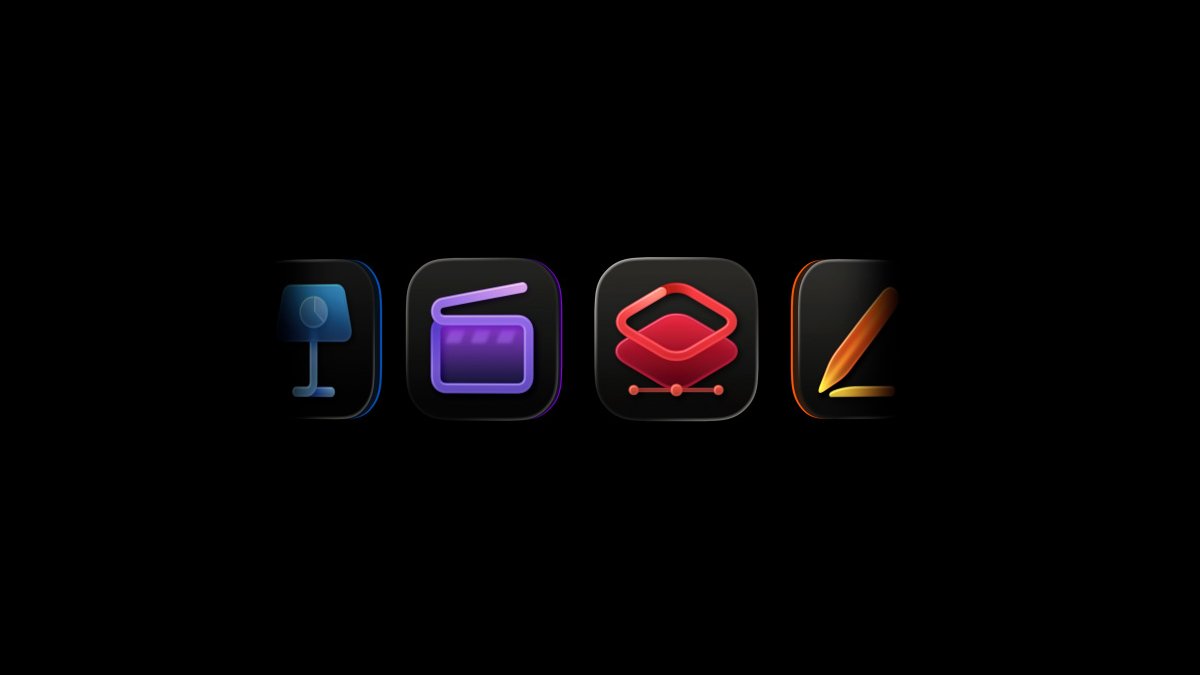
Creator-Studio-Icons.jpg

The confusion stems from Apple's decision to ship two parallel variants of Final Cut Pro, Logic Pro, MainStage, Motion, Compressor, and Pixelmator Pro, with one available through the Apple Creator Studio subscription and one sold separately. Both editions share the same name and can be installed on the same Mac at the same time, leaving little to tell them apart at a glance.

Apple's solution is to give the Creator Studio versions of the apps redesigned icons with Liquid Glass. The new support document presents side-by-side icon comparisons for each of the six apps so users can identify which edition they are running or troubleshooting from the Dock or the Applications folder.

Apple does not typically publish a dedicated reference document for telling two of its own apps apart, and the move suggests the dual-version setup has produced enough real-world confusion to warrant public guidance.

Apple Creator Studio launched in January for $12.99 per month or $129 per year, bringing the company's pro creative apps under a single subscription. Apple said that some new features in its creative apps would be available only to subscribers going forward. Pixelmator Pro's inclusion was the first significant sign of how Apple is integrating the Pixelmator team, which it acquired in November 2024.

Article Link: Apple Publishes Document to Help Users Tell Creator Studio Apps Apart
 
The one time I should have bought the subscription instead of the full standalone release. I’d have found out Final Cut Pro gives you no control over your framerates* and is utterly useless for $12 instead of $300.

*has no “interpret footage” feature to set sources frame rates ensuring all original frames are preserved & not interpolated/duplicated in wacky pulldown schemes that make a juttery mess out of slowmo and loss of image information when incorporating archival 8, 16mm & European sources.
 
Last edited:
The one time I should have bought the subscription instead of the full standalone release. I’d have found out Final Cut Pro gives you no control over your framerates and is utterly useless for $12 instead of $300.
Of course, you can control framerates in FCP. Actually fixed price FCP is a super deal. Every year updates and sometimes new functions. Not like Adobe before subscriptions where you had to keep upgrading every couple of years.
 
The one time I should have bought the subscription instead of the full standalone release. I’d have found out Final Cut Pro gives you no control over your framerates and is utterly useless for $12 instead of $300.
Apple offers a 90 day free trial for Final Cut Pro Standalone……so sorry you bought it right away!
 
Not a fan of mono-colored sets of icons. Adobe and Microsoft have demonstrated over the decades how problematic it is to color code a suite of apps; the icons and their lucidity suffer greatly.

Knowing that multiple programs are from the same suite is absolutely irrelevant to my workflow; it's not like I can open a pages file in keynote... and if there is a sensible jump like that, then do it Adobe's way where there's a literal menu/icon to open it in that other program

They likely only did this for marketing reasons; research probably told them people didn't think Apple had a productivity suite because the icons didn't match... a convention established by Microsoft and Adobe... Apple's top competitors...
 
One set of apps we make money from subscriptions and call this creator studio to make people feel special

The other set we're trying to quietly phase out so we can make money. See point pont.
 
What a mess.

I have two Pages installed on my Mac. One is bright orange with a white pen, and the other is the new gradient design. I open them both 50/50 and don't see much indifference without how the apps work. I open whichever is nearest my mouse
 
  • Like
Reactions: wanha
Register on MacRumors! This sidebar will go away, and you'll see fewer ads.