

Become a MacRumors Supporter for $50/year with no ads, ability to filter front page stories, and private forums.

MacRumors

macrumors bot
Original poster


Alongside iOS 26.5, iPadOS 26.5, and macOS Tahoe 26.5, Apple has released new HomePod 26.5 software for the HomePod and the HomePod mini. The update comes a little over a month after Apple released HomePod Software 26.4.
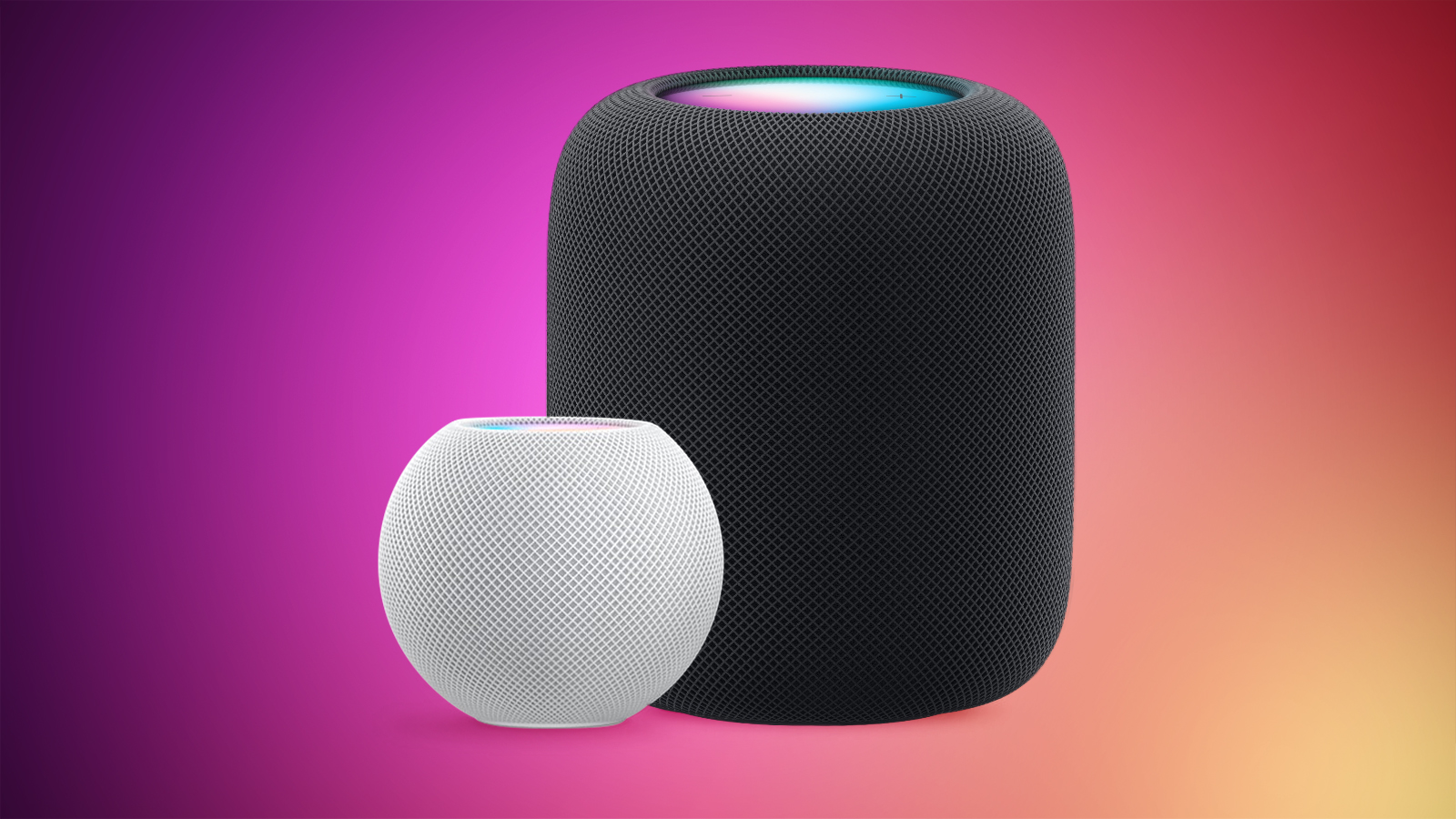
HomePod-2-and-Mini-feature-1.jpg

According to Apple's release notes, HomePod Software 26.5 includes performance and stability improvements.

‌HomePod‌‌‌‌‌‌‌ software is installed automatically on the ‌‌‌‌‌‌‌HomePod‌‌‌ unless the feature is disabled‌‌‌‌, but the ‌‌‌‌‌‌‌HomePod‌‌‌‌‌‌‌ can also be manually updated in the Home app on iPhone, iPad, or Mac by tapping on the More button, choosing Home Settings, and then selecting the Software Update option.

Article Link: Apple Releases HomePod Software 26.5
 
  • Wow
Reactions: Z-4195
Thank you for the reminder because I always forget about these.

I don't notice any difference after the update, but may as well keep them current with the TV they are permanent speakers for.
 
  • Like
Reactions: SantaFeNM
Thank you for the reminder because I always forget about these.

I don't notice any difference after the update, but may as well keep them current with the TV they are permanent speakers for.
For me os26 fixed error where every 2 weeks one of my OG HomePods would disconnect from network and only fix was to unplug it.
 
  • Like
Reactions: CarAnalogy
HomePod mini
_meshcop._udp.
tv 1.3.0 (thread version)

Somewhat unrelated but updating Matter over Thread IKEA BILRESA two-button switches recently was very slow! Also unintuitive how the Home App orders ‘Updated Recently’ by device name alphabetically instead of most recent first.
 
We have a HomePod OG and a 2nd gen HomePod. Does anyone else have semi-regular issues with their HomePod 2 playing music spontaneously? Our 2nd gen developed this bad habit recently of spontaneously playing music, sometimes in the middle of the night and often quite loudly. My wife doesn't appreciate Kneecap blaring in the darkness! We are unable to stop the music through the Home app or by yelling at Siri and typically must resort to unplugging it (and returning to bed). I reset it over the weekend but don't yet know if that has remedied the issue, and I'm updating to PodOS 26.5 now. Any thoughts would be appreciated -- thanks! Dave
 
We have a HomePod OG and a 2nd gen HomePod. Does anyone else have semi-regular issues with their HomePod 2 playing music spontaneously? Our 2nd gen developed this bad habit recently of spontaneously playing music, sometimes in the middle of the night and often quite loudly. My wife doesn't appreciate Kneecap blaring in the darkness! We are unable to stop the music through the Home app or by yelling at Siri and typically must resort to unplugging it (and returning to bed). I reset it over the weekend but don't yet know if that has remedied the issue, and I'm updating to PodOS 26.5 now. Any thoughts would be appreciated -- thanks! Dave
When they first came out, one of my OG was doing the exact same thing. After days o troubleshooting, then replacing it from Apple Store with a new one, the new one did the same thing. I finally realized that a COAX Cable connected to the TV was about a couple of inches from the HP. I remember RF leaks or interference can affect WiFi enabled device. I moved the HP away from it for a few days and it stopped doing that random playing. I then replaced the cable with a quad insulated one and put the HP back in place. It never had that issue again. Solved.
 
When they first came out, one of my OG was doing the exact same thing. After days o troubleshooting, then replacing it from Apple Store with a new one, the new one did the same thing. I finally realized that a COAX Cable connected to the TV was about a couple of inches from the HP. I remember RF leaks or interference can affect WiFi enabled device. I moved the HP away from it for a few days and it stopped doing that random playing. I then replaced the cable with a quad insulated one and put the HP back in place. It never had that issue again. Solved.
Thank you! Our problematic 2nd gen is in the kitchen near the stove, so there's nothing similar nearby. But I usually have an Apple charger plugged in right next to the HPod, and USB-C and Lightning cables are often draped around/over the HPod for charging a variety of devices. I'll keep your experience in mind to see if the spontaneous playing correlates with charging devices.
 
We have a HomePod OG and a 2nd gen HomePod. Does anyone else have semi-regular issues with their HomePod 2 playing music spontaneously? Our 2nd gen developed this bad habit recently of spontaneously playing music, sometimes in the middle of the night and often quite loudly. My wife doesn't appreciate Kneecap blaring in the darkness! We are unable to stop the music through the Home app or by yelling at Siri and typically must resort to unplugging it (and returning to bed). I reset it over the weekend but don't yet know if that has remedied the issue, and I'm updating to PodOS 26.5 now. Any thoughts would be appreciated -- thanks! Dave
Nope
 
So ya great software update. One of my mini HomePods is in an endless “your HomePod is about to reset” reboot loop and now I have to call freakin Apple. Why are these HomePods and their software by far the worse thing Apple ever released?
 
So ya great software update. One of my mini HomePods is in an endless “your HomePod is about to reset” reboot loop and now I have to call freakin Apple. Why are these HomePods and their software by far the worse thing Apple ever released?

Because it's a combination of the two things Apple does worst:

Responding to what a competitor (Amazon with Alexa) is doing without having their own good reason for doing it, and:

Relying on Siri and Apple Music. With Siri as the only interface and Apple Music as the only truly supported music service (especially at launch), it was doomed to mediocrity at best.

They've taken neither Siri, Apple Music, or Home seriously so of course it's their worst product.
 
So ya great software update. One of my mini HomePods is in an endless “your HomePod is about to reset” reboot loop and now I have to call freakin Apple. Why are these HomePods and their software by far the worse thing Apple ever released?
Out of 5 OGs and 2 Minis, one of the OGs took a LONG time to update - I'd suggest just waiting it out for the time being
 
Out of 5 OGs and 2 Minis, one of the OGs took a LONG time to update - I'd suggest just waiting it out for the time being
Not helping it’s on an endless red flashing light “your HomePod is about to reset” loop that won’t shut the f up.
 
Update: resetting to factory settings was the only solution. All good now. Until the next update bricks it again. Filed a formal complaint through a senior advisor since I’ve had software issues going back to 16.
 
  • Haha
Reactions: Adam Henry
We have a HomePod OG and a 2nd gen HomePod. Does anyone else have semi-regular issues with their HomePod 2 playing music spontaneously? Our 2nd gen developed this bad habit recently of spontaneously playing music, sometimes in the middle of the night and often quite loudly. My wife doesn't appreciate Kneecap blaring in the darkness! We are unable to stop the music through the Home app or by yelling at Siri and typically must resort to unplugging it (and returning to bed). I reset it over the weekend but don't yet know if that has remedied the issue, and I'm updating to PodOS 26.5 now. Any thoughts would be appreciated -- thanks! Dave
I have read it is a fault in the touch sensor. Design defect. Always loved the way illumination was done on the 1st gen vs the 2nd.
 
Can anyone tell me if the latency issue with paired "Stereo" home pod minis has been resolved? I really really wanted to use two of these as my desktop speakers but found that youtube videos or games often had 1-2 seconds of audio lag and were not synced with the video.

Has this been fixed?
 
Update: resetting to factory settings was the only solution. All good now. Until the next update bricks it again. Filed a formal complaint through a senior advisor since I’ve had software issues going back to 16.
Yes I had to also do this for the first time as my mini was hung in updating for 24 hours until I reset and then added back to home network and reset it up
 
Register on MacRumors! This sidebar will go away, and you'll see fewer ads.