Become a MacRumors Supporter for $50/year with no ads, ability to filter front page stories, and private forums.
My MacBook Pro M1 was quick. The studio was like 15-20 minutes, don't remember an update being so slow on the Studio. But ya seems to be running a tad bit quicker, 😁.
Yeah, the update for my M2 MacBook Air took like 10 minutes. These Apple silicon computers update so much faster.
 
  • Like
Reactions: CarAnalogy
I'm not sure why you're surprised. Apple provides security updates for the current major OS version, and provides some security updates for the previous two versions. Catalina hasn't gotten an update since last fall, before Ventura shipped.

Not that surprised about Catalina. More surprised about the stinginess with iOS 15.
 
Yeah, the update for my M2 MacBook Air took like 10 minutes. These Apple silicon computers update so much faster.

That progress bar wait used to be kind of ridiculous but now they’re not really down any longer than Windows is down for its updates.
 
Yeah, the update for my M2 MacBook Air took like 10 minutes. These Apple silicon computers update so much faster.
That hasn't been my experience with an M1 Air - updates are significantly slower than on my 2020 Intel MacBook Pro (both are on the same OS: Monterey).
 
  • Sad
Reactions: Gengar
I still don't understand why they're not using the "Rapid Security Responses" option for these types of updates.

Apparently patches for kernel issues can't be done via RSR, which is why today it is a full OS update.

Yep.

This update fixes a vulnerability in the kernel itself.

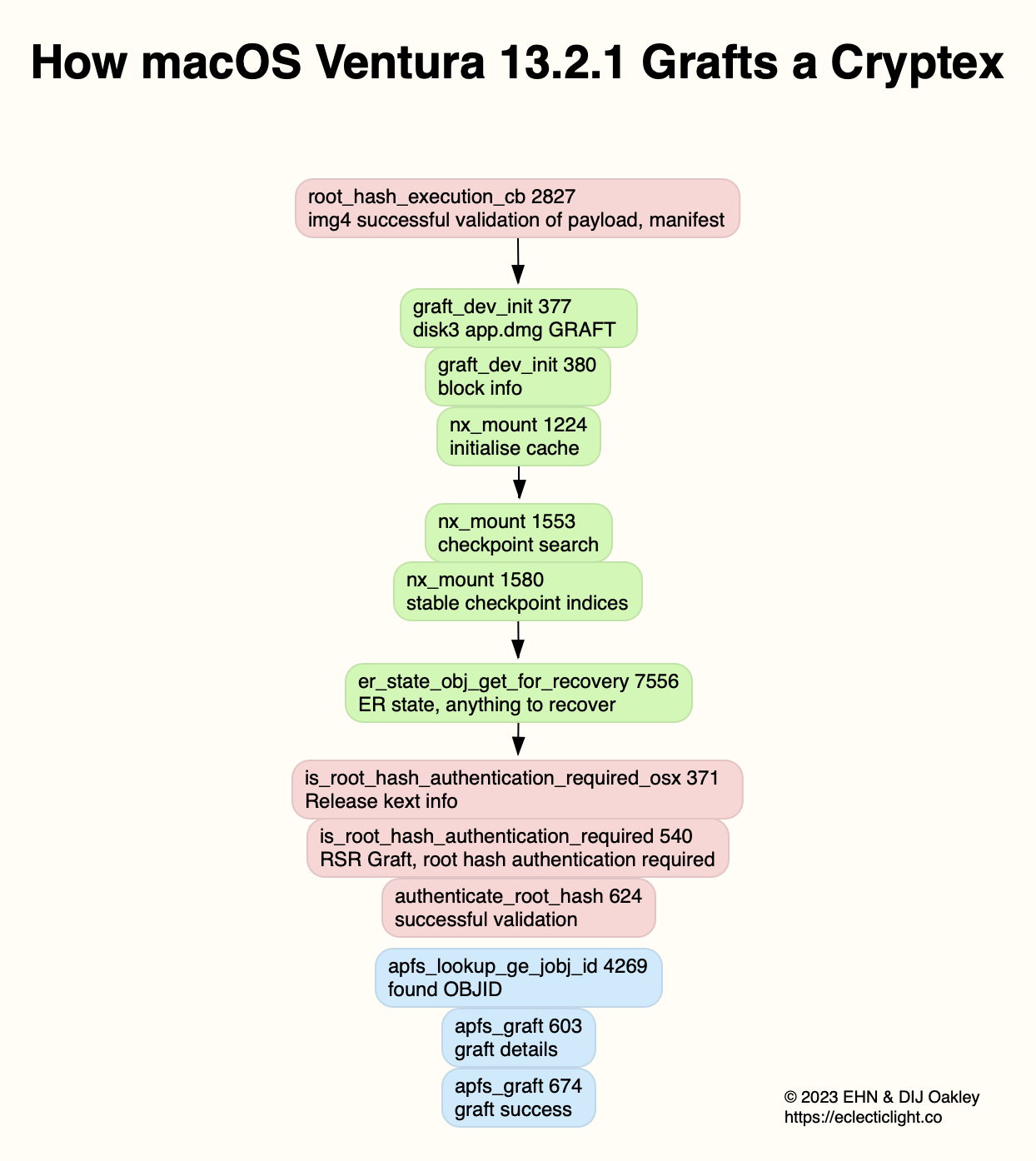
Rapid Security Responses rely on what Apple calls Cryptexes, which are basically small volumes that contain newer versions of files, replacing old versions on your main system disk. That approach avoids modifying, then once again cryptographically sealing the system disk; instead, it remains as is (already sealed), and the Cryptex (which is much smaller) is sealed separately.

However, while the bootloader could be loading and applying Cryptexes before the kernel runs, this isn't how it's implemented as of macOS Ventura 13.4. Instead, the bootloader runs the kernel, and the kernel then loads Cryptexes. Therefore, this process won't work for patches to the kernel itself.


In practice, the contents of the current standard Cryptexes aren’t loaded until towards the end of the kernel’s early boot phase

As a result, this update is instead "non-rapid". This means the entire system disk gets replaced by a full new, cryptographically sealed one.


Apple today released macOS Ventura 13.4, a minor update for the macOS Ventura operating system that was released last October. macOS Ventura 13.4.1 comes more than a month after the launch of macOS Ventura 13.4.

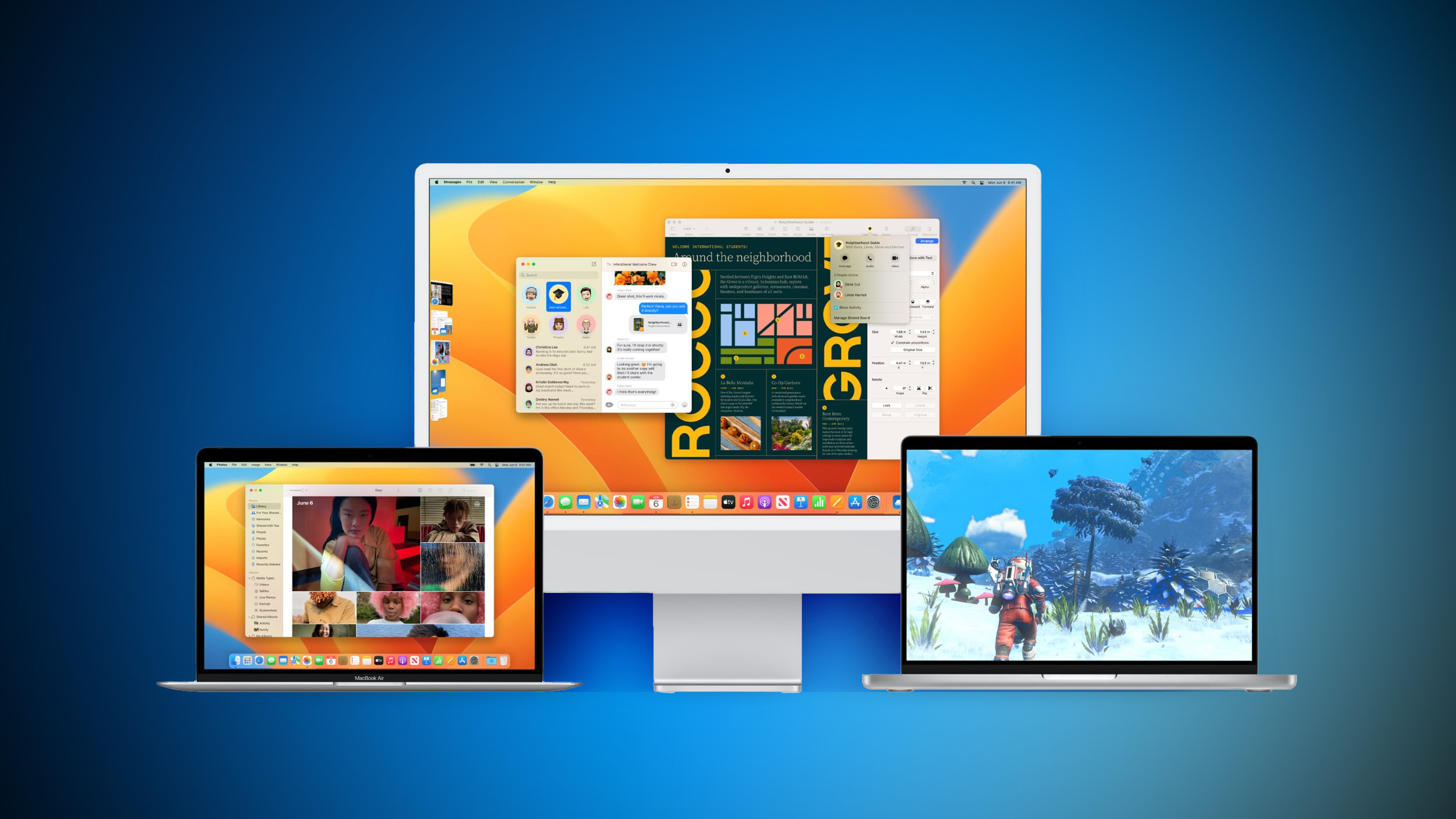
Ventura-Macs-Feature-Blue.jpg

The ‌‌‌‌macOS Ventura‌‌‌‌ 13.4.1 update can be downloaded for free on all eligible Macs using the Software Update section of System Settings.

According to Apple's release notes, the update provides important security fixes and is recommended for all users. Apple has also released macOS 11.7.8 and macOS 12.6.7 security updates for those who are unable to run Ventura.

Article Link: Apple Releases macOS Ventura 13.4.1 With Security Fixes

open term and run this command for all you M1 MBP'ers (such as myself) ---> sudo softwareupdate -i 'macOS Ventura 13.4.1-22F82' -R
 
Register on MacRumors! This sidebar will go away, and you'll see fewer ads.